Guidebook gift: pop-ups and welcome emails, site and ad pages
/pages/broq*, /pages/nmn-99*, /pages/spmd-99*, /pages/stack*, /pages/top-3-supplements*, /pages/top-5-supplements*, /pages/top-7-supplements*, /pages/lab-tested*.
Welcome email 1: a guidebook-only copy of TuGvED, sent by a new copy of the welcome flow that only this pop-up starts. People who already bought, or already had the site welcome, get an ad page copy of W9Ld87.
See it
Regular site pages: 15% off + FREE guidebook
The pop-up and its email are unchanged from this afternoon's build. At go-live the site welcome gains one step after its first split, only for people who haven't bought and already had the ad page welcome. They get the site email 1 with the code once, and no second series.
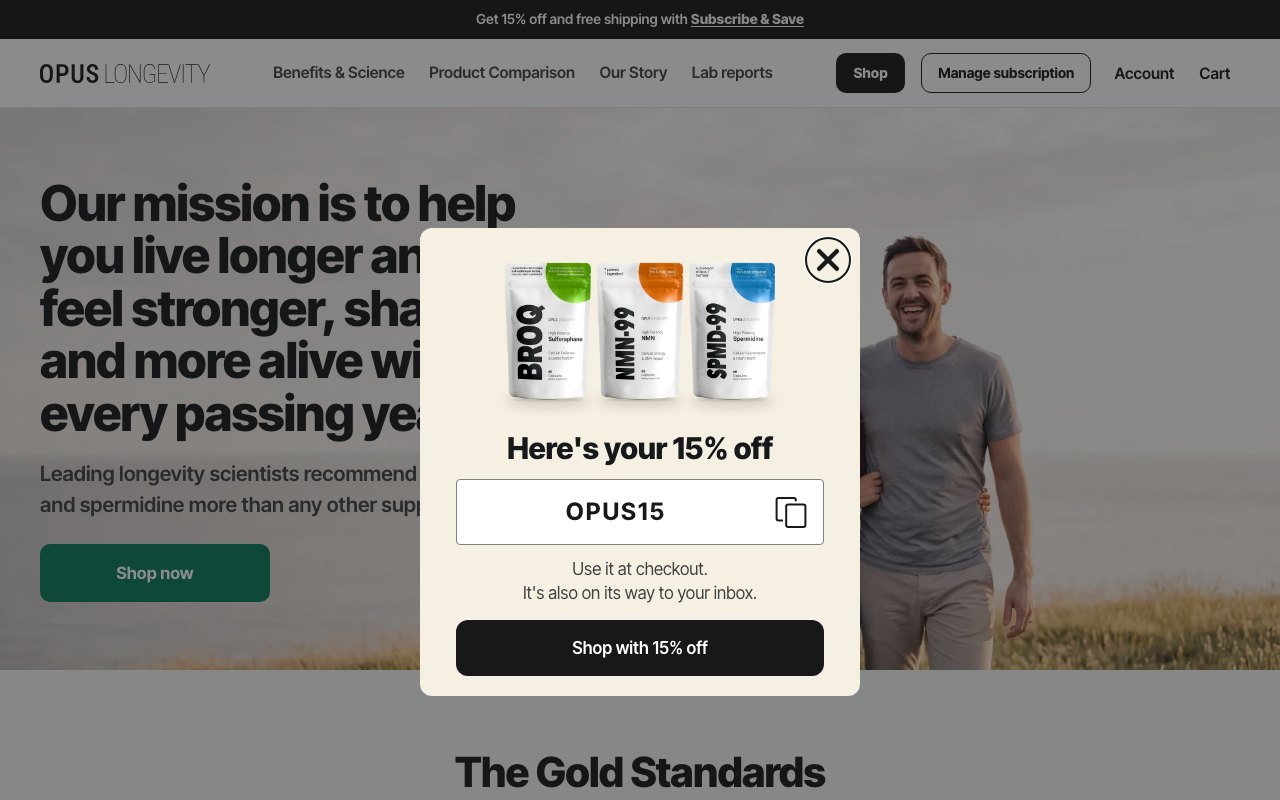
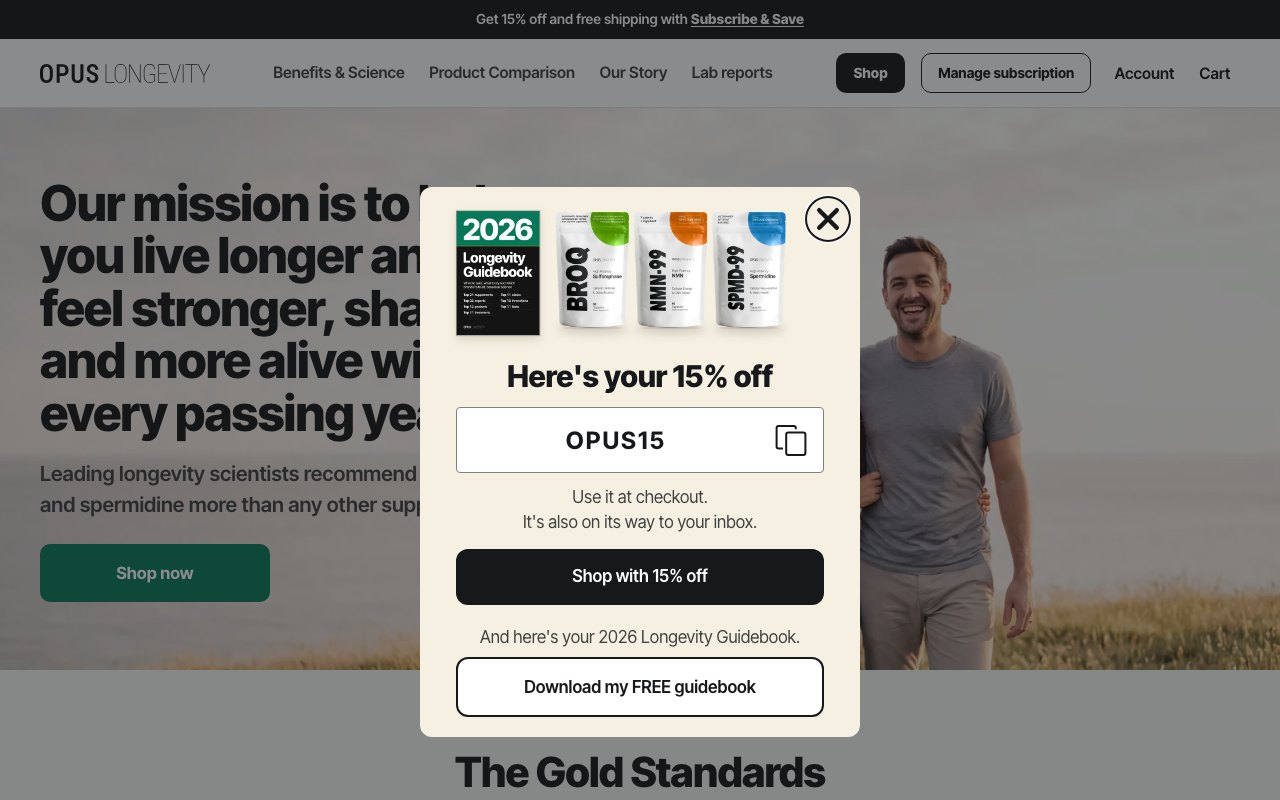
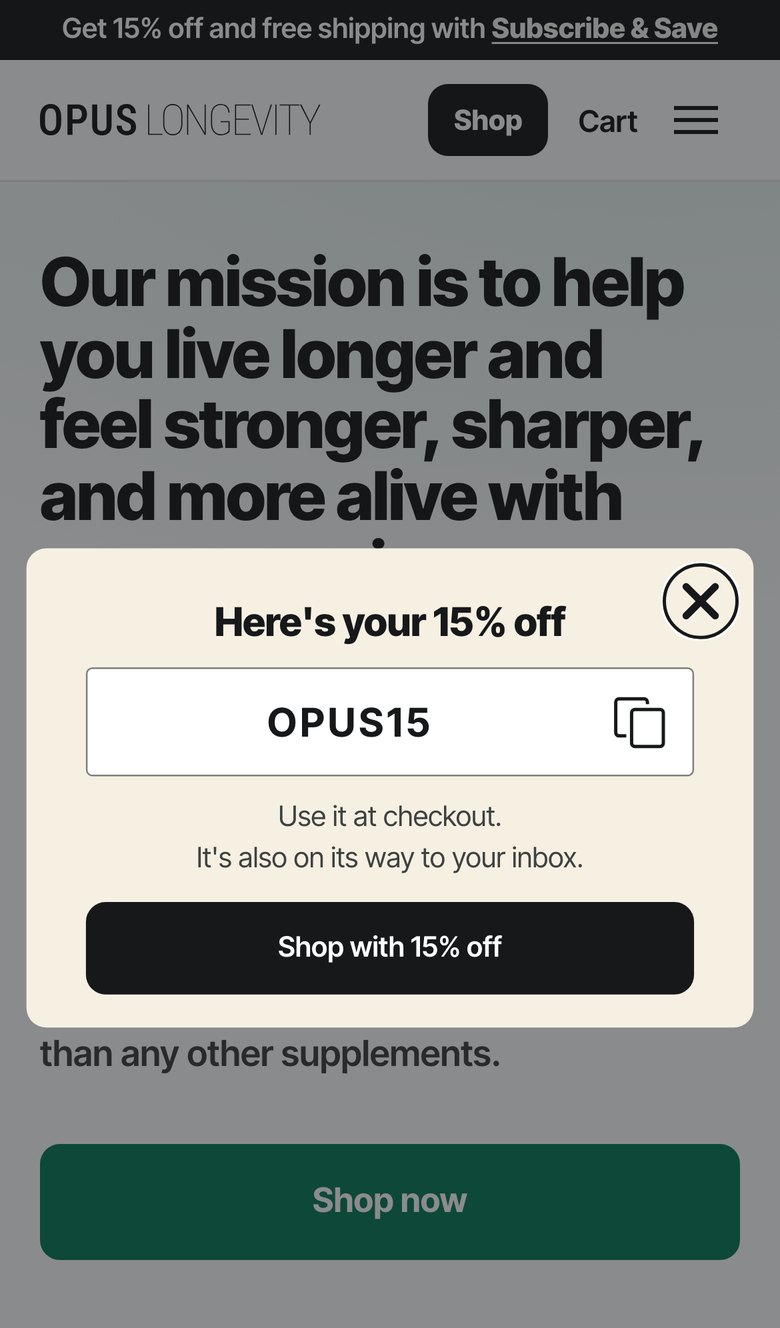
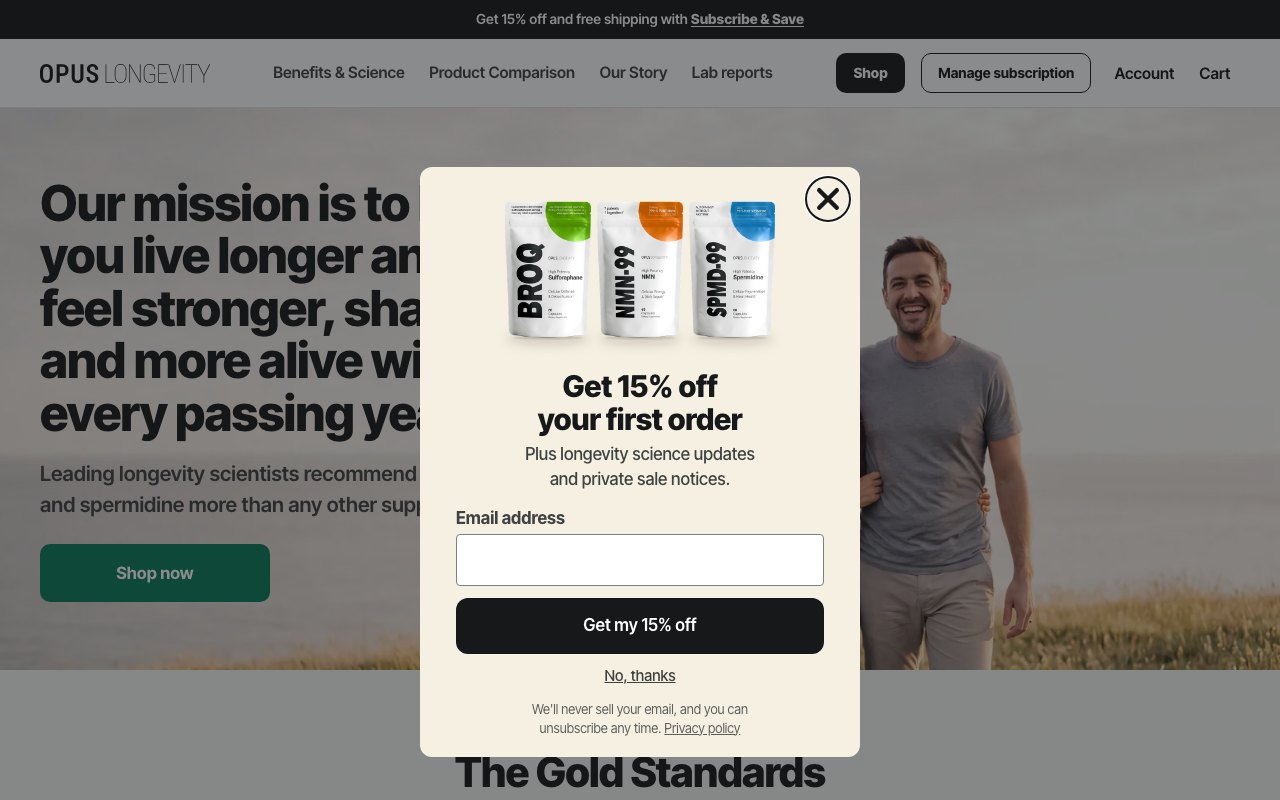
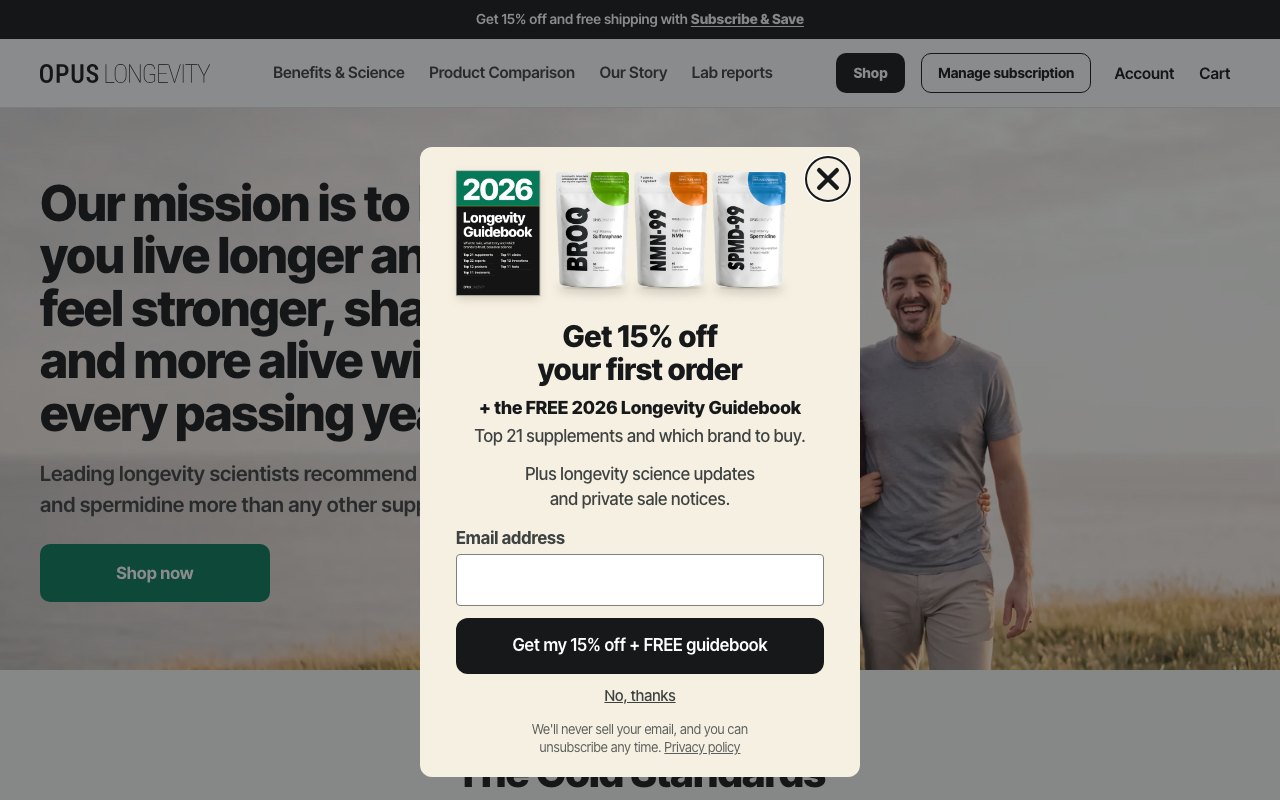
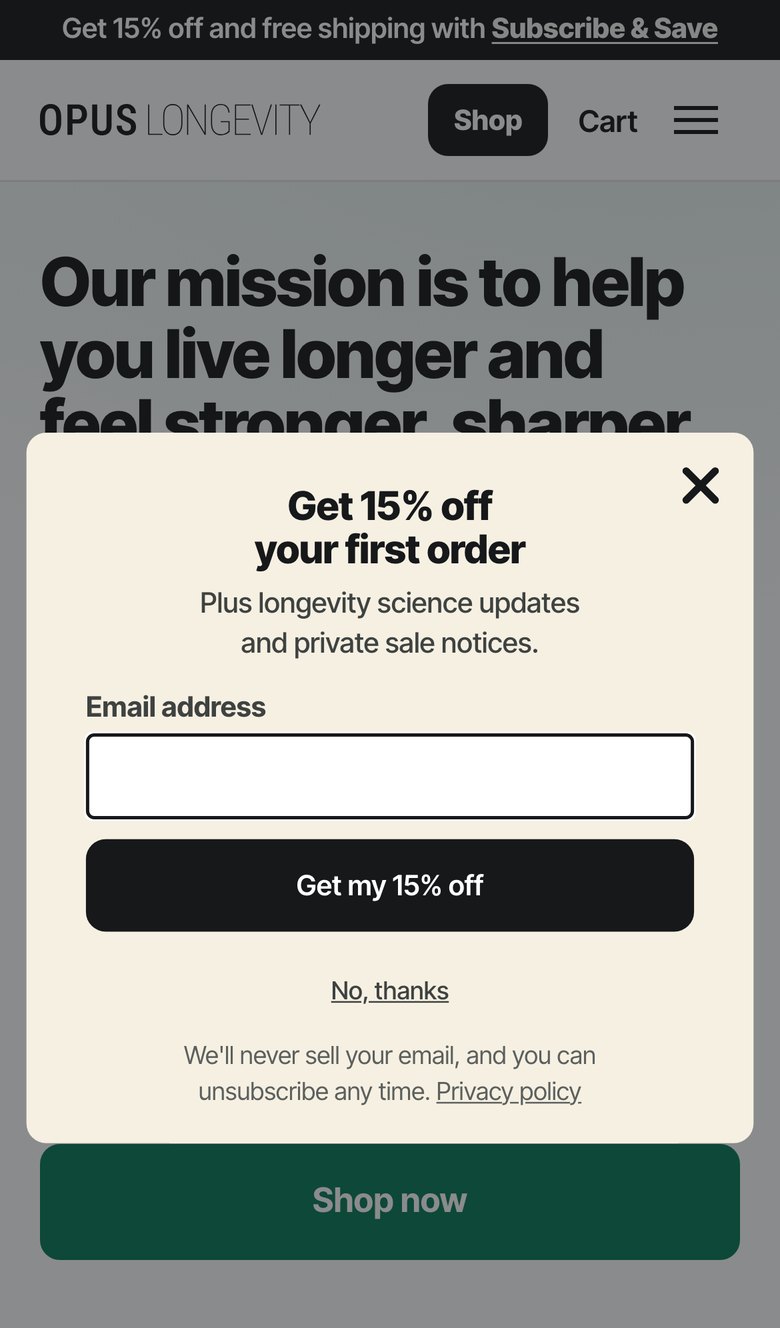
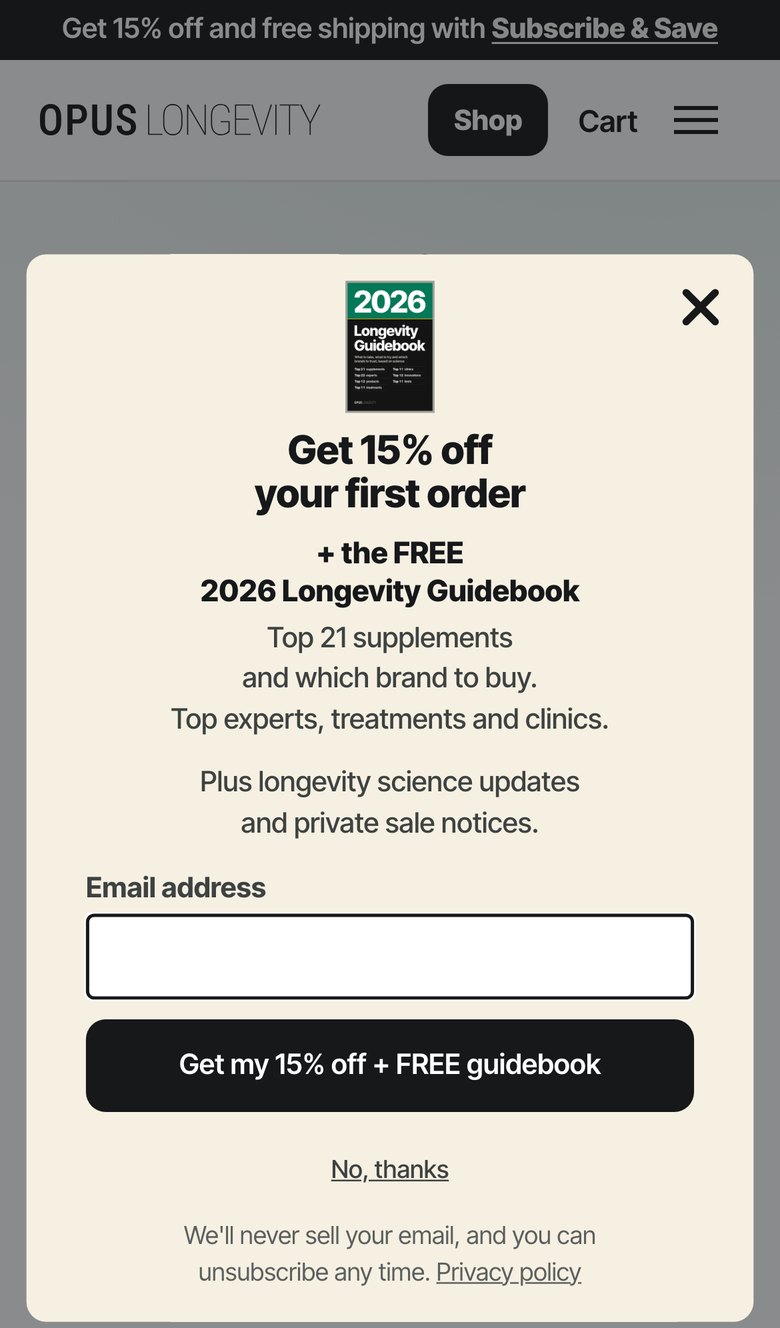
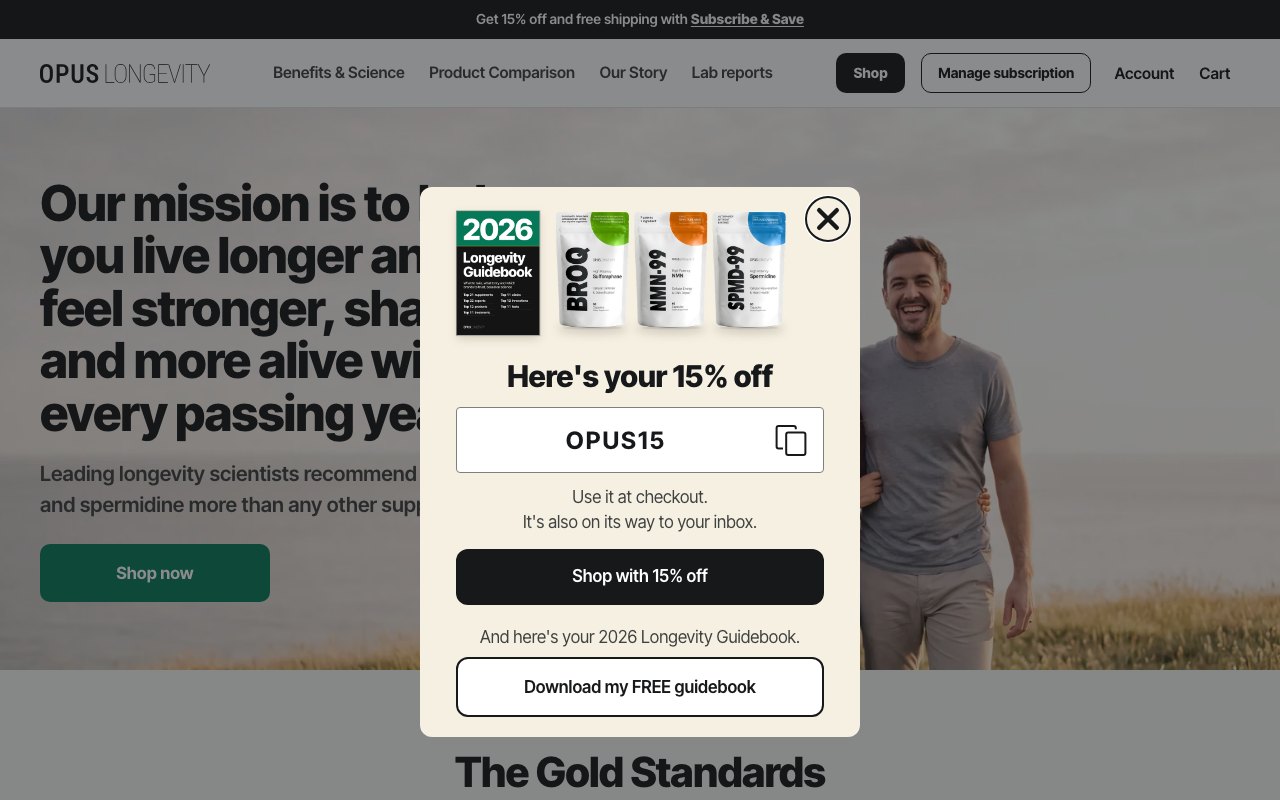
- Pop-up TFV34a, versions A and B. Desktop picture: the three packs plus the guidebook cover. Phone: the cover sits above the headline. Under "Get 15% off your first order": "+ the FREE 2026 Longevity Guidebook" and "Top 21 supplements and which brand to buy.", plus "Top experts, treatments and clinics." on phones only. Step 1 button: "Get my 15% off + FREE guidebook". Version B's updates line gets more space above it.
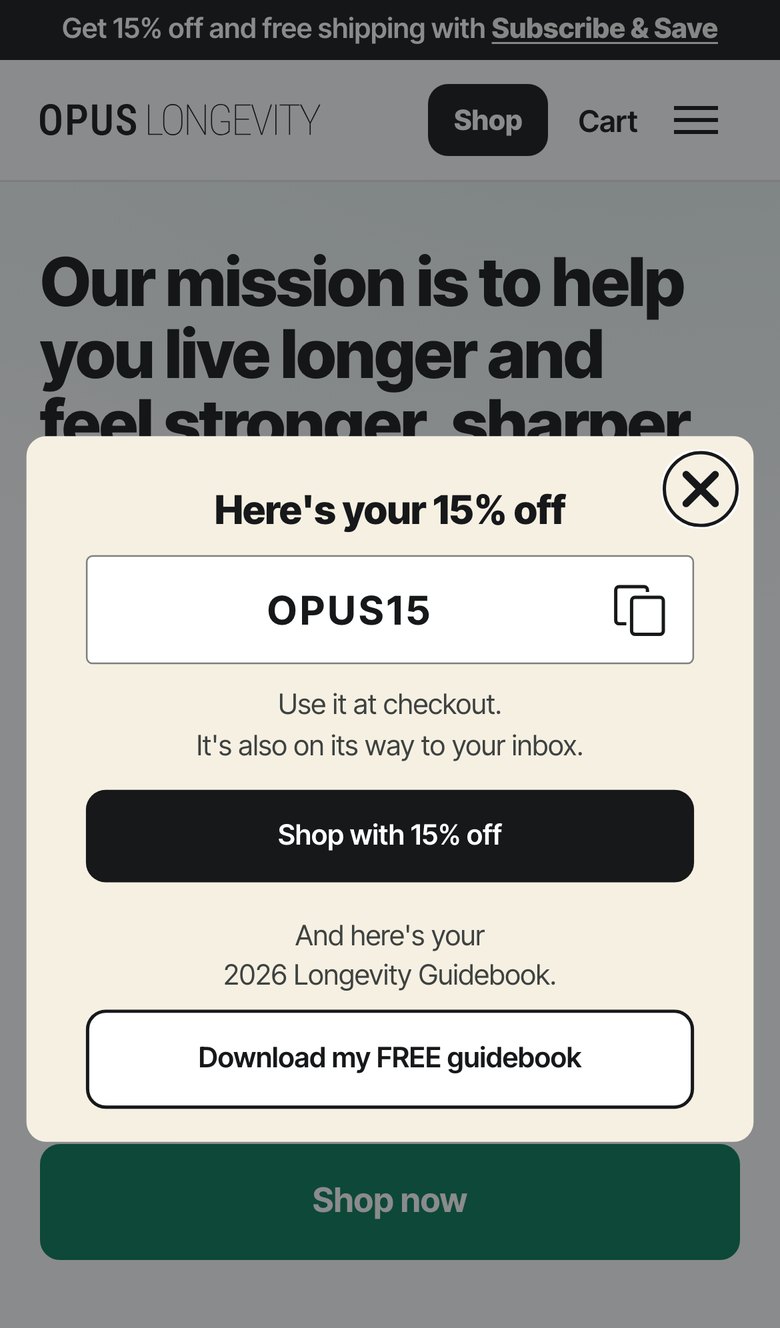
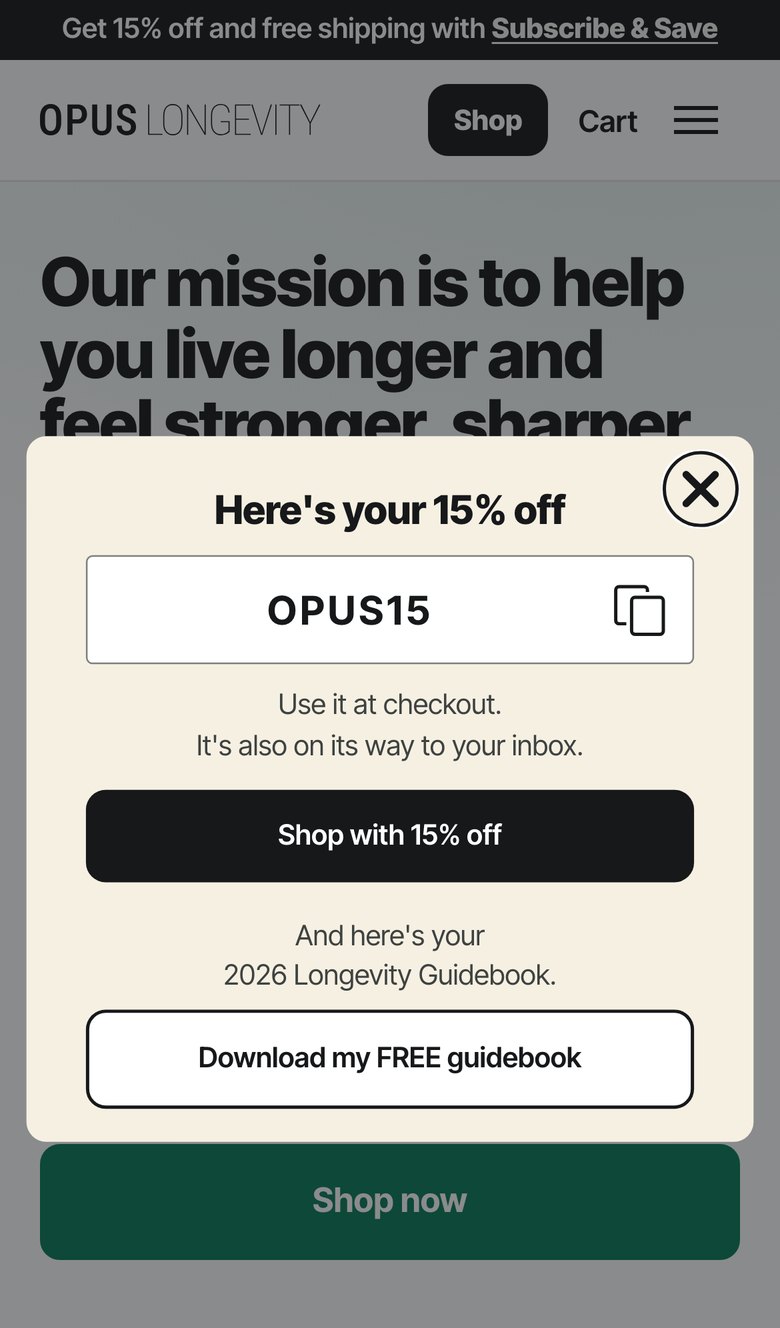
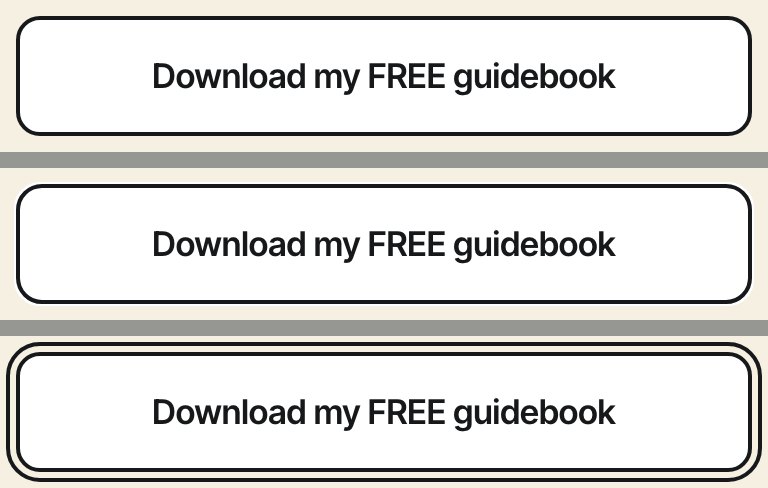
- Pop-up success step. "And here's your 2026 Longevity Guidebook." above an outlined "Download my FREE guidebook" button, which opens the guidebook in a new tab so the code stays on screen.
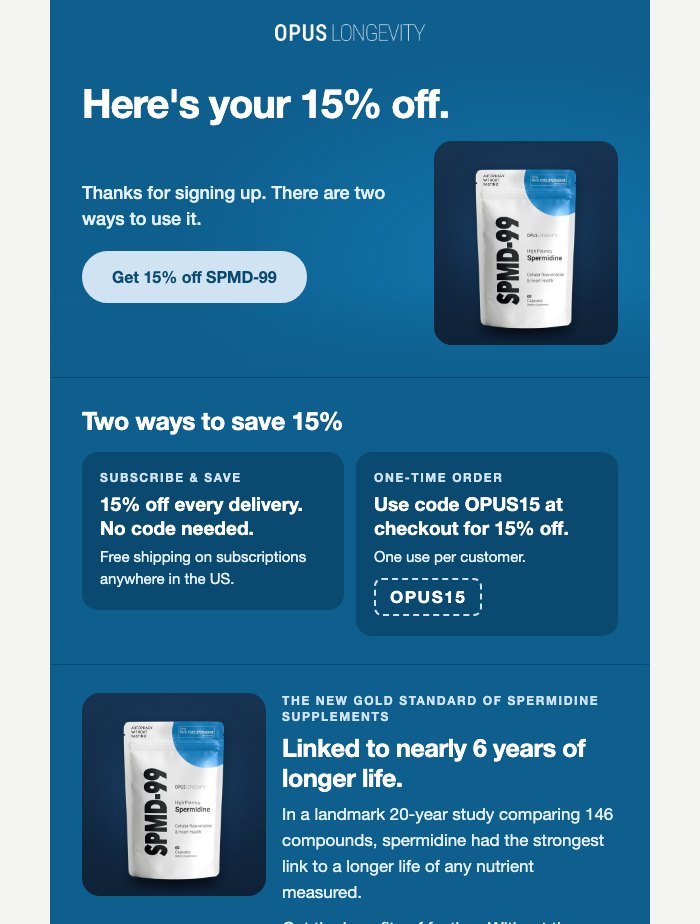
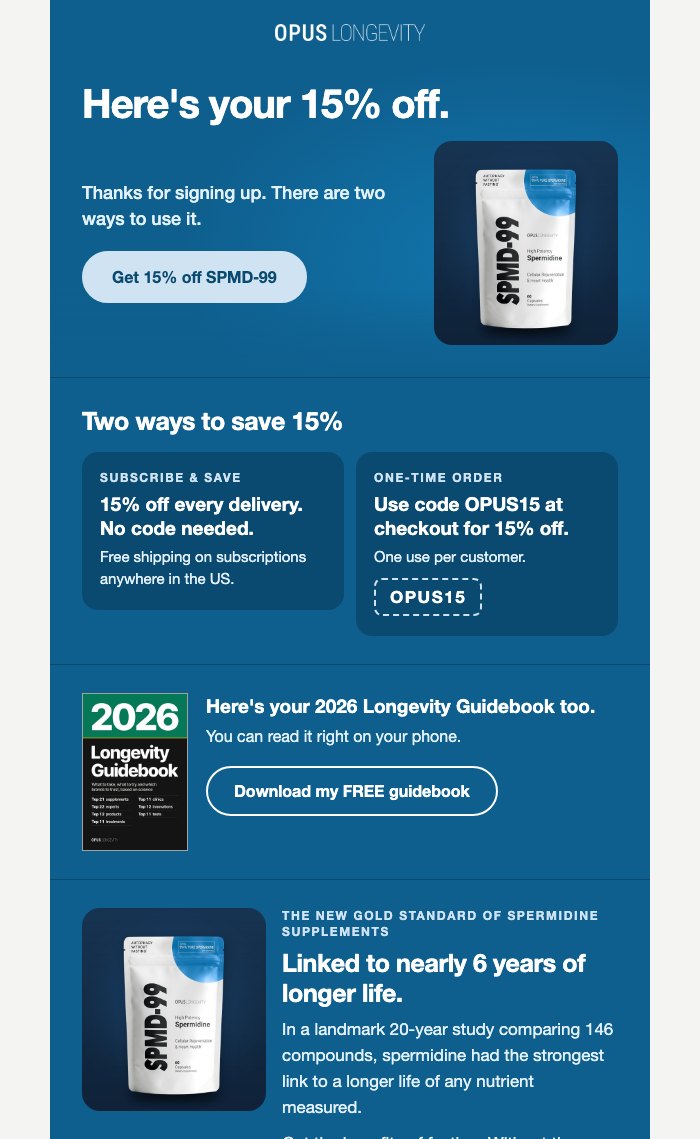
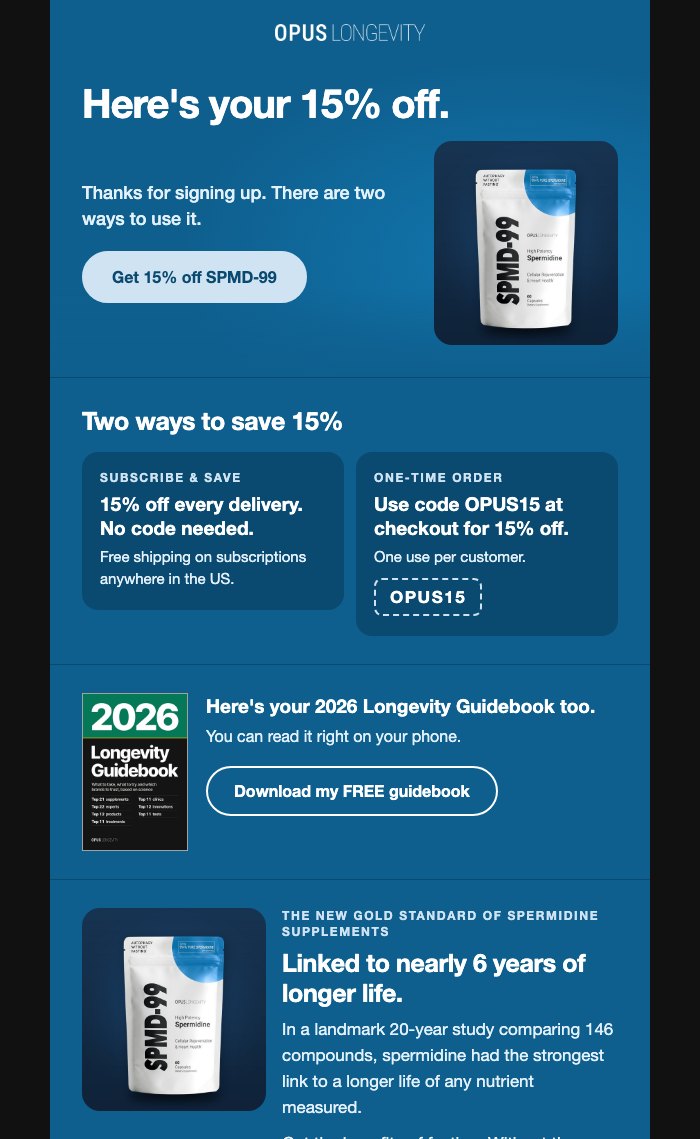
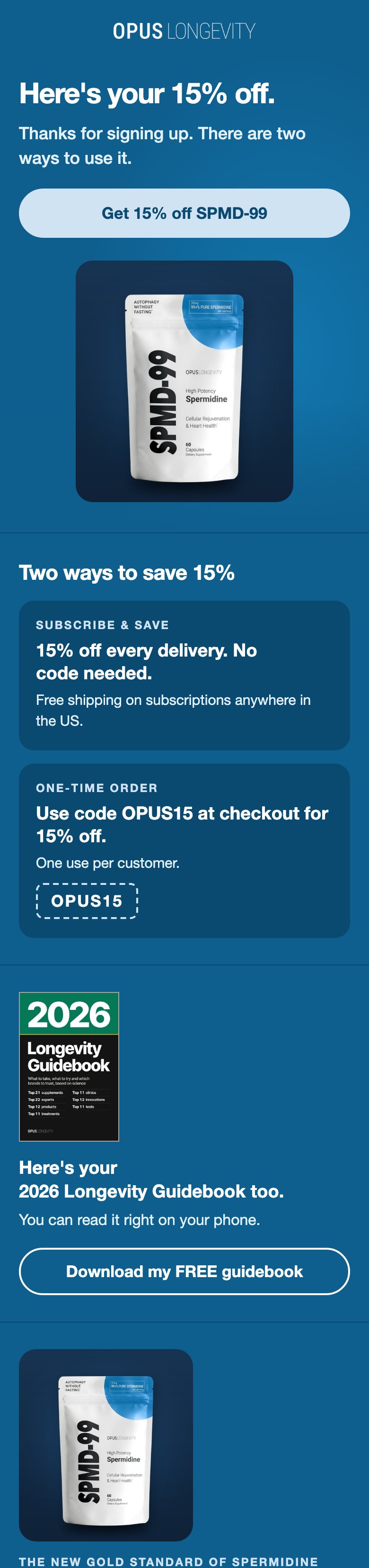
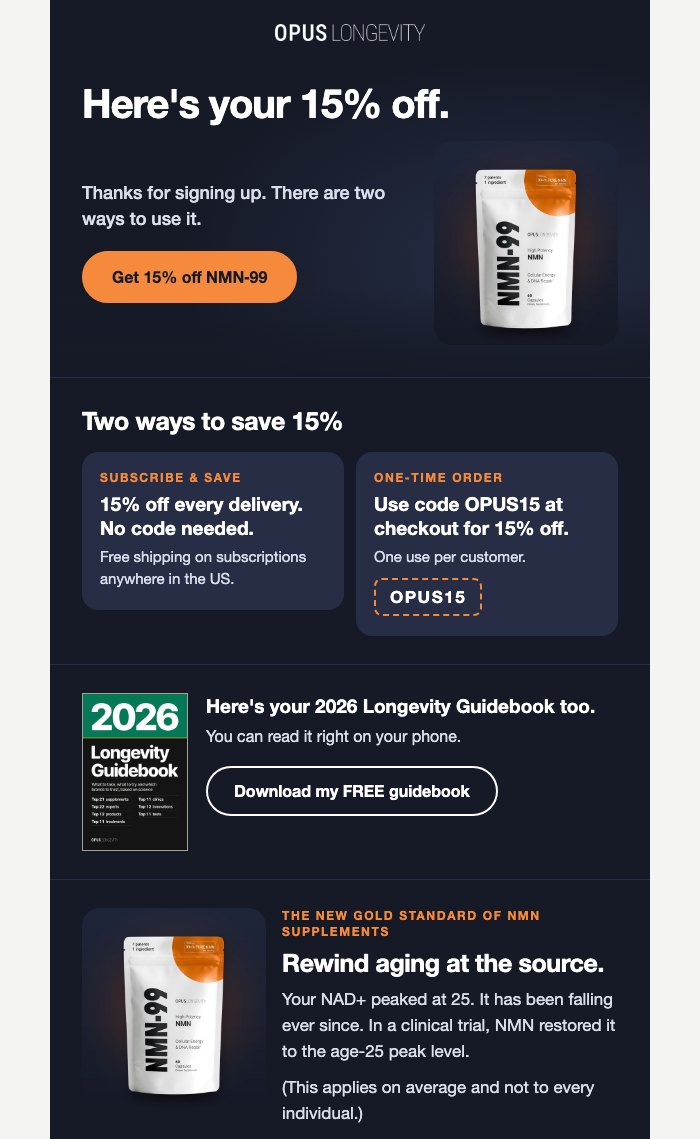
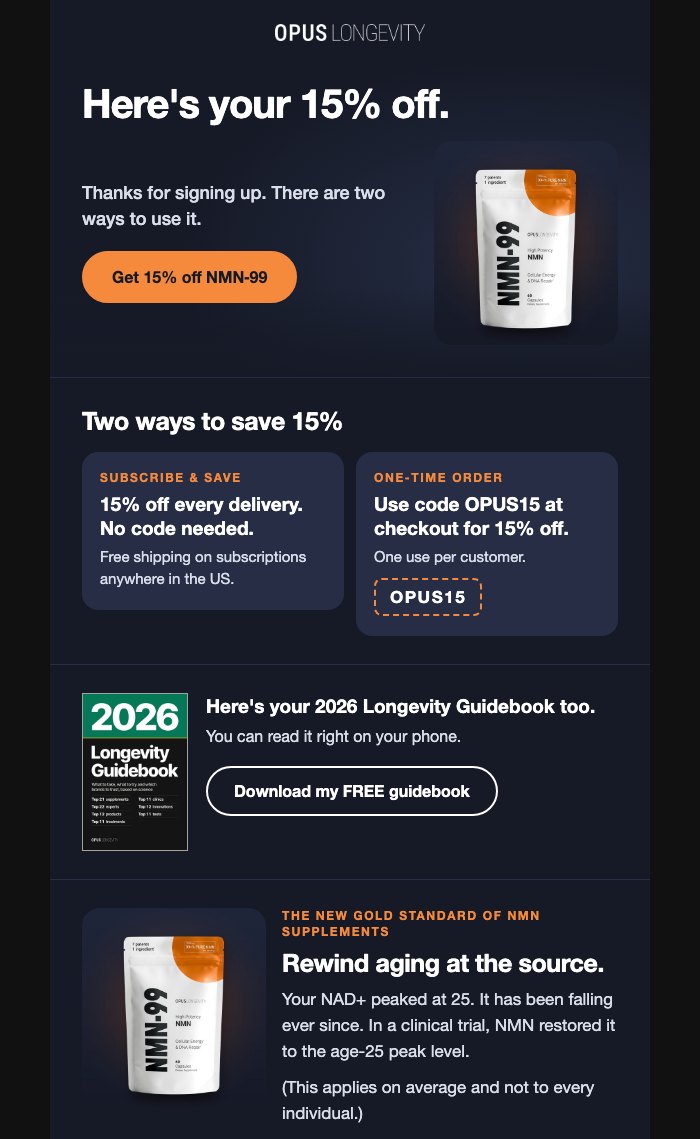
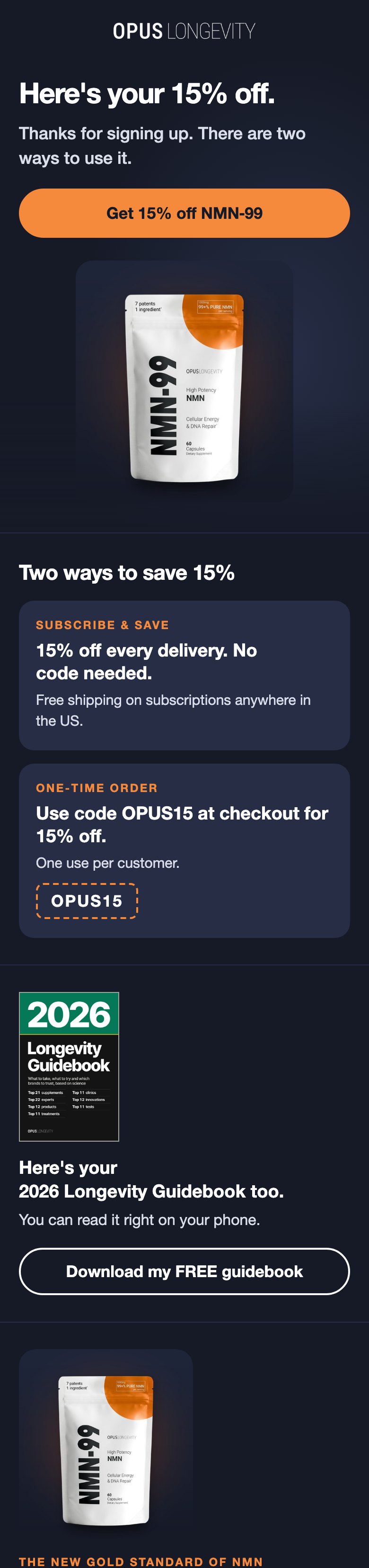
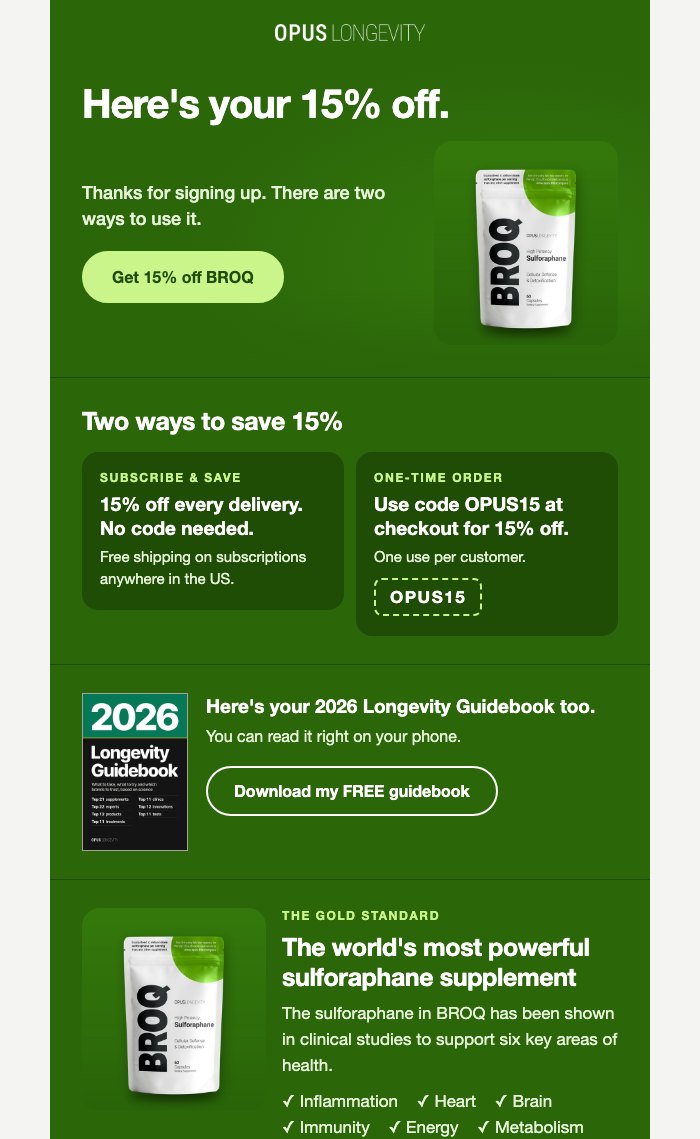
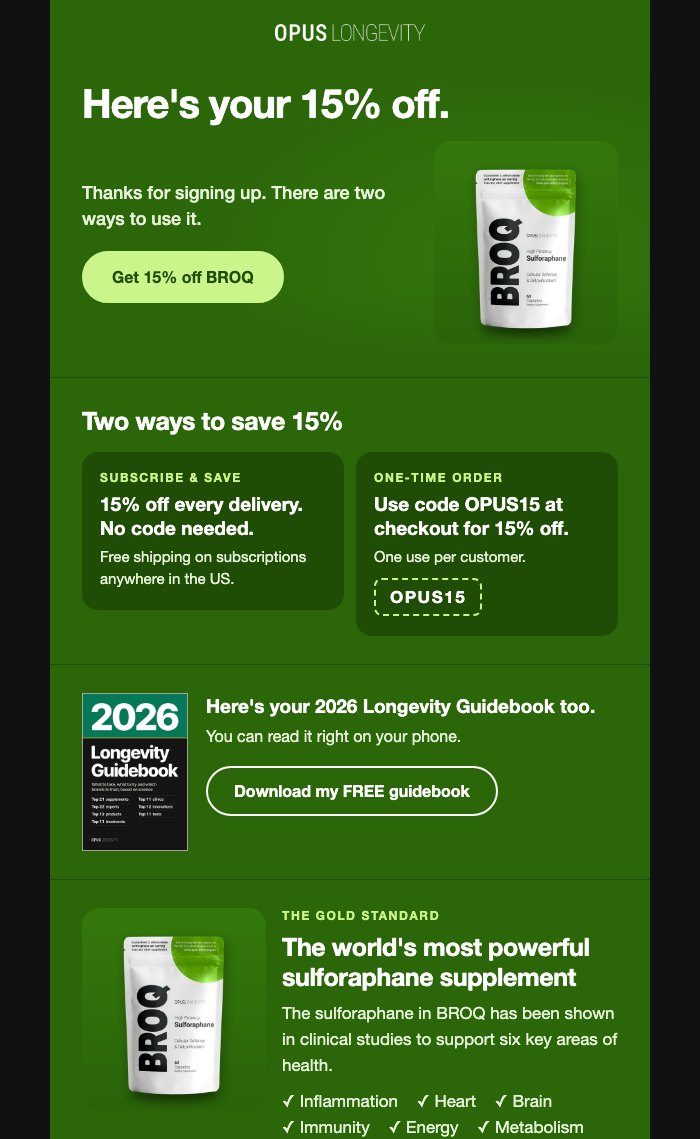
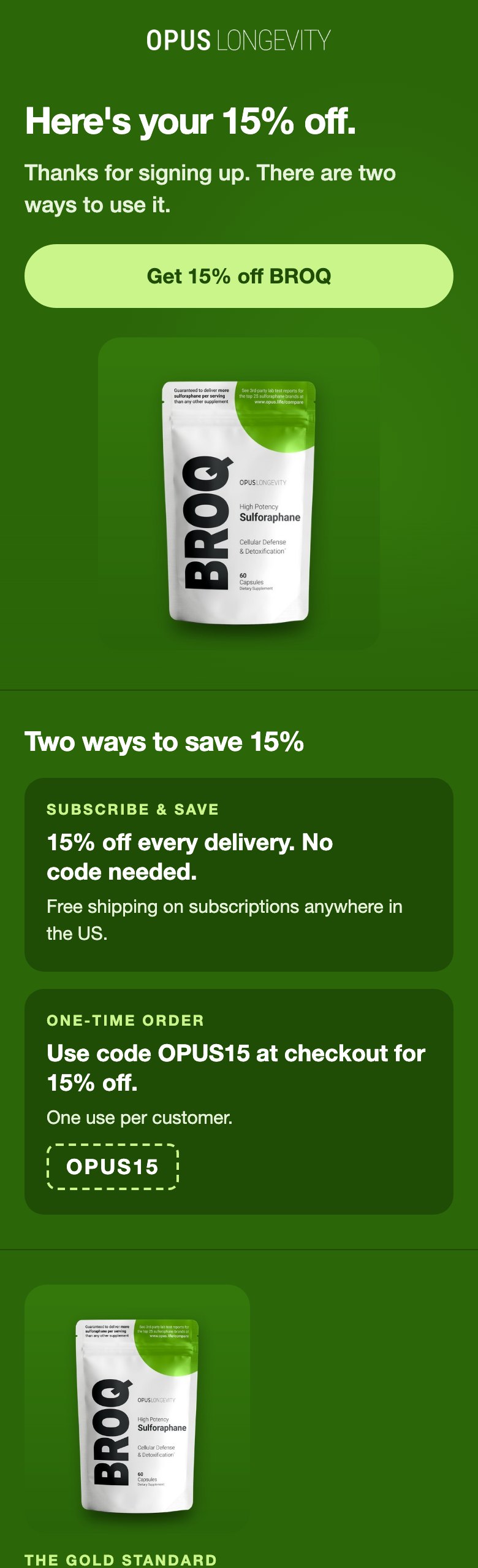
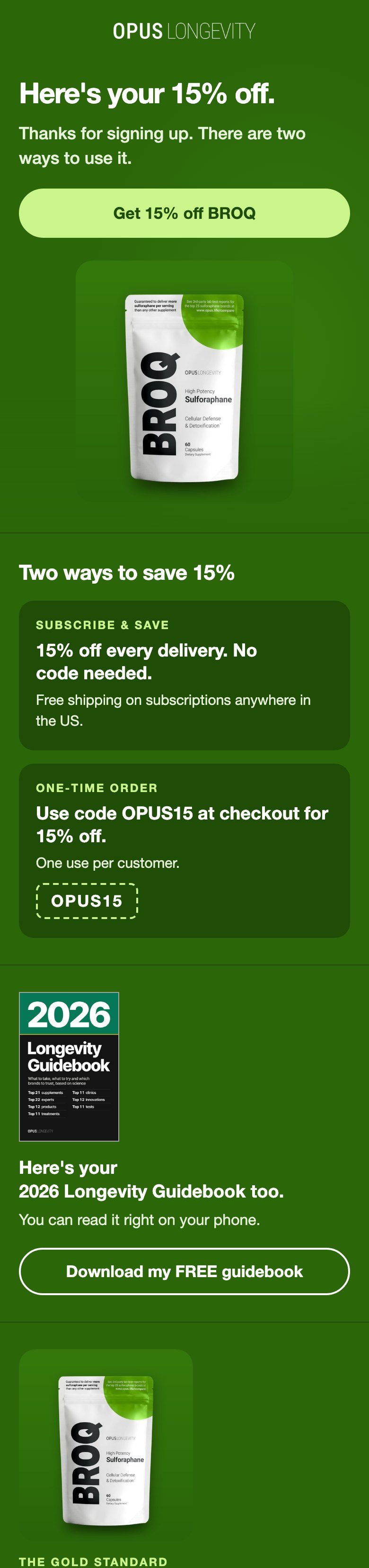
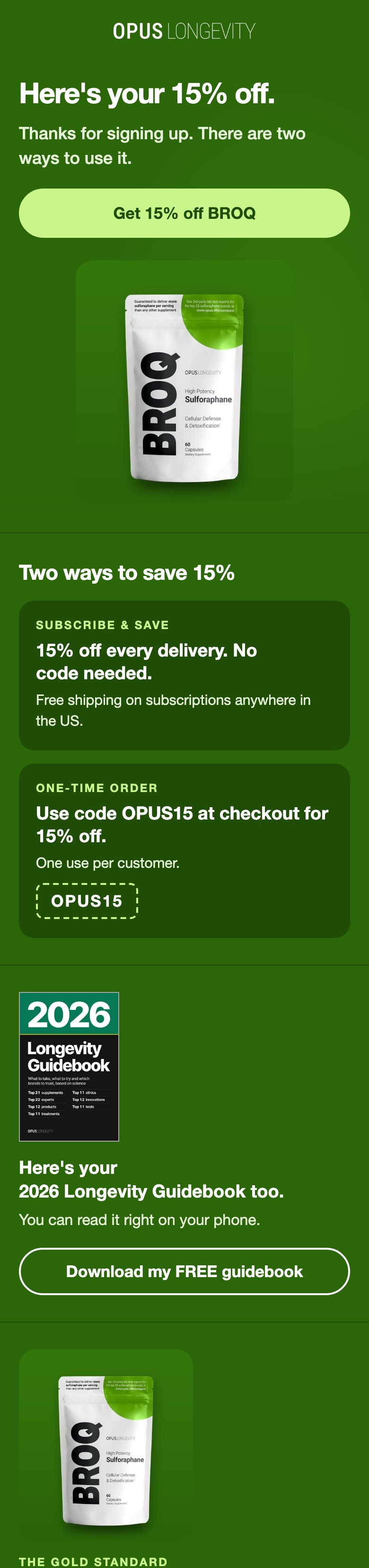
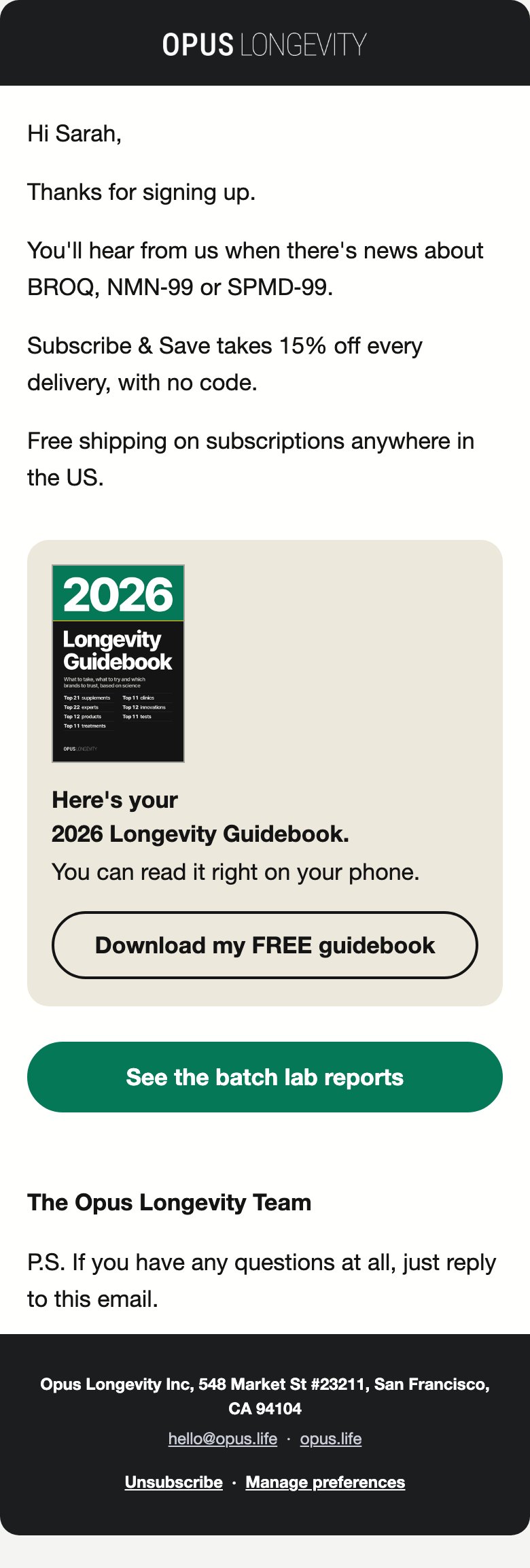
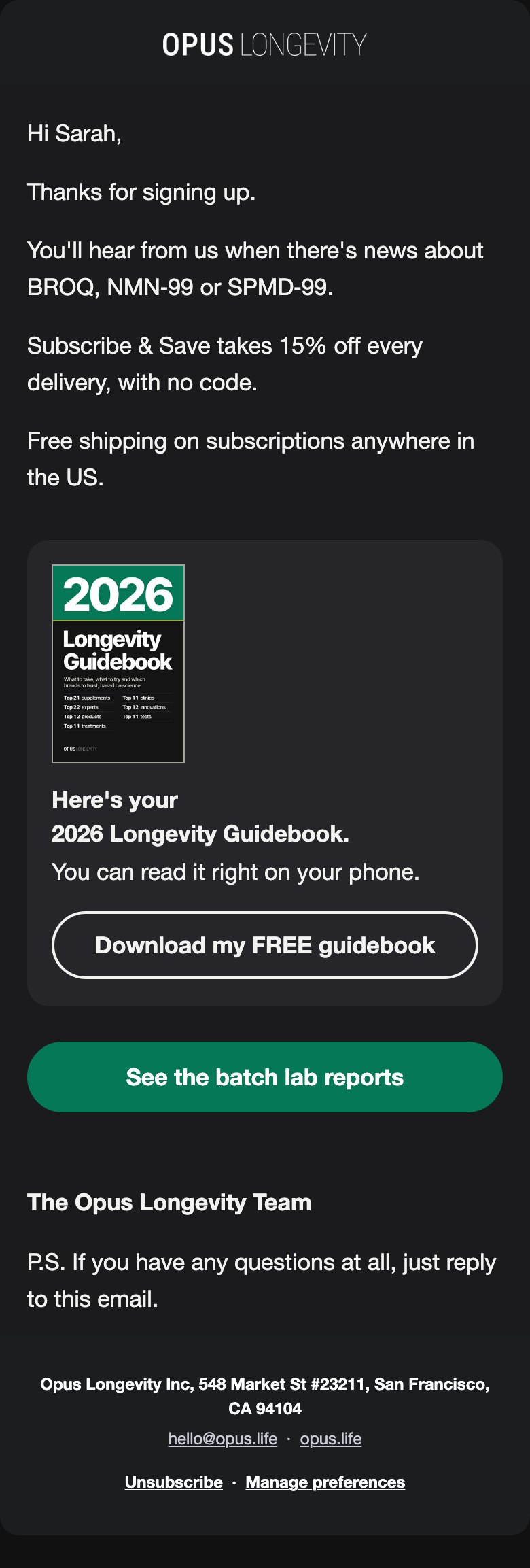
- Welcome email 1 (TuGvED). One new block right after the "Two ways to save 15%" code panel: the cover, "Here's your 2026 Longevity Guidebook too. You can read it right on your phone." and an outlined Download button.
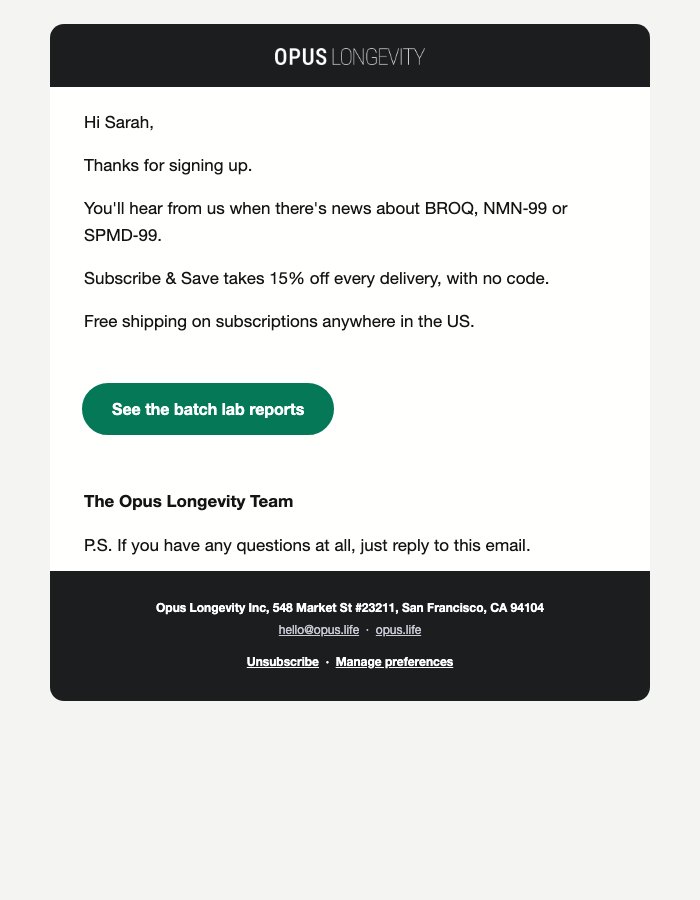
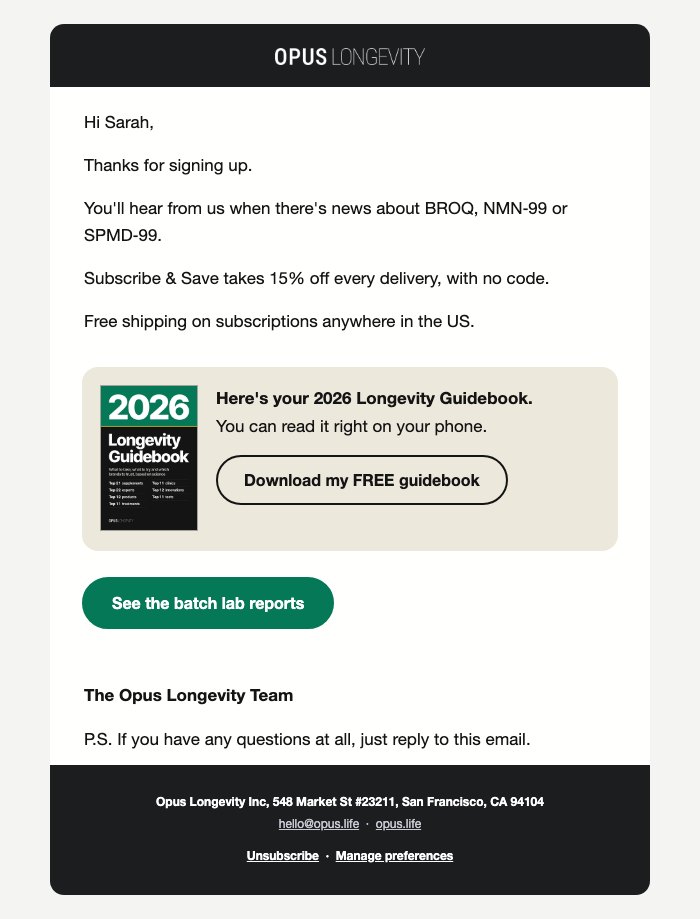
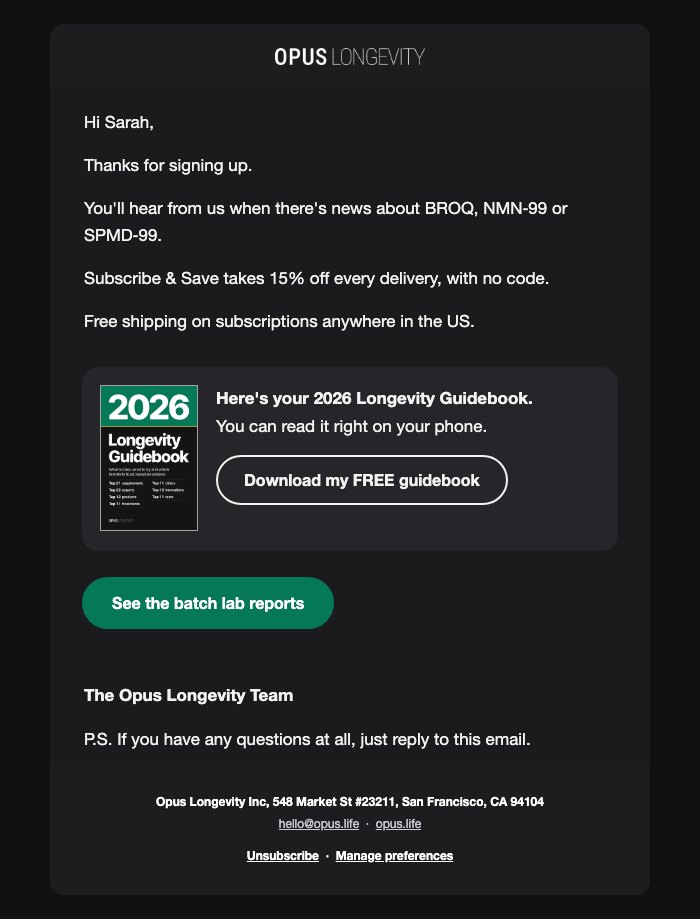
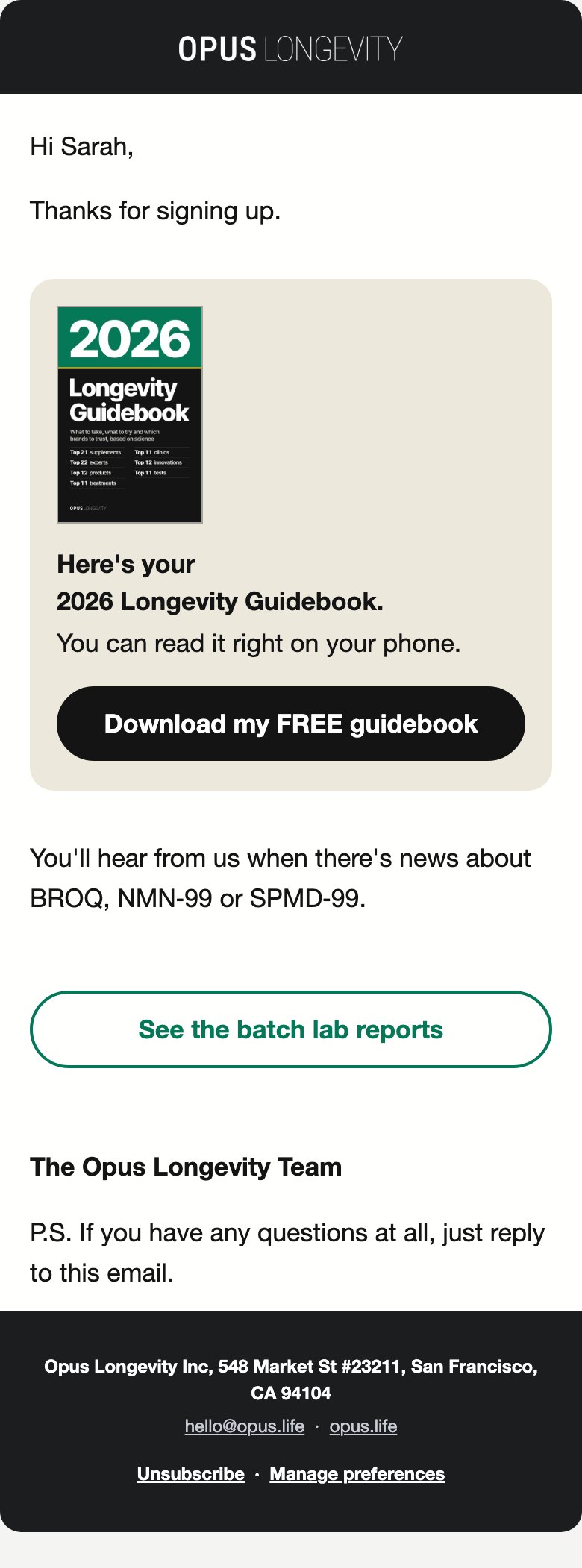
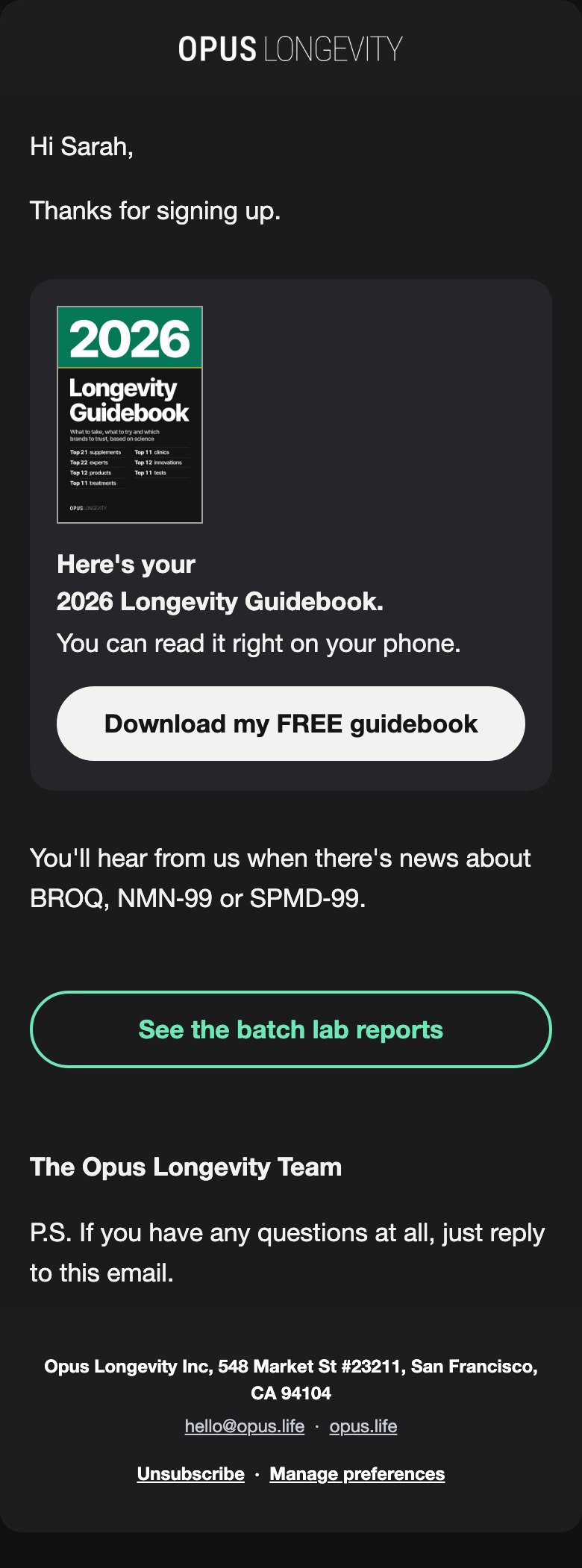
- Thank-you email for people who already bought (W9Ld87). The same block, without "too".
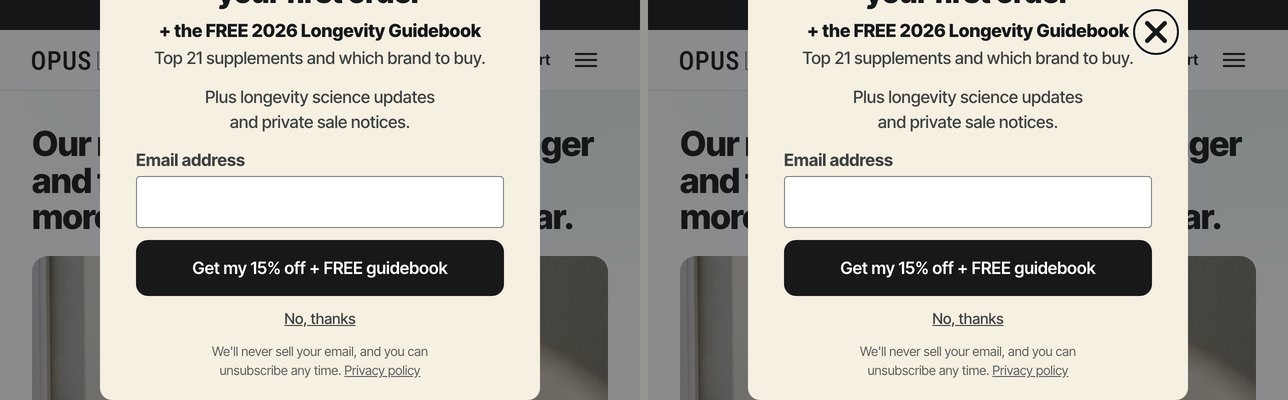
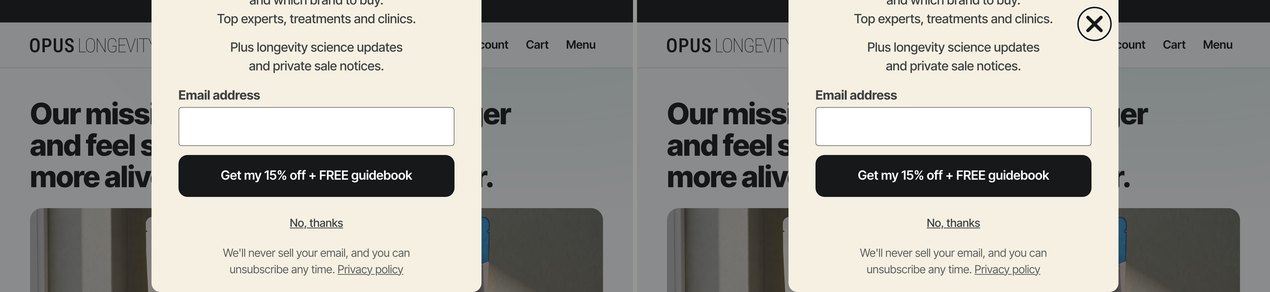
- Two small rules in the pop-up's own custom CSS, made for keyboard users. A clear focus ring on the Download button, and the close button stays in view on short or zoomed windows. At normal window sizes nobody sees a difference. On a short window (a phone held sideways, or a laptop zoomed to 200%), the close button stays pinned at the top of the card while it scrolls, so it can sit over the end of a line of text.
- Every guidebook link goes to opus.life/pages/longevity-guidebook. Everything else (headline, code, list, subject lines, display rules) stays as it is.
How these were made: every picture is a real render. The pop-up is Klaviyo's own form code on opus.life, loaded in a hidden browser with trackers blocked and nothing submitted, fed the live form with the change. The emails are the live templates rendered in a browser (a stand-in fills Klaviyo's template tags for a US subscriber who owns nothing). Dark mode is the phone or computer dark setting, which Apple Mail and iPhone Mail follow; Gmail's own dark mode can't be reproduced outside Gmail.
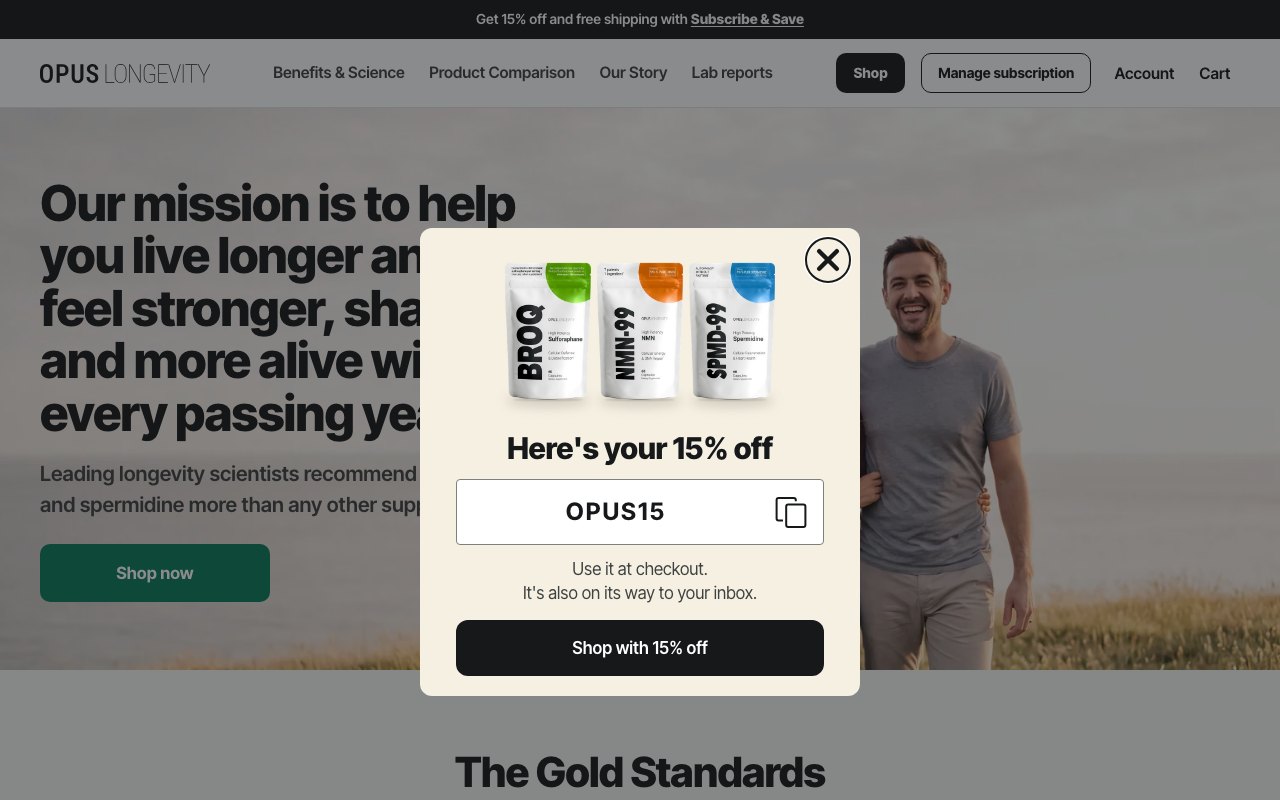
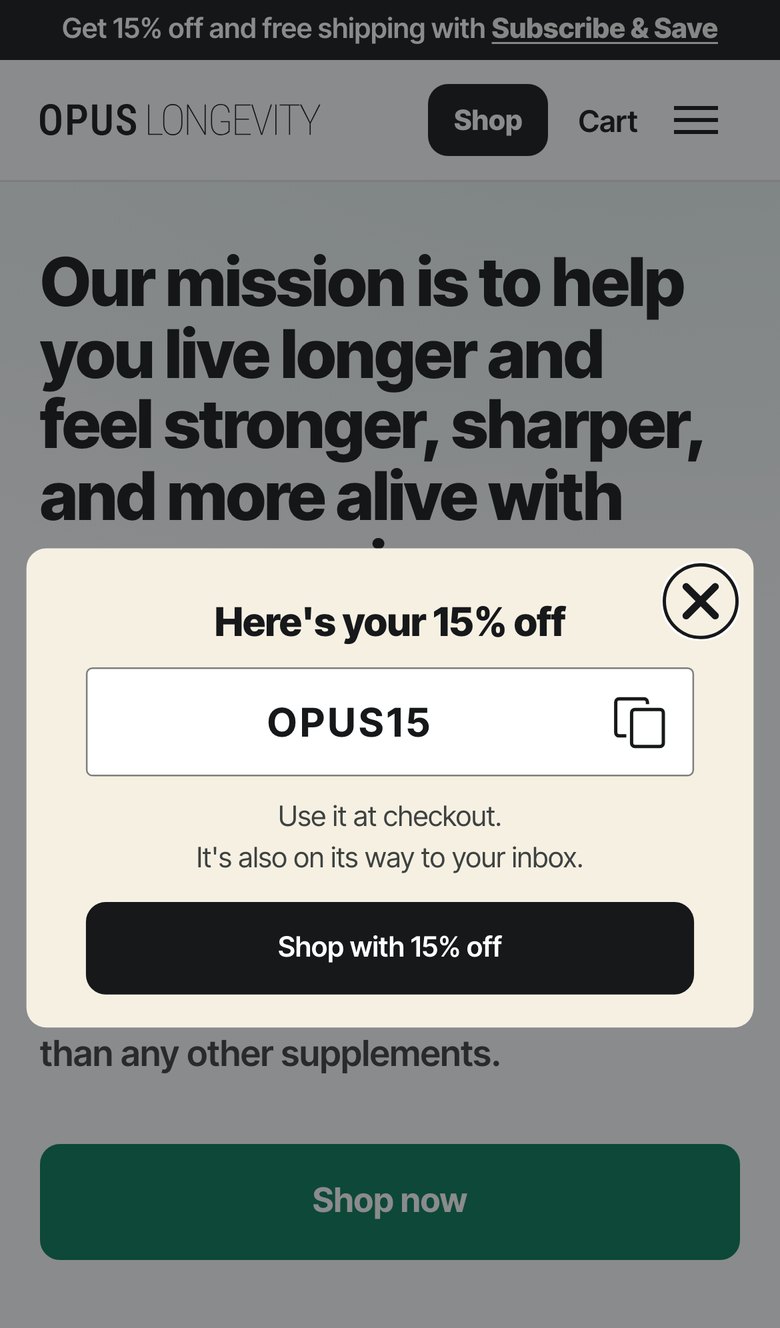
1. Pop-up: live now beside the new version
Desktop is 1280x800, shown as the pop-up itself at actual size ("whole screen" shows it over the page); phone is 390 wide. Tap any picture to open it full size.
Version A (15% only)
Sign-up step
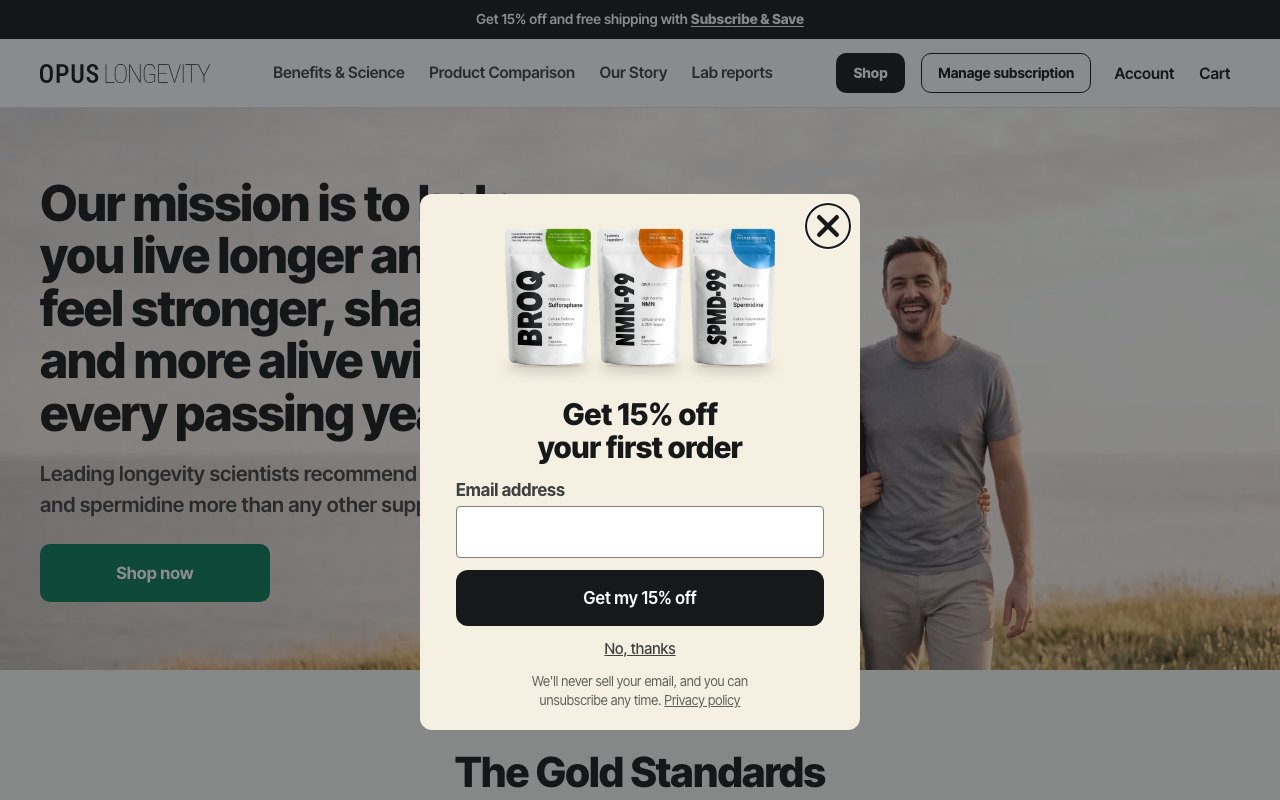
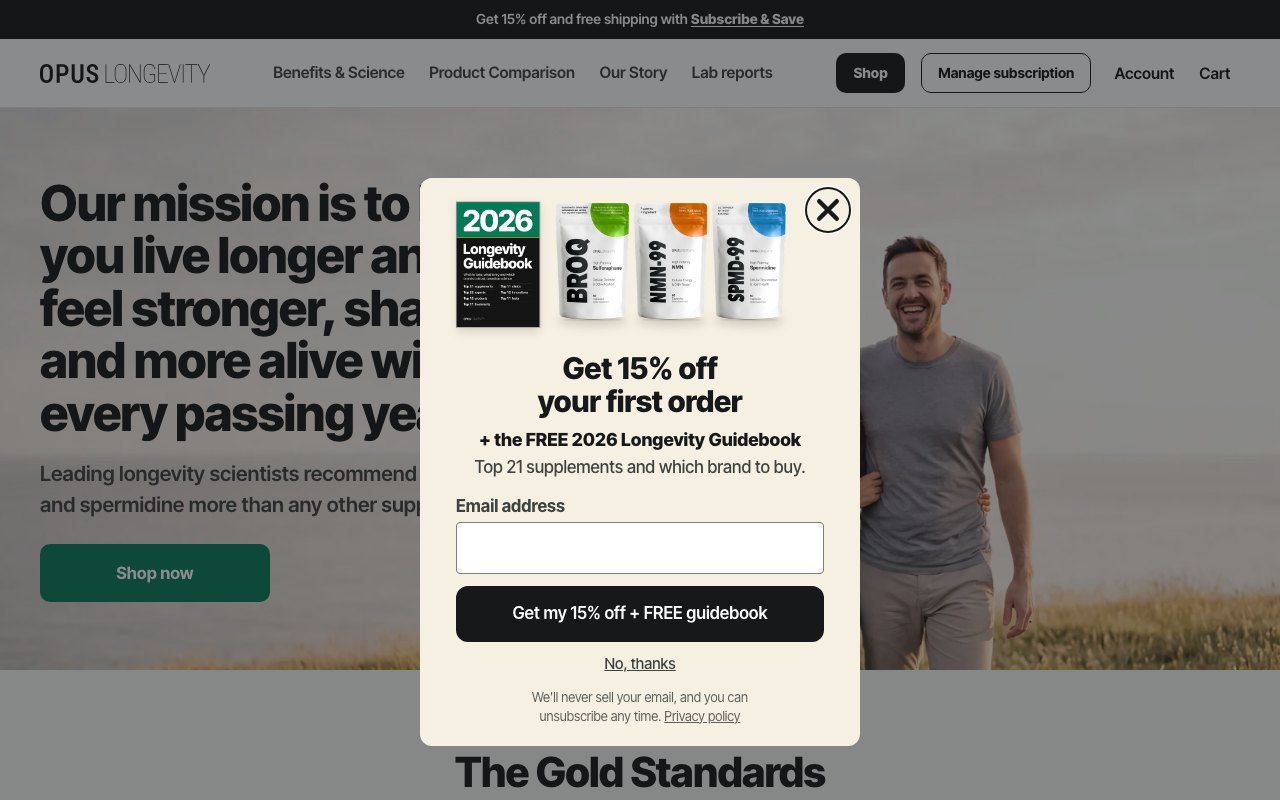
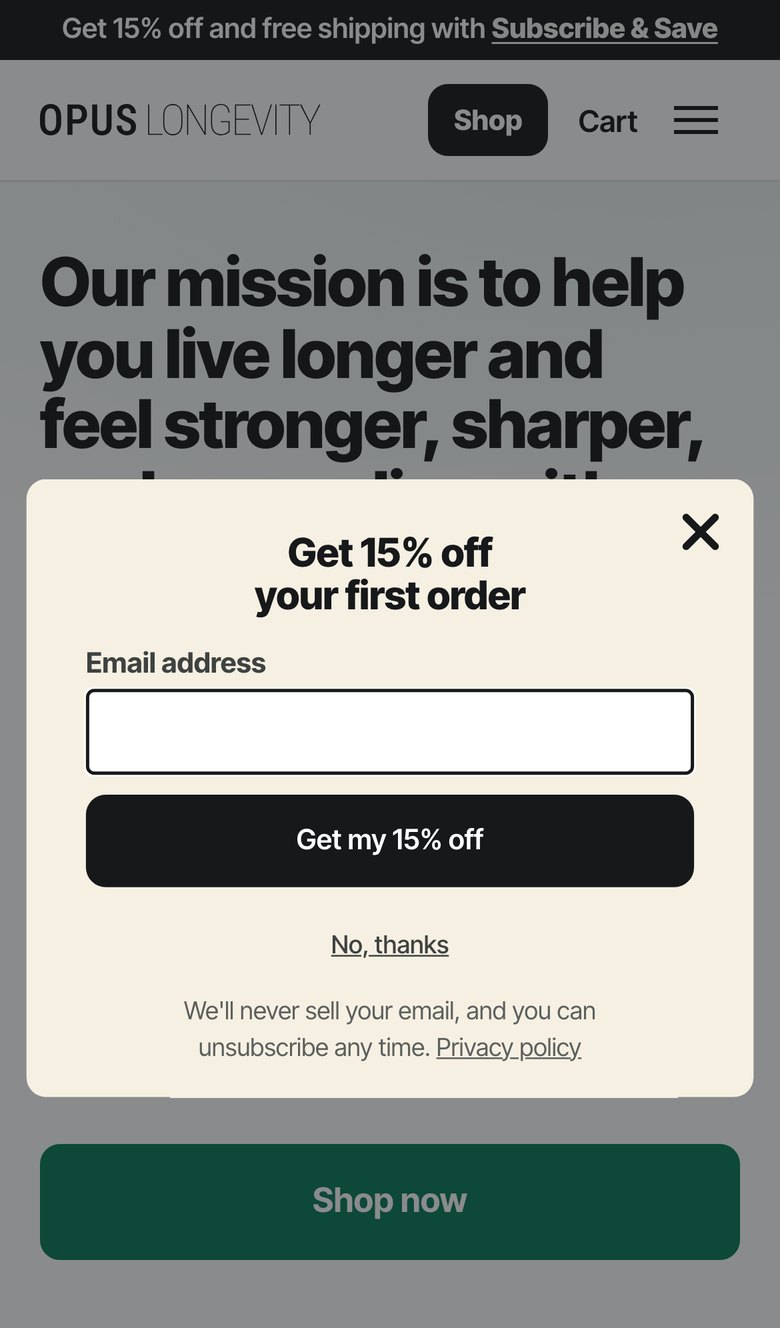
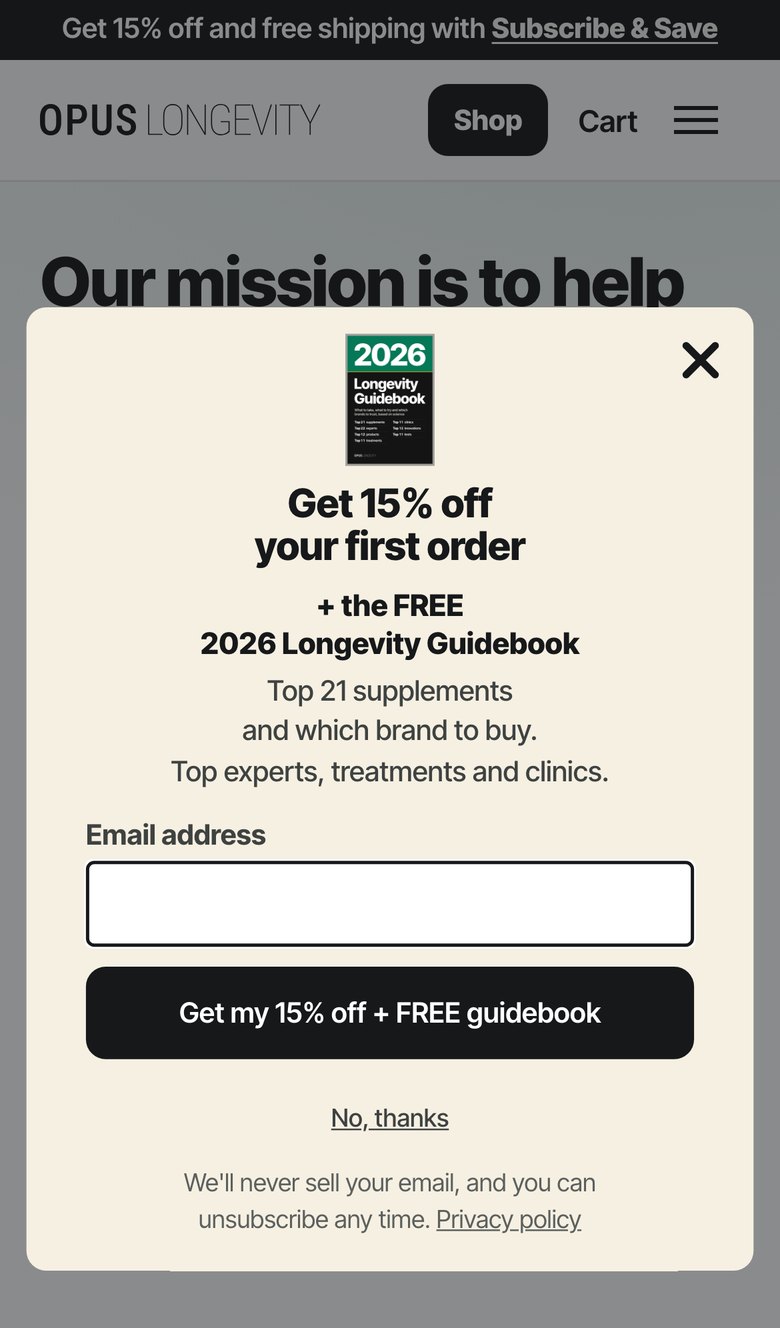
Success step
Version B (15% plus updates line)
Sign-up step
Success step
2. Screen sizes: small phones and a 1366x768 laptop
The site header covers the top 124px, so the card has to fit below it. On screens 656px tall or less the live pop-up hides its picture, so the cover does not show there (the packs photo doesn't today either).
Version A, sign-up step
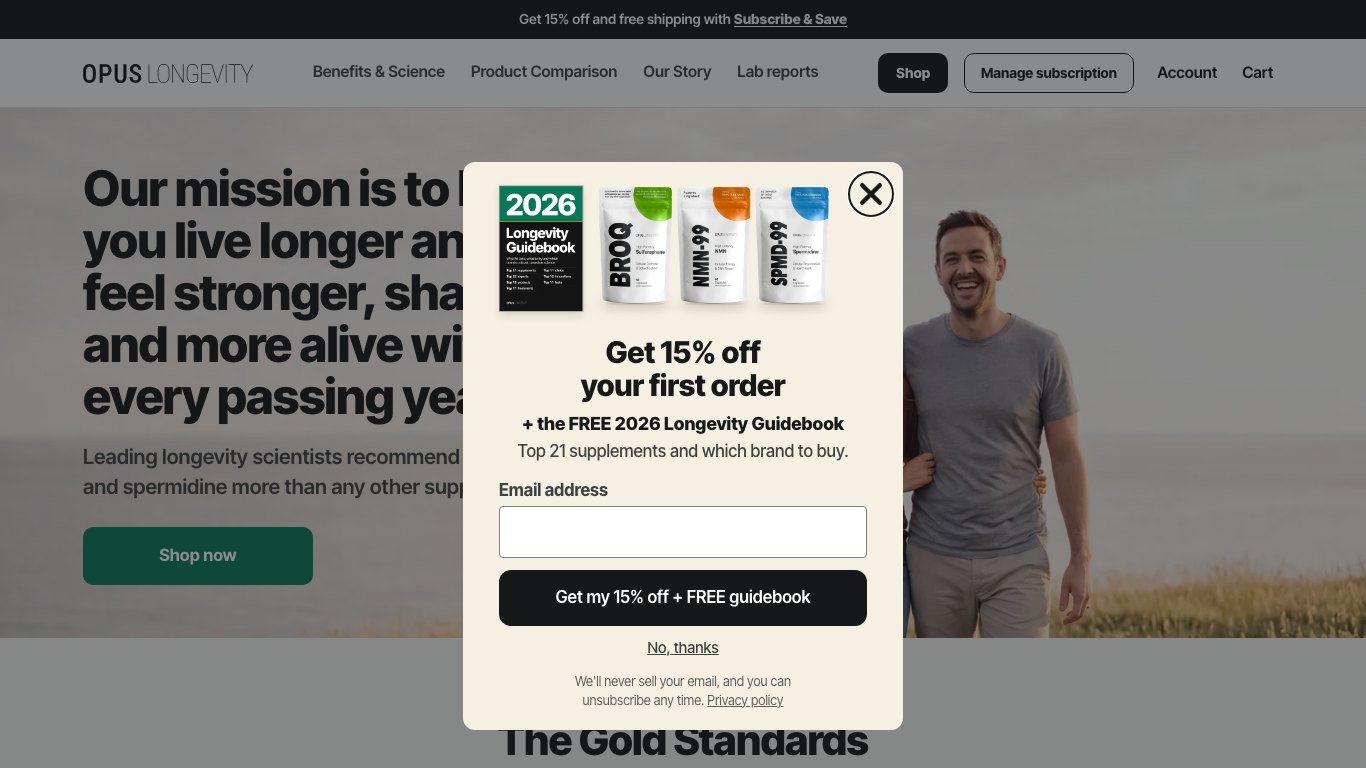
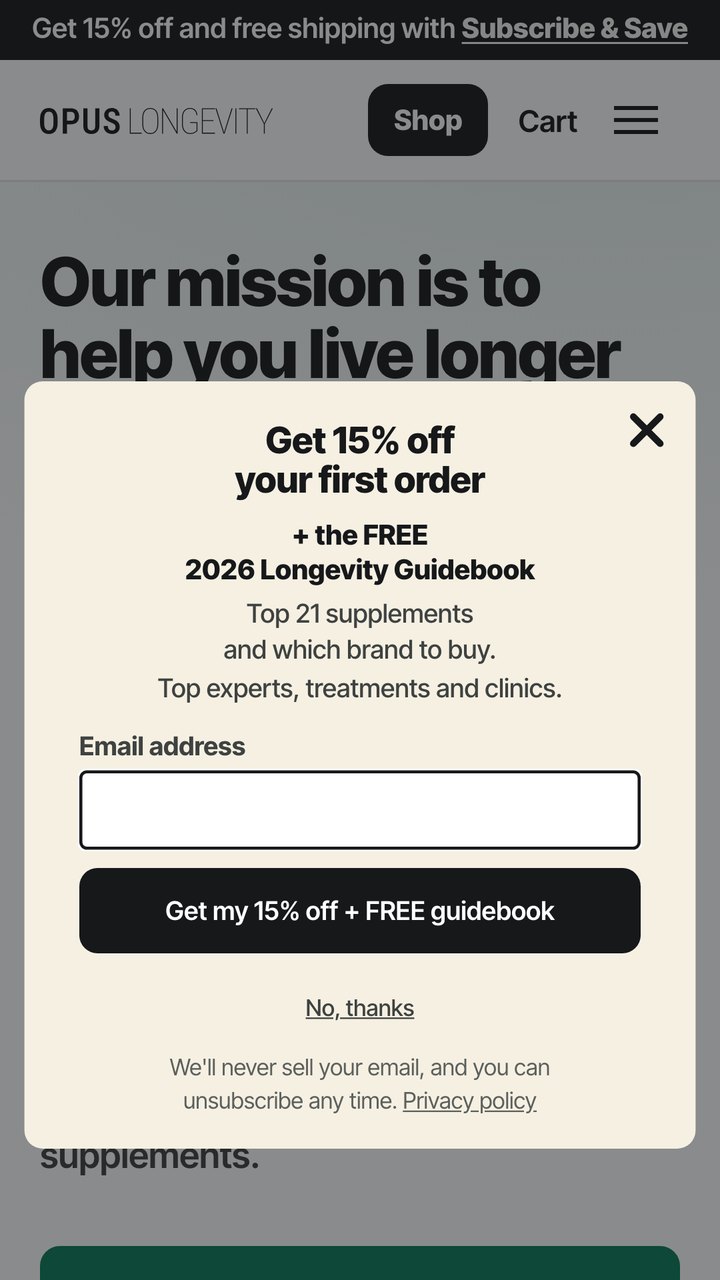
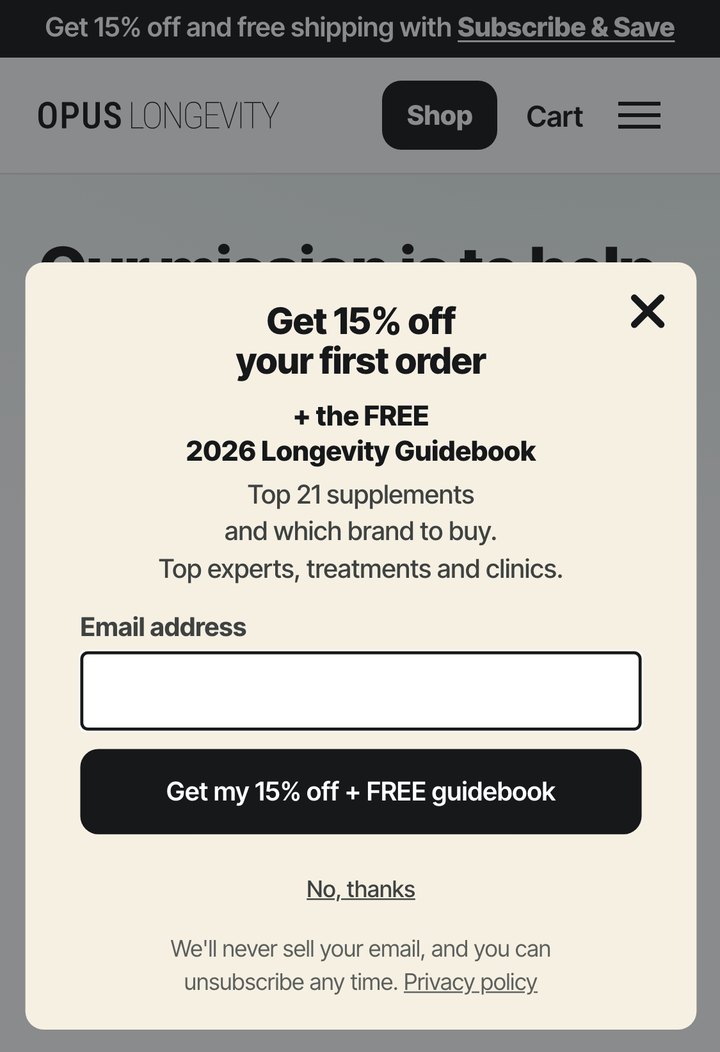
Version B, sign-up step
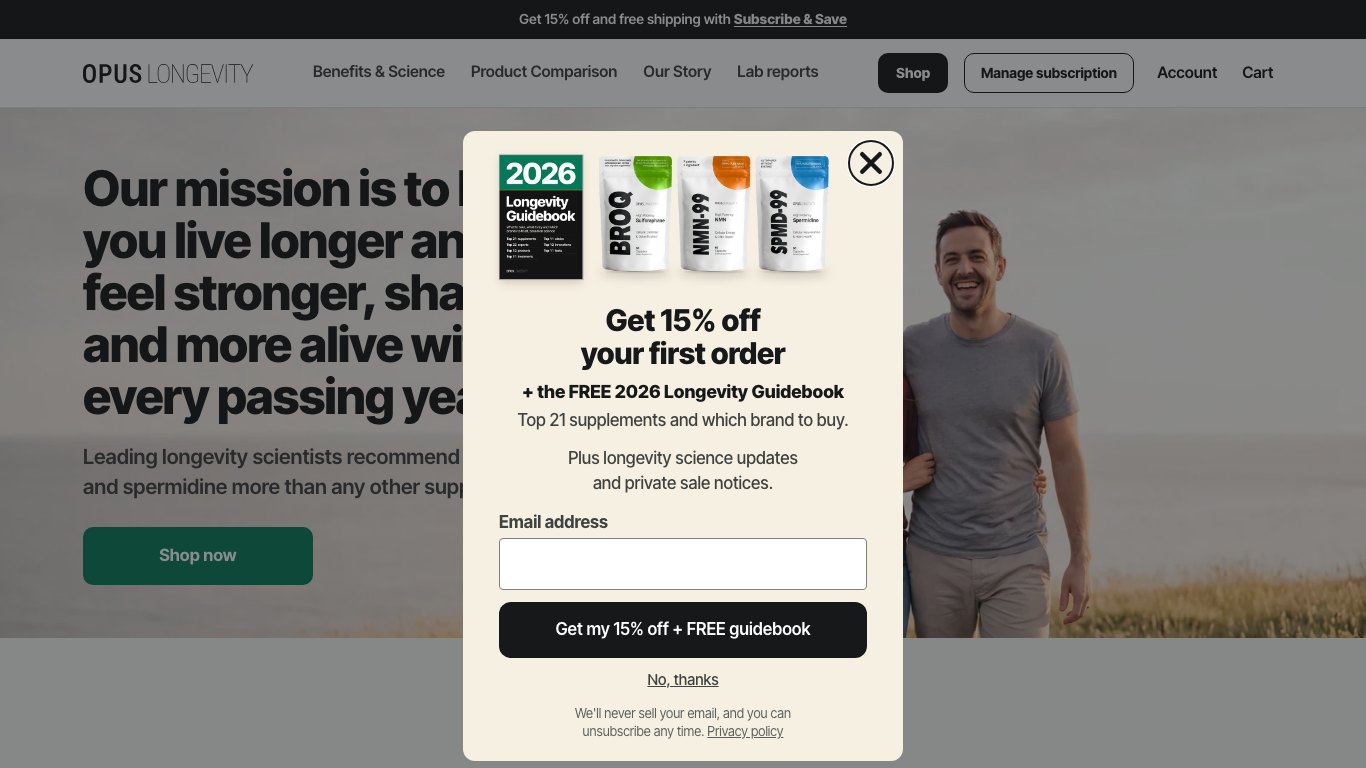
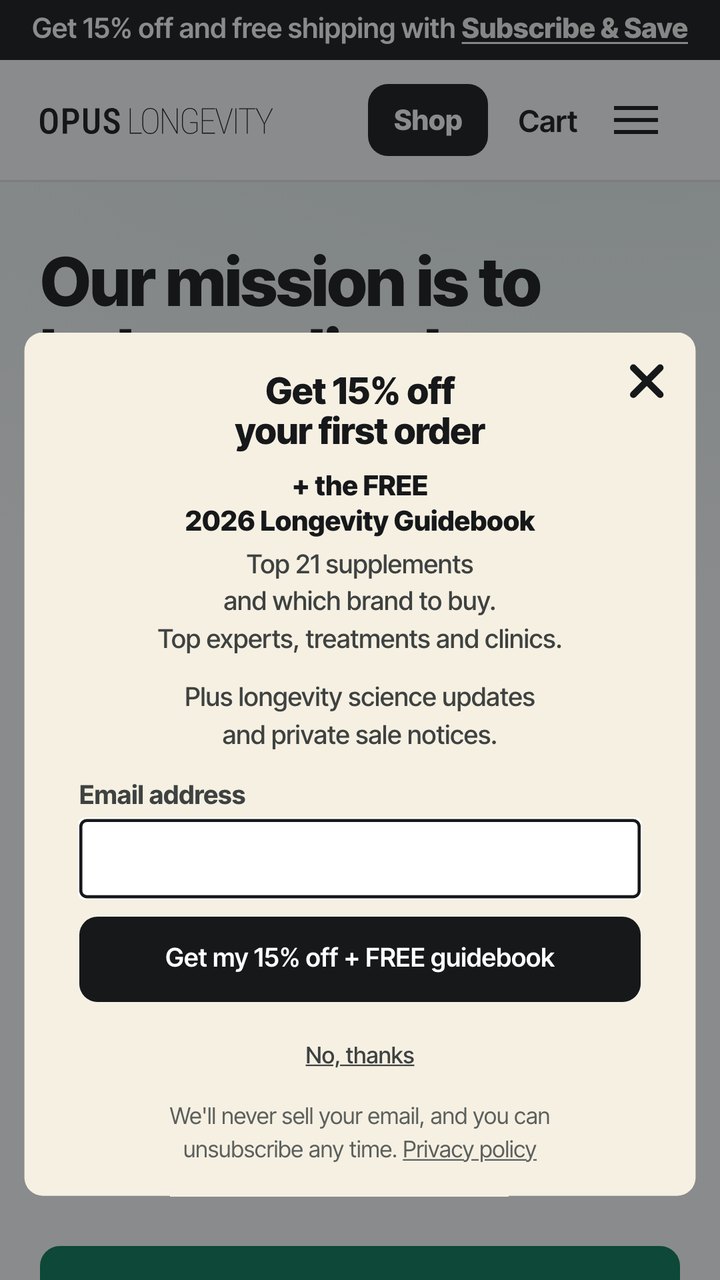
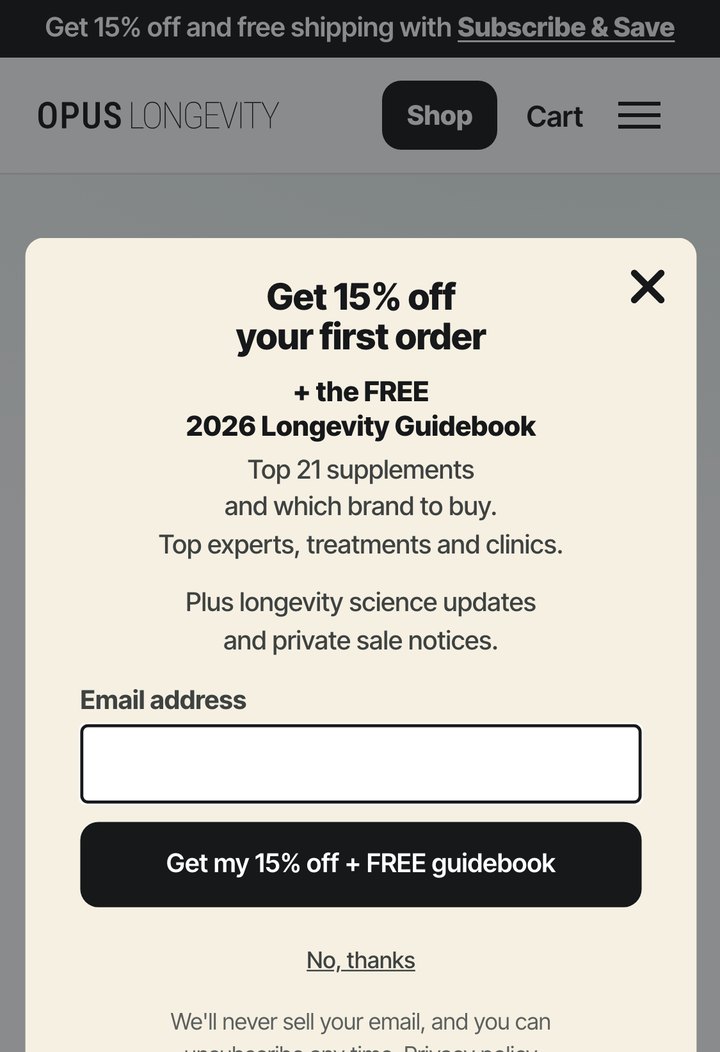
Version B on iPhone SE, scrolled to the bottom
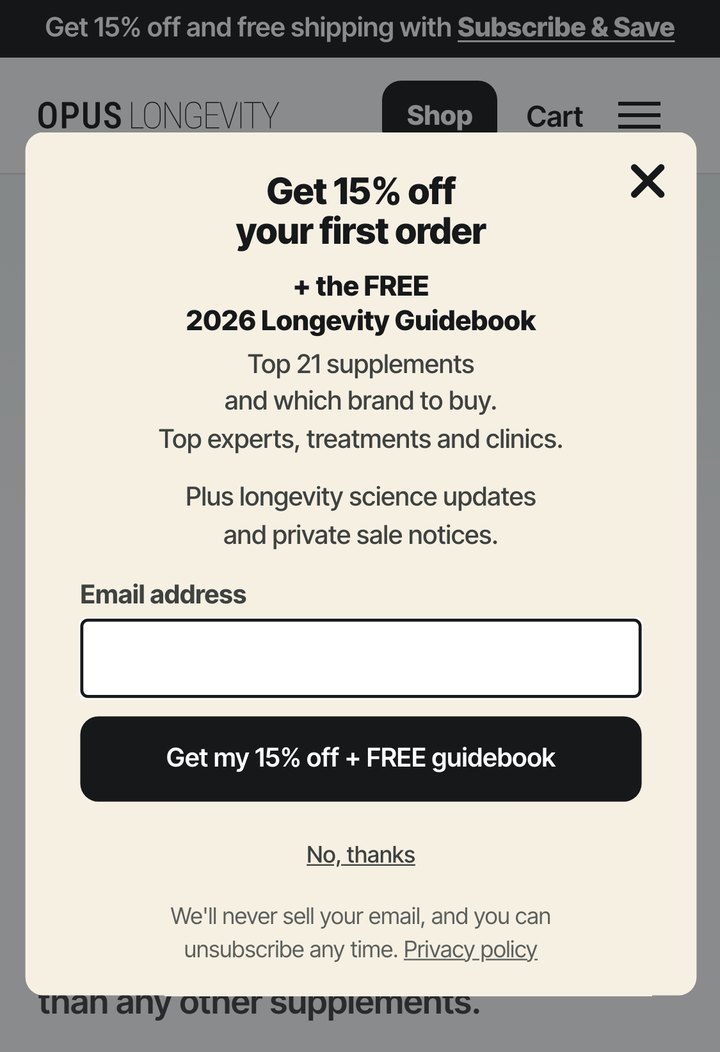
2b. Keyboard checks
The focus ring shows only for keyboard users. The close-button rule shows for everyone, but only on short windows (a phone held sideways, a laptop zoomed to 200%): the X stays pinned at the top while the card scrolls.
The Download button when it takes keyboard focus
Version B in a 1280x800 window zoomed to 200% (640x400), focus back on the close button
Version B on a phone held sideways (844x390), focus back on the close button
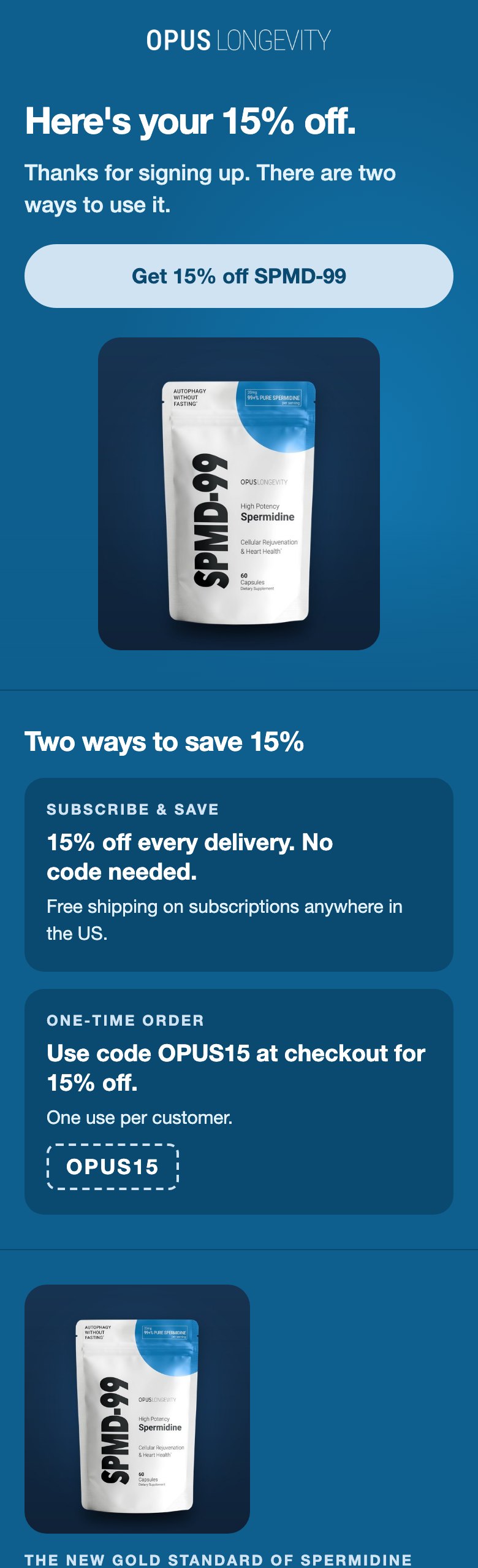
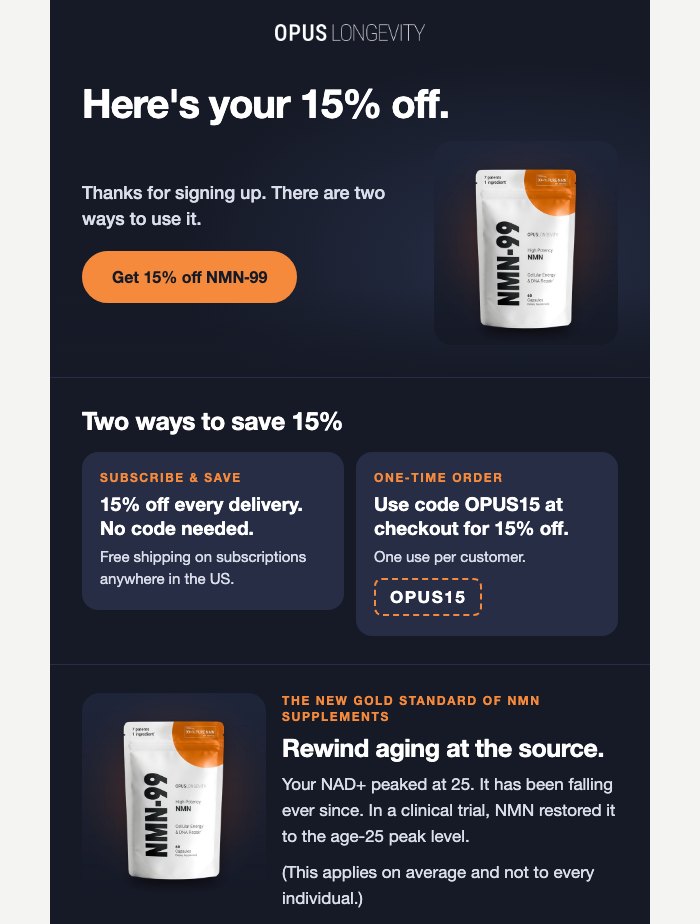
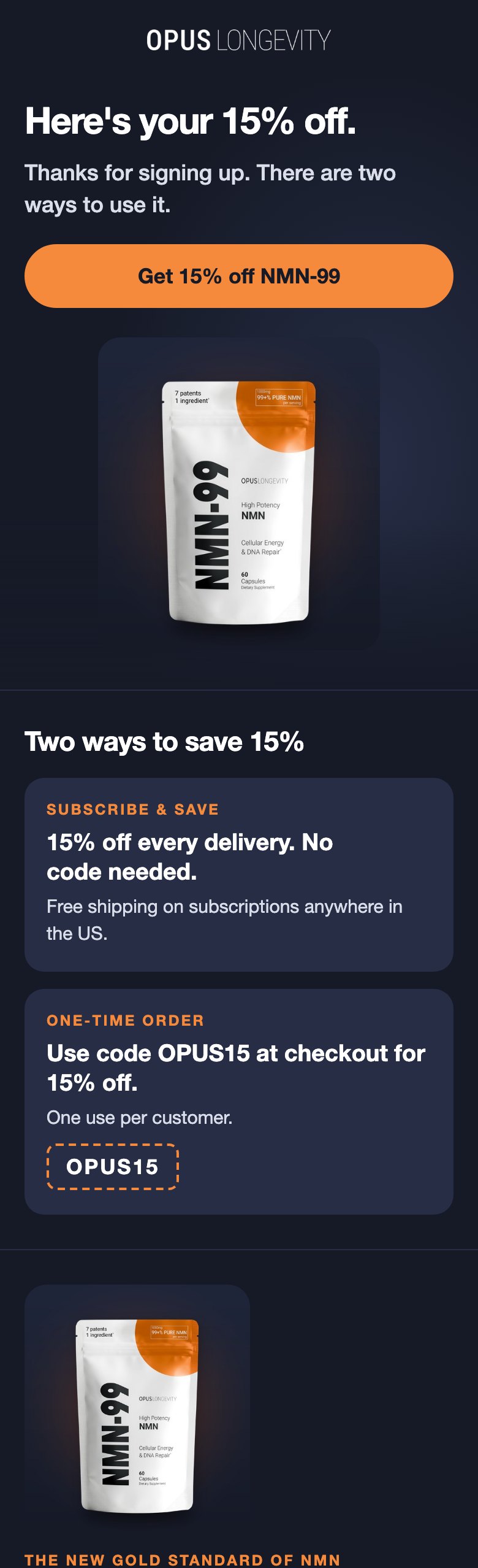
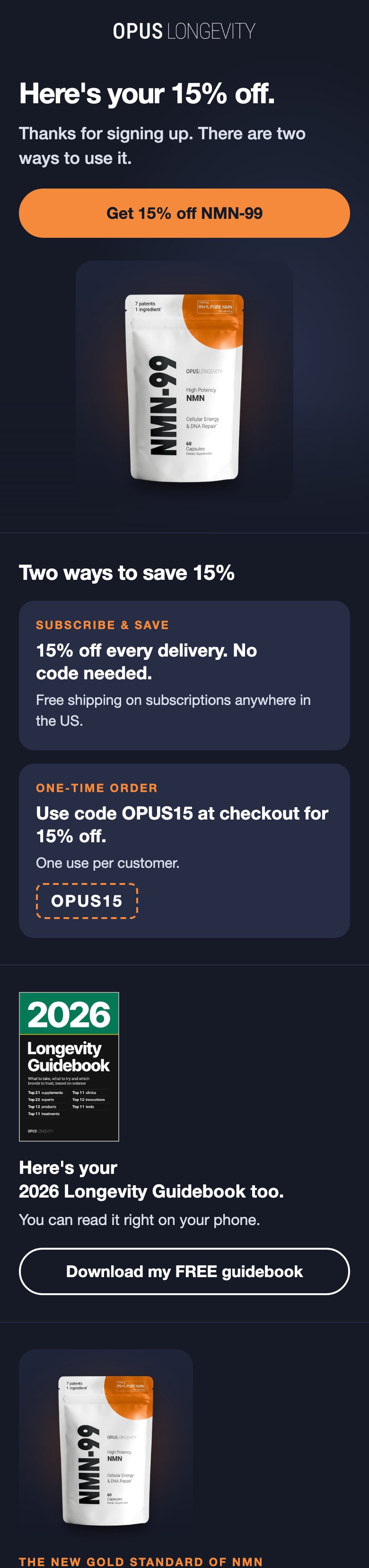
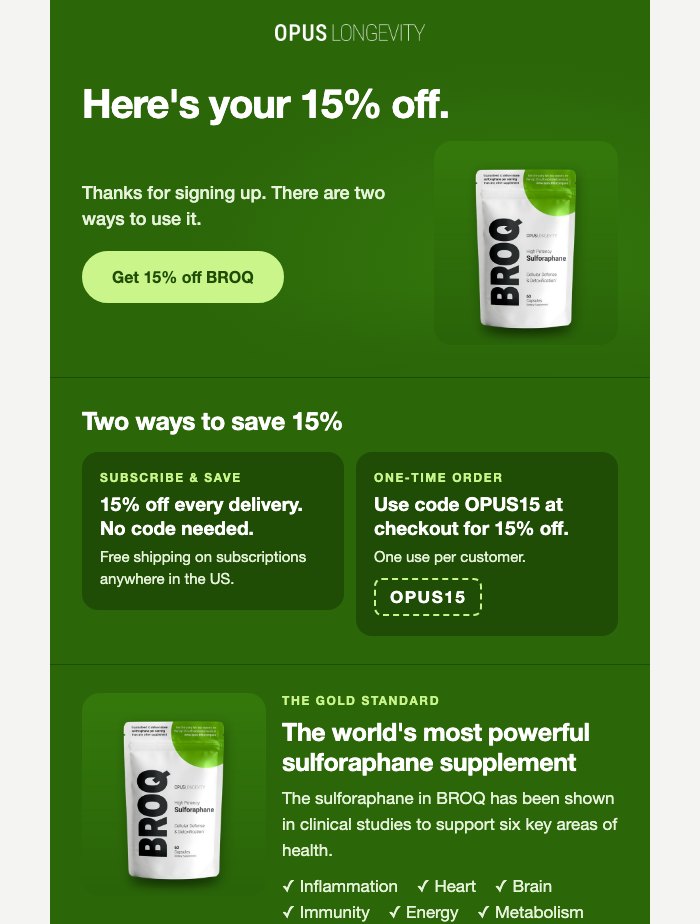
3. Welcome email 1 (TuGvED): the three product colours
The email takes its colour from the product that brought the subscriber in. Each row: live now, then the new version in light and in dark mode. The pictures stop a little below the new block; "open the email" shows the whole thing.
SPMD-99 colour (most sign-ups)
NMN-99 colour
BROQ colour
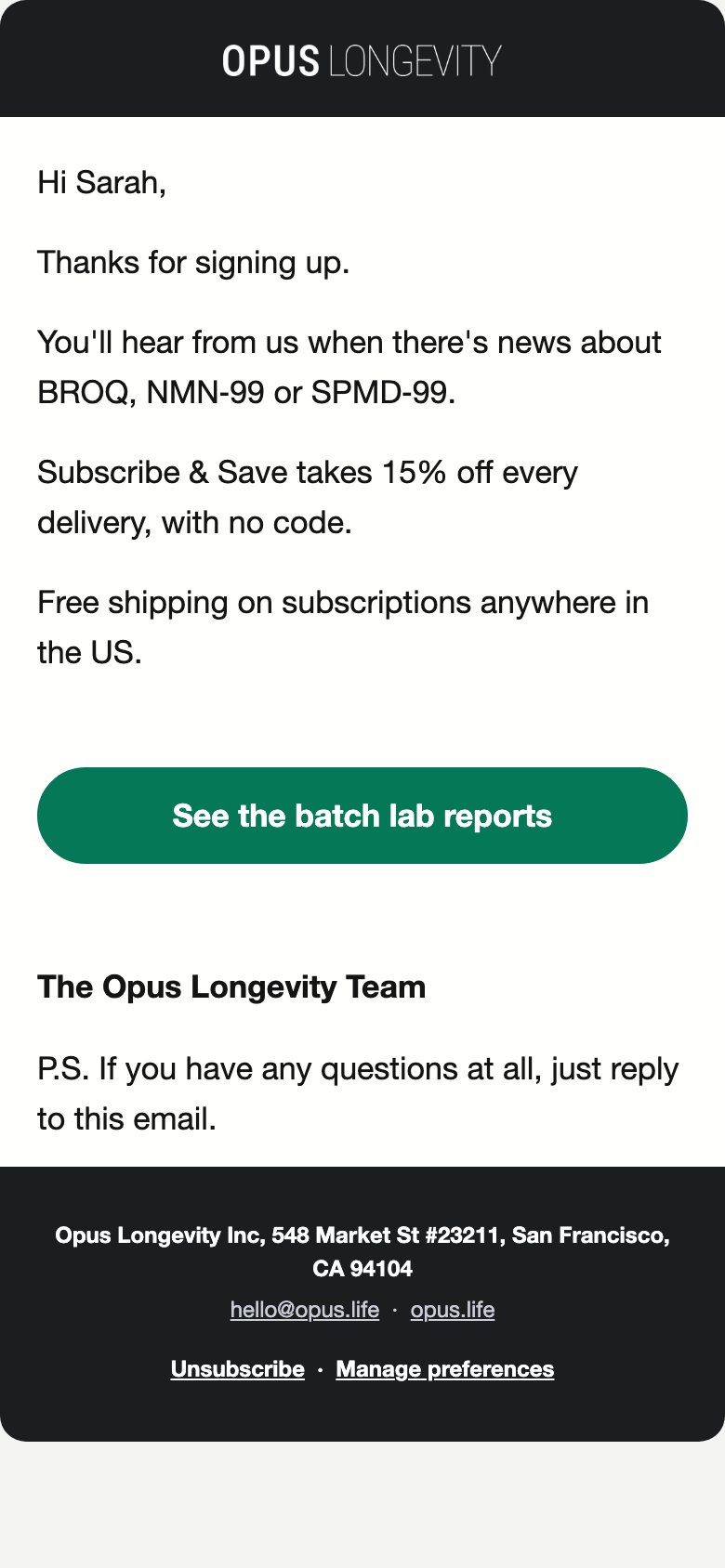
4. Thank-you email for people who already bought (W9Ld87)
This email has one look for everyone, so one colour is shown.
5. Checks
| Check | Result | Detail |
|---|---|---|
| Nothing wider than the screen | PASS | Pop-up: 20 renders (1280x800, 1366x768, 390x664, 360x640, 375x548). Emails: 48 renders (700 and 390 wide, light and dark). No sideways scroll in any. |
| Small phones: each email no wider than the live one (320, 360, 375) | PASS | 6 built emails (both templates, all three leads) at 320, 360 and 375 wide, each against the live email at the same width. Thank-you W9Ld87: page width equals the screen at all three (was 383px before fix pass 2). Email 1 TuGvED: the same width as the live email everywhere; the live email itself is wider than the screen in places (BROQ colour 365px at 320; BROQ colour 366px at 360; NMN-99 colour 365px at 320; NMN-99 colour 366px at 360; SPMD-99 colour 355px at 320; its own layout, not this block). |
| Cover whole, never cropped, 1px border | PASS | Pop-up desktop: packs and cover in one 1320x500 picture shown 400x152, ratio kept, cover with a 1px-equivalent #A3A39E ring, everything left of the close button (picture ends at x 369 of the card, the close ring starts at 385). Phone: cover alone, 45x66 on a 390 phone, ring baked in; the live CSS hides all pop-up pictures on screens 656px tall or less (so 360x640 and 375x548 show no cover, as the live packs photo does today). Emails: cover 104x156 (email 1) and 96x144 (thank-you), ratio kept, 1px #A3A39E border in light and dark. |
| Tap targets at least 44px (new controls) | PASS | Pop-up Download button: 281x46, 292x48, 304x50, 368x60 px (w x h) across sizes. Email Download button: 288x46, 310x46, 346x46 px. The step 1 button keeps the live button's exact size at every width (same height as live in all 10 renders); Klaviyo shrinks the whole phone form on small screens, so that button is 43px tall on a 360 phone today too. Already true of the live form and not changed here: on 360 and 375 phones the email field (40 to 43px), "Get my 15% off" (43px) and "No, thanks" (41 to 43px) are under 44. |
| Text contrast at least 4.5:1 | PASS | Pop-up: lowest 5.63:1 (the live small print, unchanged); every new line is ink #16181a or #3e4240 on cream (8.98 to 15.68:1). Email block: lowest 5.99:1 (16px light-blue line on the SPMD-99 blue). Outlined button ring against its ground: 6.89, 6.98, 13.45, 15.04, 17.34:1. |
| Fits below the site header (124px band) | PASS | B, desktop 1280x800: card 631px in 676px of room; B, laptop 1366x768: card 631px in 644px of room; A, laptop 1366x768: card 567px in 644px of room; B, phone 390x664: card 534px in 540px of room; B, small Android 360x640: card 432px in 516px of room. |
| iPhone SE in Safari (375x548), version B | NOTE | B's sign-up card is 450px in 424px of room, so its last 26px (the small print) sit one short scroll down; the pop-up scrolls inside itself (checked). Live B is 341px there. A fits (400px). Options are under Open points. |
| Step 1 button "Get my 15% off + FREE guidebook" on a 360 phone | PASS | One line, 43 and 43 px clear each side (manager's bar: one line, 12px). So the new words are used in both versions. |
| Download links | PASS | Pop-up (A and B): https://opus.life/pages/longevity-guidebook, new tab, so the code stays on screen. Both emails: cover and button link https://opus.life/pages/longevity-guidebook. Never the bare file address. |
| Live vs new: only the intended changes | PASS | Pop-up, each version: 9 blocks added (phone cover, guidebook line, inside line, phone-only line, success line, Download button), 4/5 live blocks changed (picture swapped to packs plus cover; phone headline gap 32 to 10px now the cover sits above it; step 1 button words; B only: updates line gap 6 to 14px). Nothing removed; display rules, hidden fields ($source, opus_popup_version), list, colours, fonts, teaser all identical. Custom CSS: the live rules unchanged, with two rules added at the end, the same in A and B (fix pass: the Download focus ring and Close kept in view on short windows). Email 1: one 20-line block inserted, 0 live lines changed. Thank-you: one 22-line block inserted, plus two 6-line dark-mode additions (the button ring and, fix pass 2, the panel colour) and one 5-line small-phone rule (fix pass 2), 0 live lines changed. |
| Keyboard focus ring on Download (fix pass) | PASS | A 2px ink outline 3px outside the button, on keyboard focus only (:focus-visible), scoped to the Download button. Pixels that change when Download takes focus, before to after: A 1280x800: 3619 to 7037 px; A 390x664: 5642 to 11872 px; B 1280x800: 3619 to 7037 px; B 390x664: 5642 to 11872 px. Shop, Copy and Close: the same counts before and after (untouched). |
| Close in view when keyboard focus wraps to it (fix pass) | PASS | Short or zoomed windows: A 640x400: Close at y 10 before, y 10 after (in view); A 844x390: Close at y -103 before, y 10 after (in view); B 640x400: Close at y -69 before, y 10 after (in view); B 844x390: Close at y -166 before, y 10 after (in view). Normal sizes (1280x800, 1366x657, 1366x768, 1536x701, 390x664, A and B): Close exactly where it was before, and every pop-up render at the five check sizes is unchanged on desktop (pixel for pixel). |
| 400% zoom, narrow layout (320x256) | NOTE | Not covered by the rule (it leaves widths of 480px and under alone). When focus wraps to Close it sits above the screen (A y -54, B y -62). Documented risk for Mike, with Adrian Roselli's reason: 400% zoom only; "No, thanks" stays in view and closes the form; Close takes focus out of sight for one Tab stop. |
| Email headings on phones: no word alone, title whole (fix pass) | PASS | Both emails at 320, 360, 375 and 390 wide: "Here's your / 2026 Longevity Guidebook too." (email 1, all three colours) and "Here's your / 2026 Longevity Guidebook." (thank-you). Desktop: one line, as before. Non-breaking spaces only; no word changed. |
| Email cover link inside the bordered cell (fix pass) | PASS | Both emails: the link now sits inside the 1px-bordered cell, around the image, so no table is wrapped in a link (the pattern Klaviyo strips). Same border, size (104x156 and 96x144) and alt text ("Download the 2026 Longevity Guidebook"). |
| Email 1 guidebook line is a heading (fix pass) | PASS | An h2 with the same inline styles (19/25px, 800, white), no class "h2", Gmail spans kept. Screen reader heading list now reads: "Here's your 15% off.", "Two ways to save 15%", "Here's your 2026 Longevity Guidebook too.", then the products. Desktop renders are pixel for pixel the same as before in all three colours, light and dark. |
| Thank-you email in dark mode: panel kept, alt text readable (fix pass 2) | PASS | The panel turns #26262a in dark mode (it used to turn the card's own #1b1b1d and vanish), for this block alone. Inside it, at 320 to 390 wide, light, dark and dark with images off: lowest text contrast 13.45:1; the cover's alt text with images off 13.45:1 in dark (was 1.07:1); the button ring 13.45:1. |
6. Open points
- iPhone SE in Safari (375x548), version B. The card is 26px taller than the room, so the small print sits one short scroll down inside the pop-up. Choices: keep it; hide the phone-only line "Top experts, treatments and clinics." on screens under about 600px tall (one custom CSS rule); or drop that line on phones altogether. Version A fits.
- 400% zoom on a narrow window (320x256). When keyboard focus comes back round to the close button, it sits above the screen for that one Tab stop. "No, thanks" stays in view and closes the form. Left as a known risk: the fix that works at 200% moves the close button out of place at that size.
- At go-time. Upload the two pop-up pictures and the email cover to Klaviyo and swap them in. The pictures here are served from this preview site.
Ad landing pages: FREE guidebook only
- Where it shows. Only on the ad landing pages (
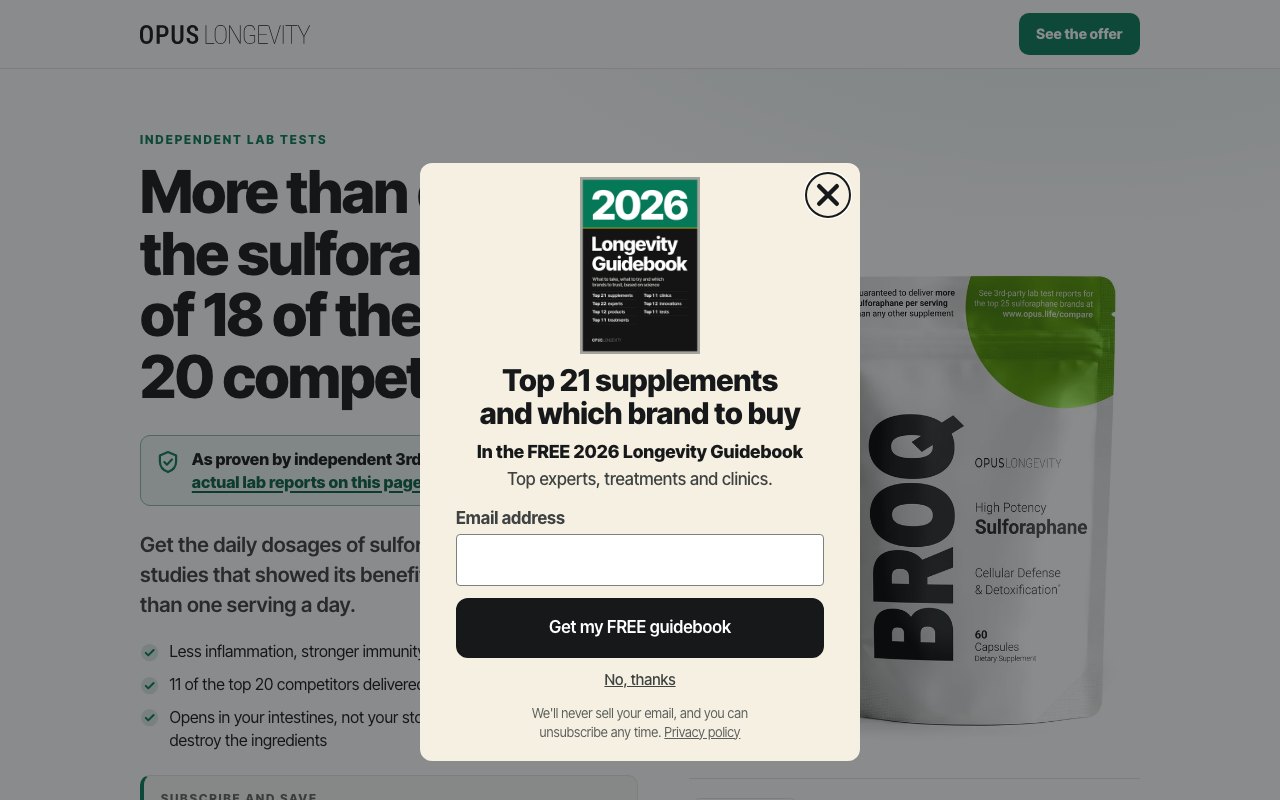
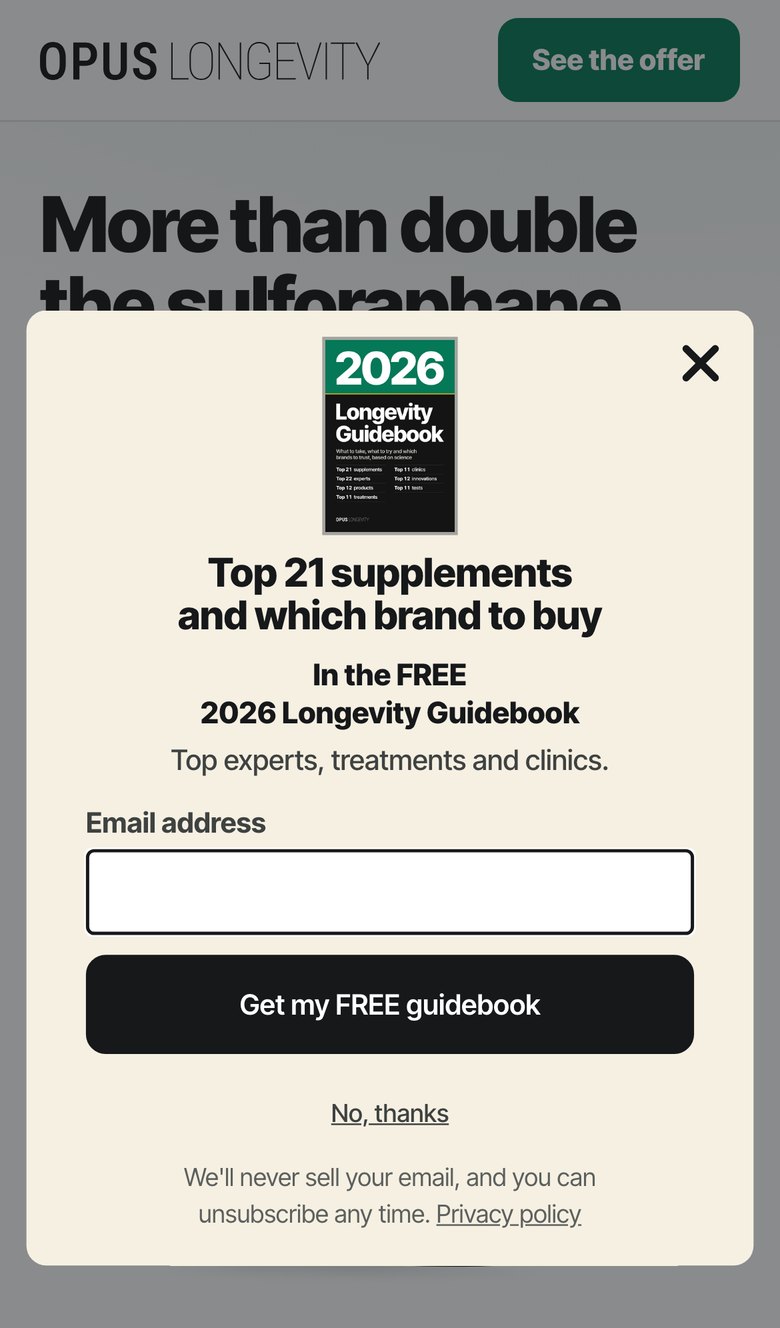
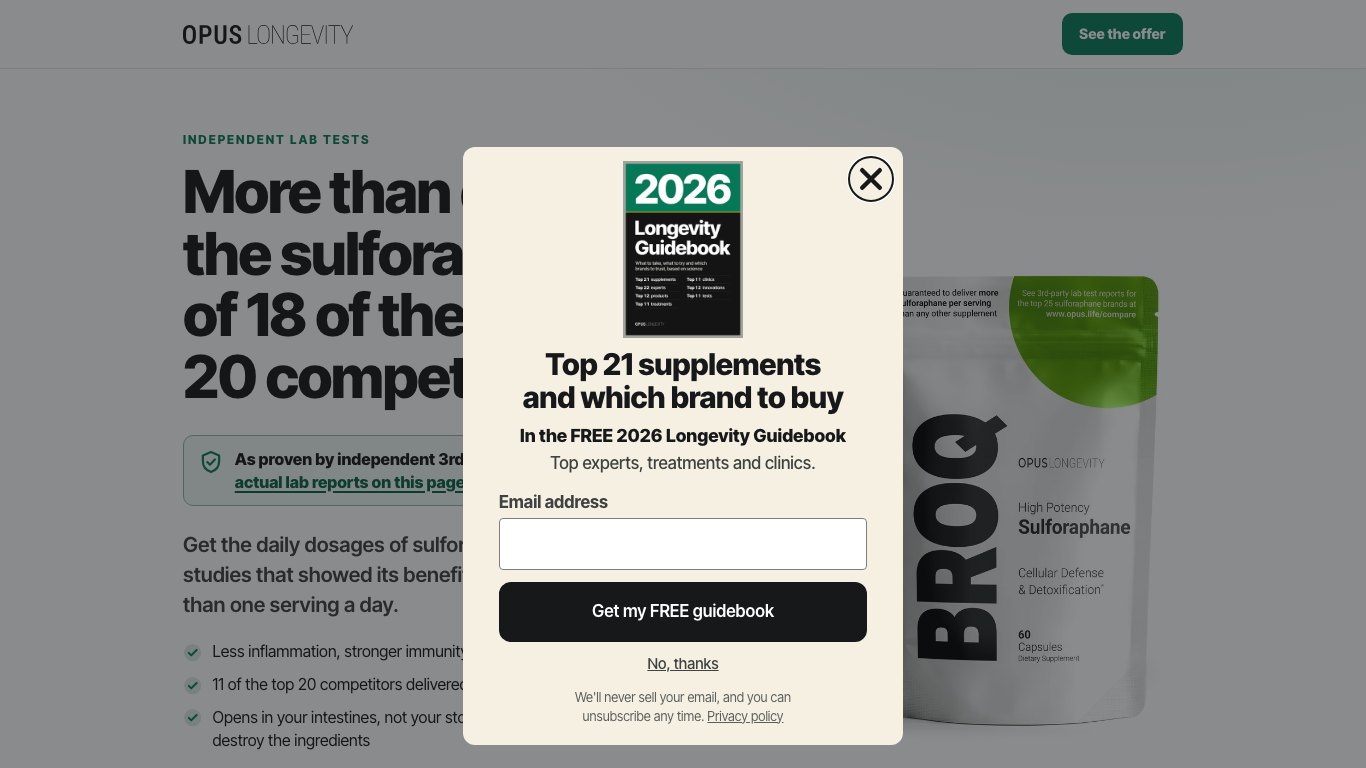
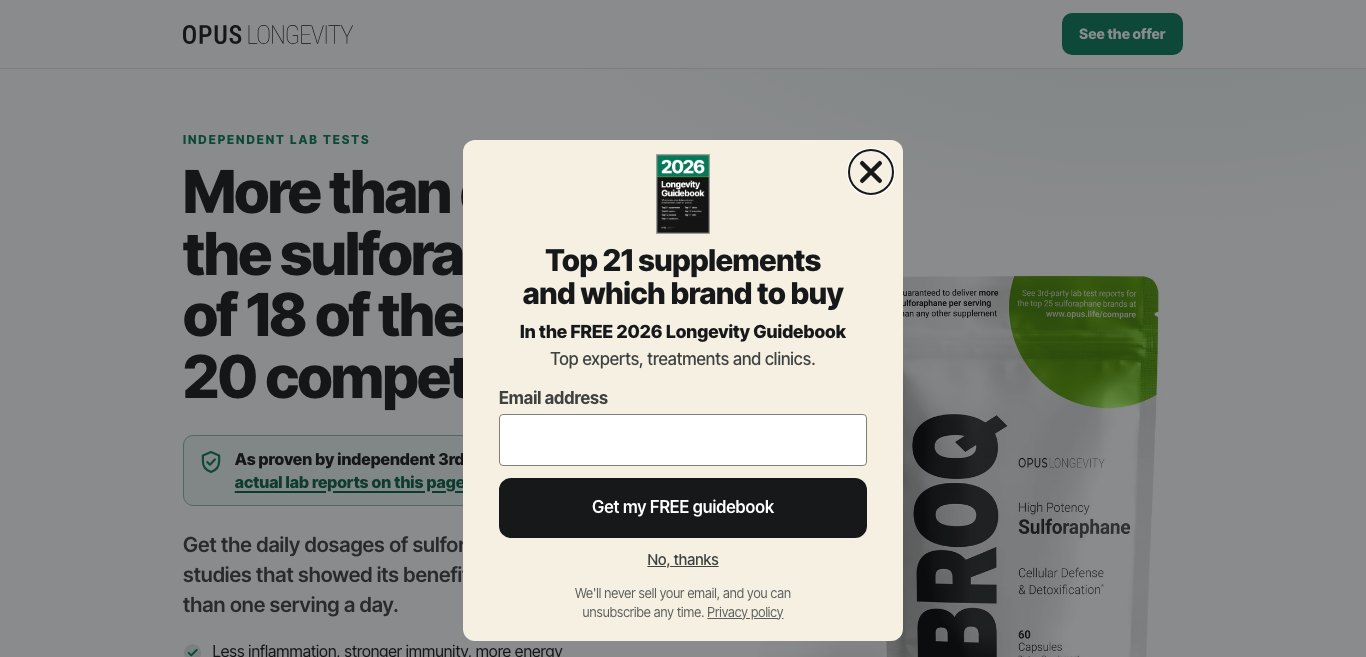
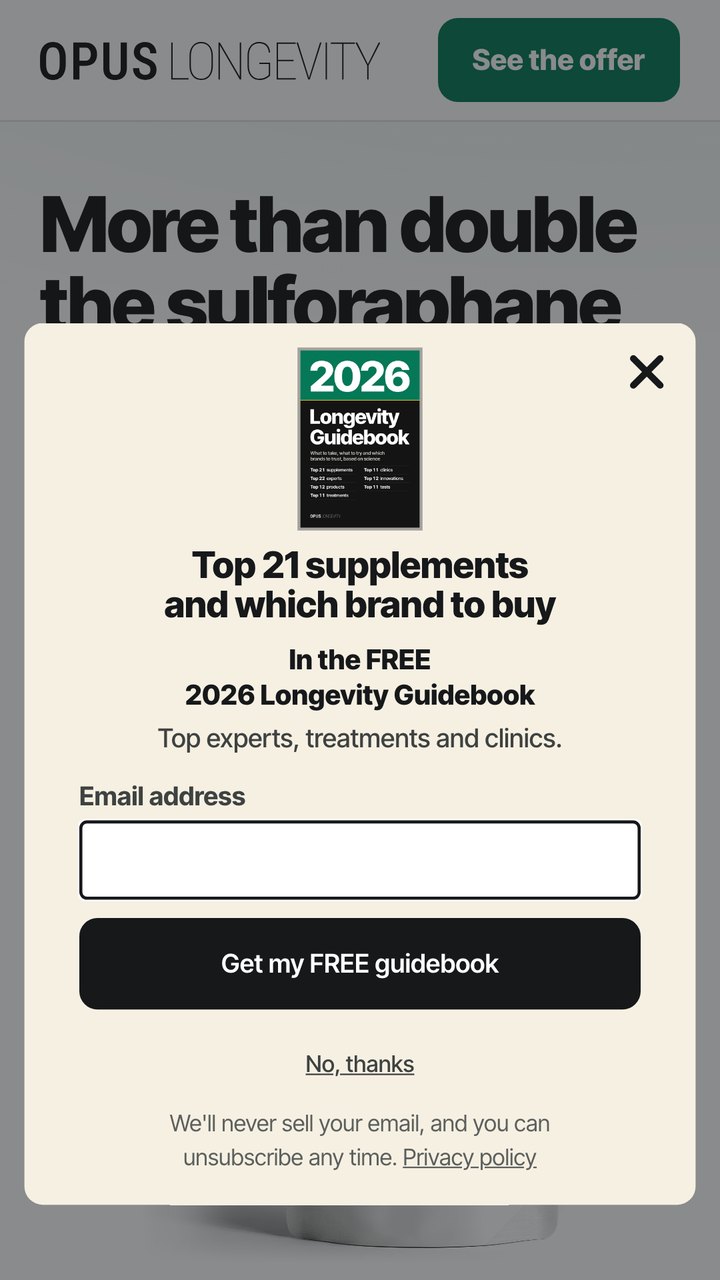
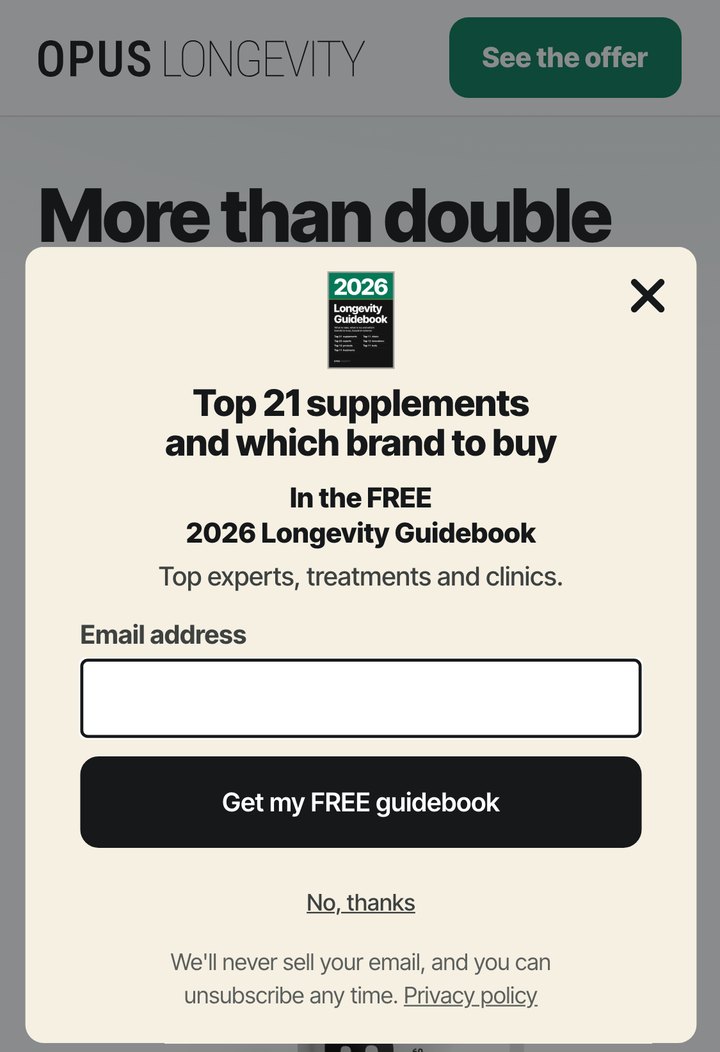
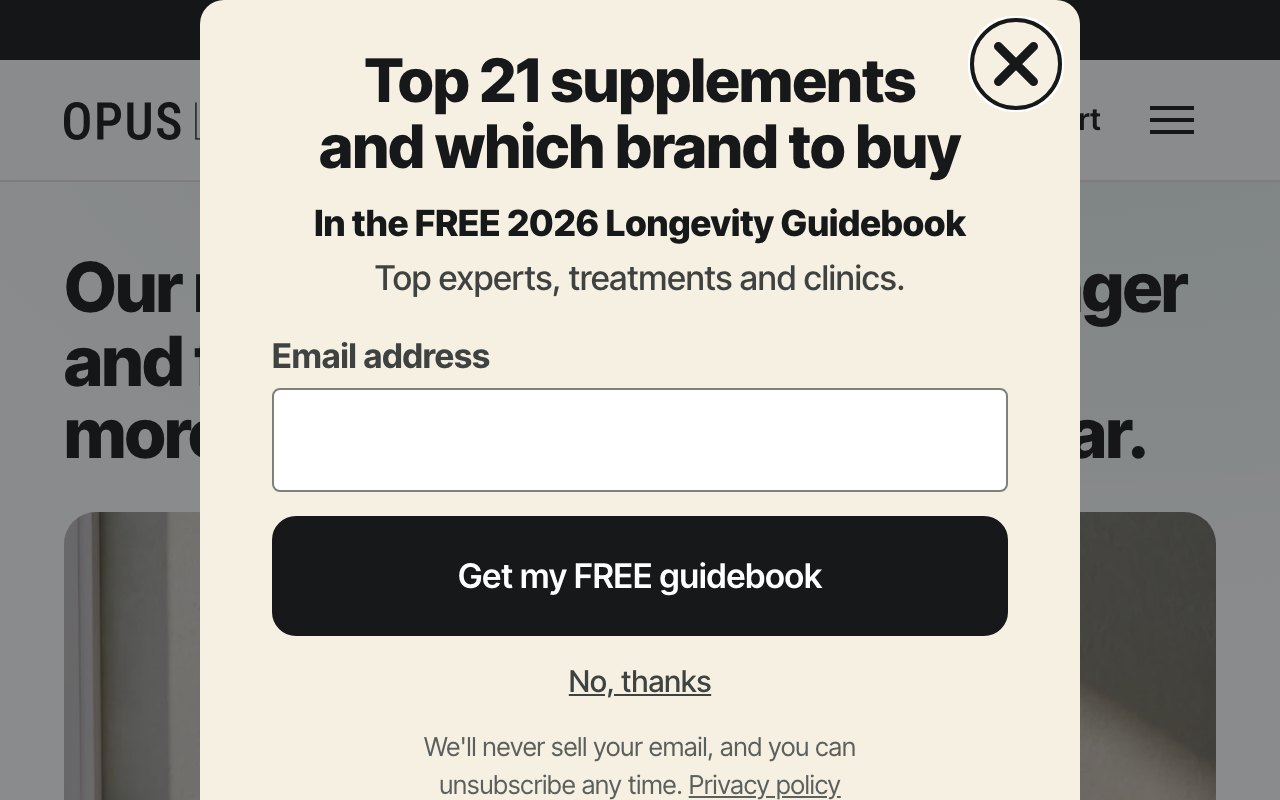
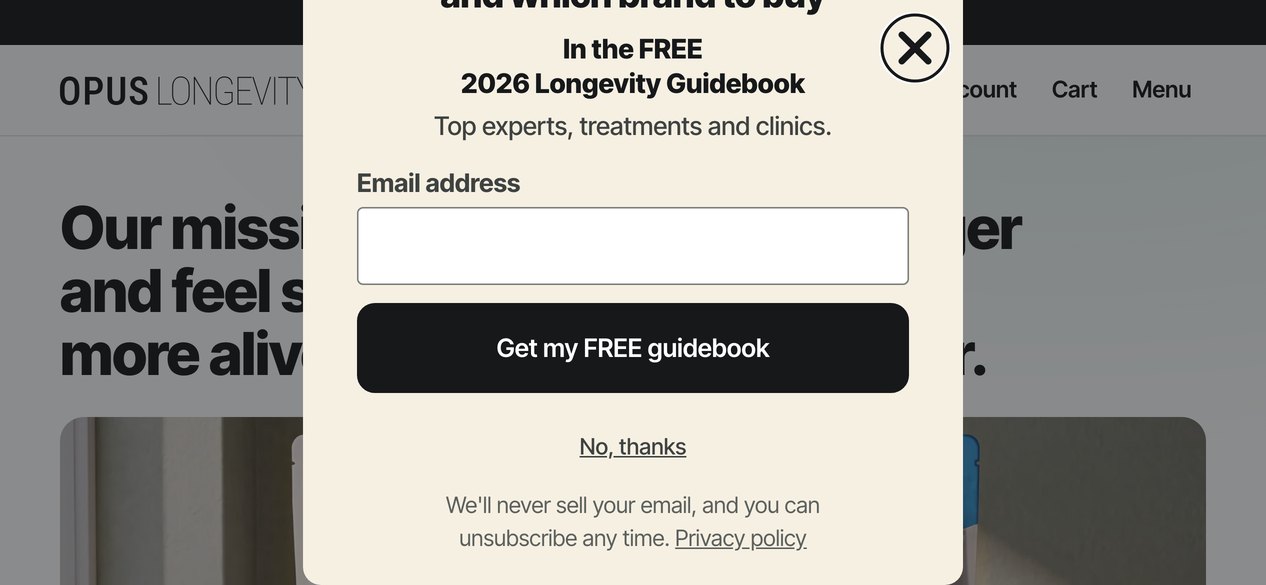
/pages/broq*,/pages/nmn-99*,/pages/spmd-99*,/pages/stack*,/pages/top-3-supplements*,/pages/top-5-supplements*,/pages/top-7-supplements*,/pages/lab-tested*), 12 seconds after the page opens, to people we don't know yet, once every 14 days, never again after they sign up (the same rules as the site pop-up). The site pop-up comes off those pages. - Pop-up. The guidebook cover on top, "Top 21 supplements and which brand to buy", "In the FREE 2026 Longevity Guidebook", "Top experts, treatments and clinics.", the email field and "Get my FREE guidebook". No 15%, no code, no teaser tab.
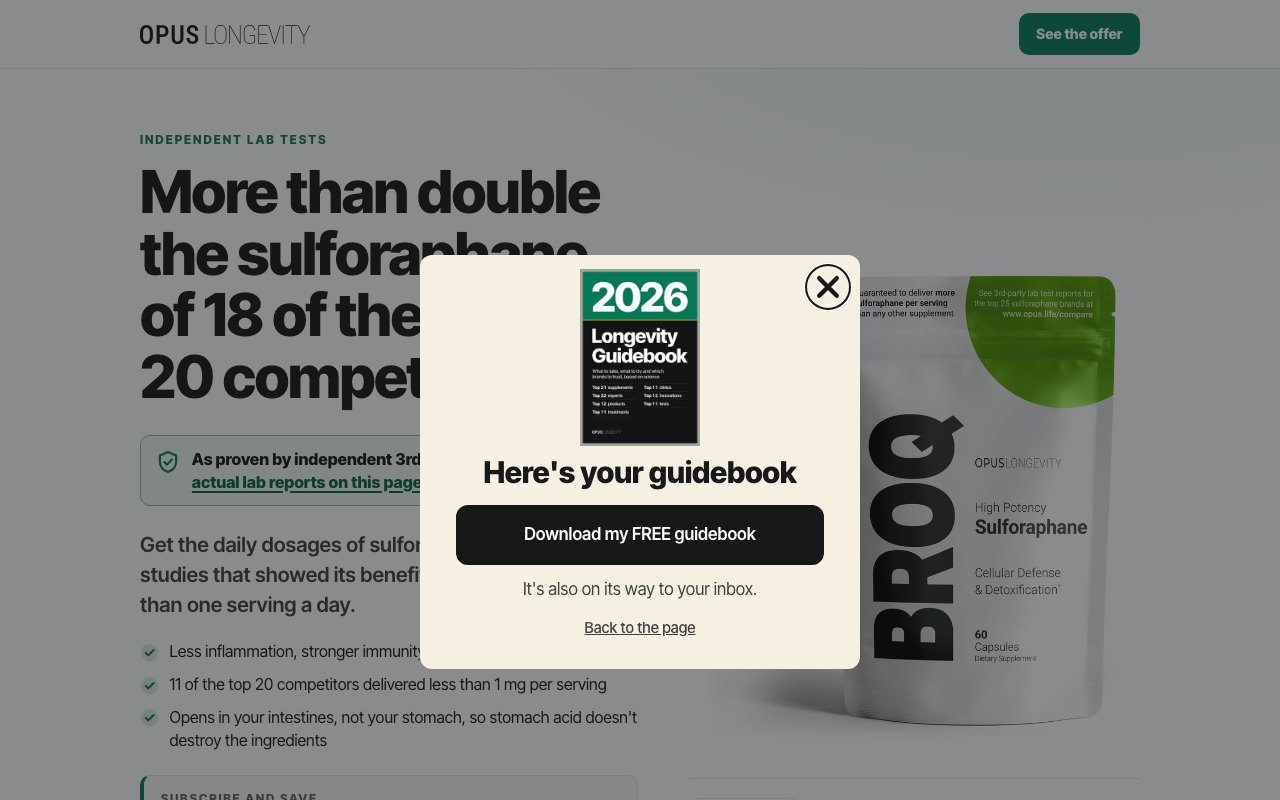
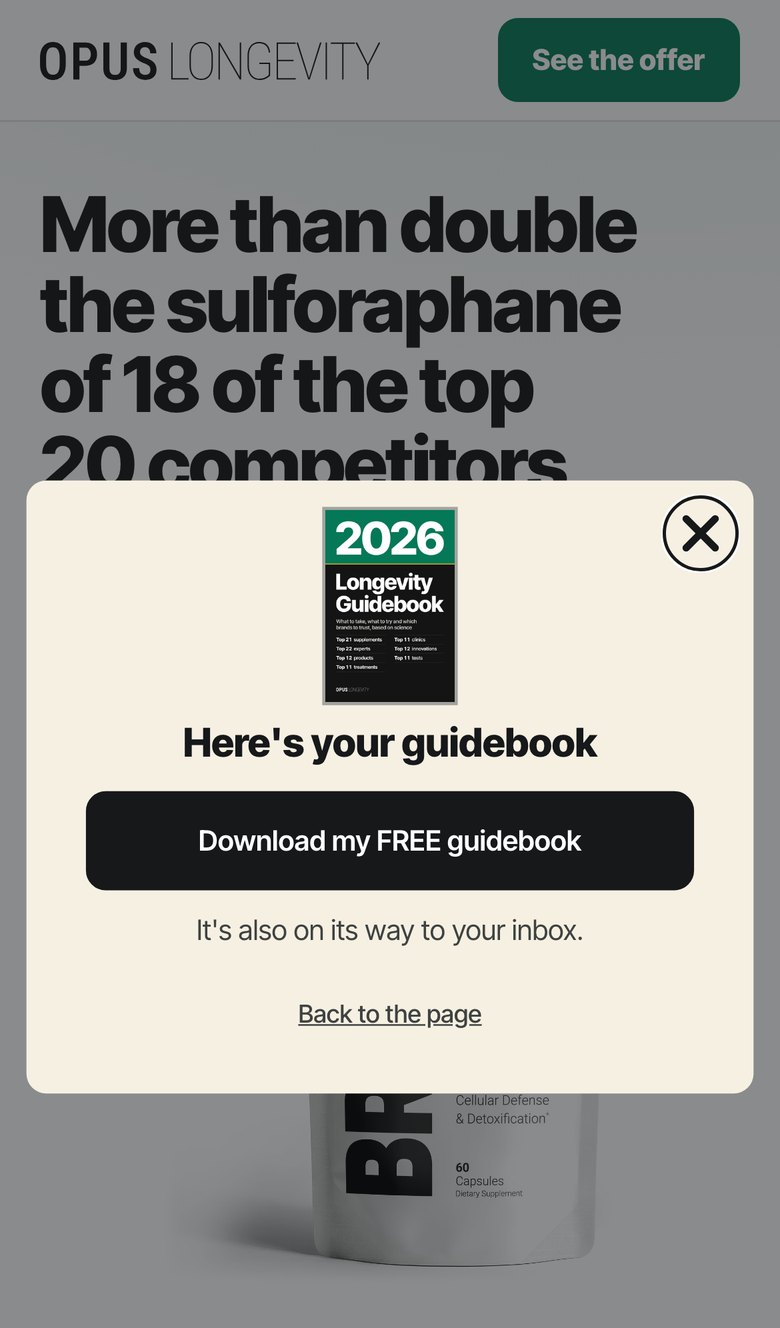
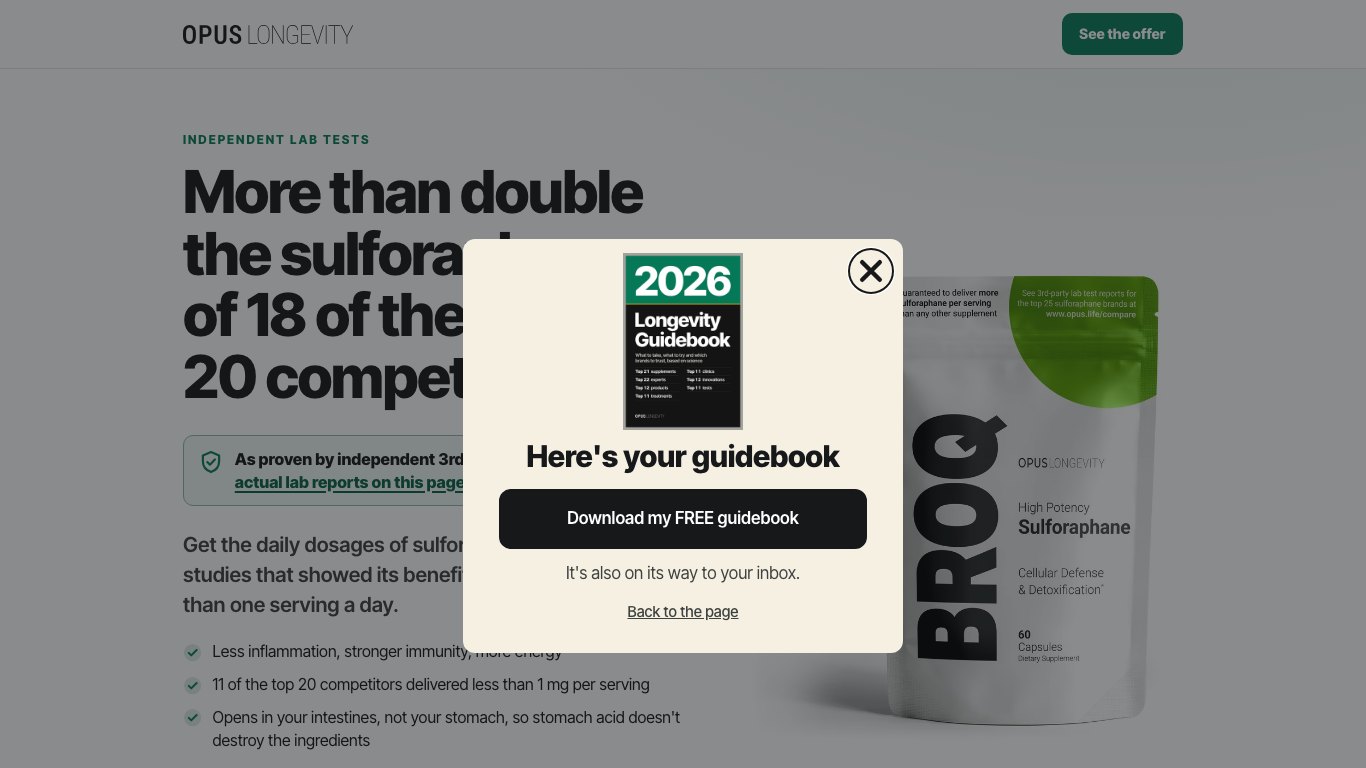
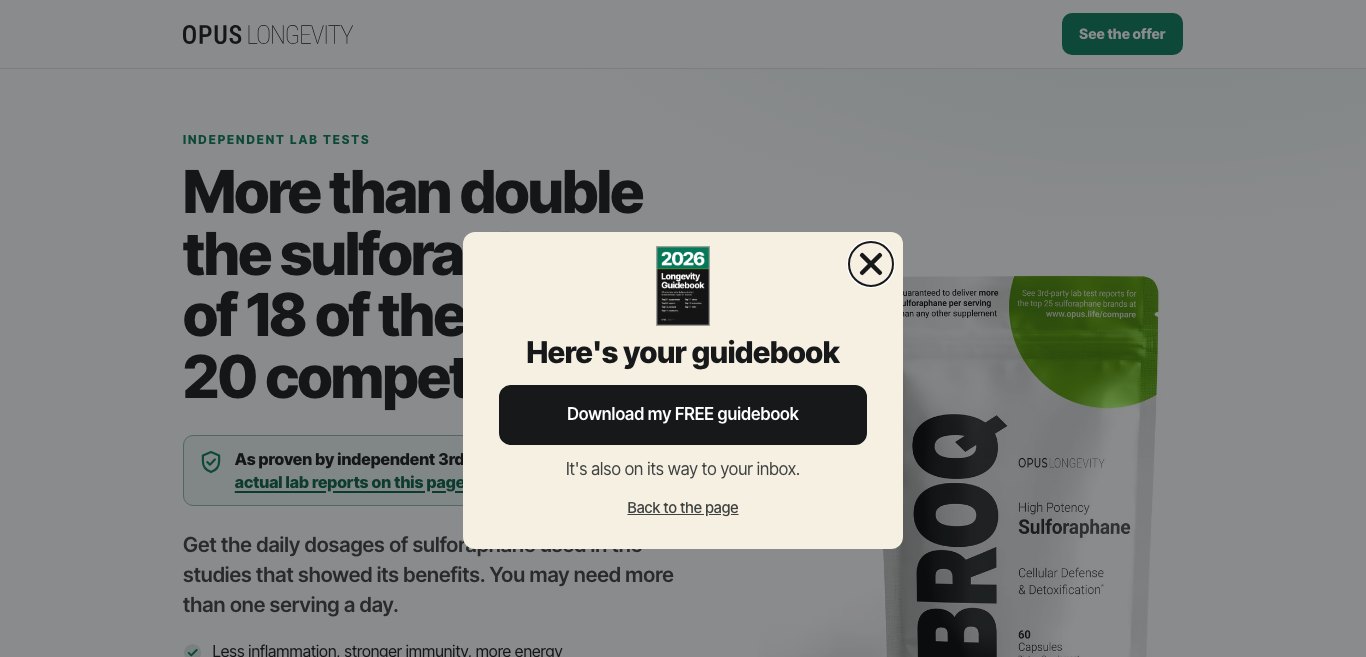
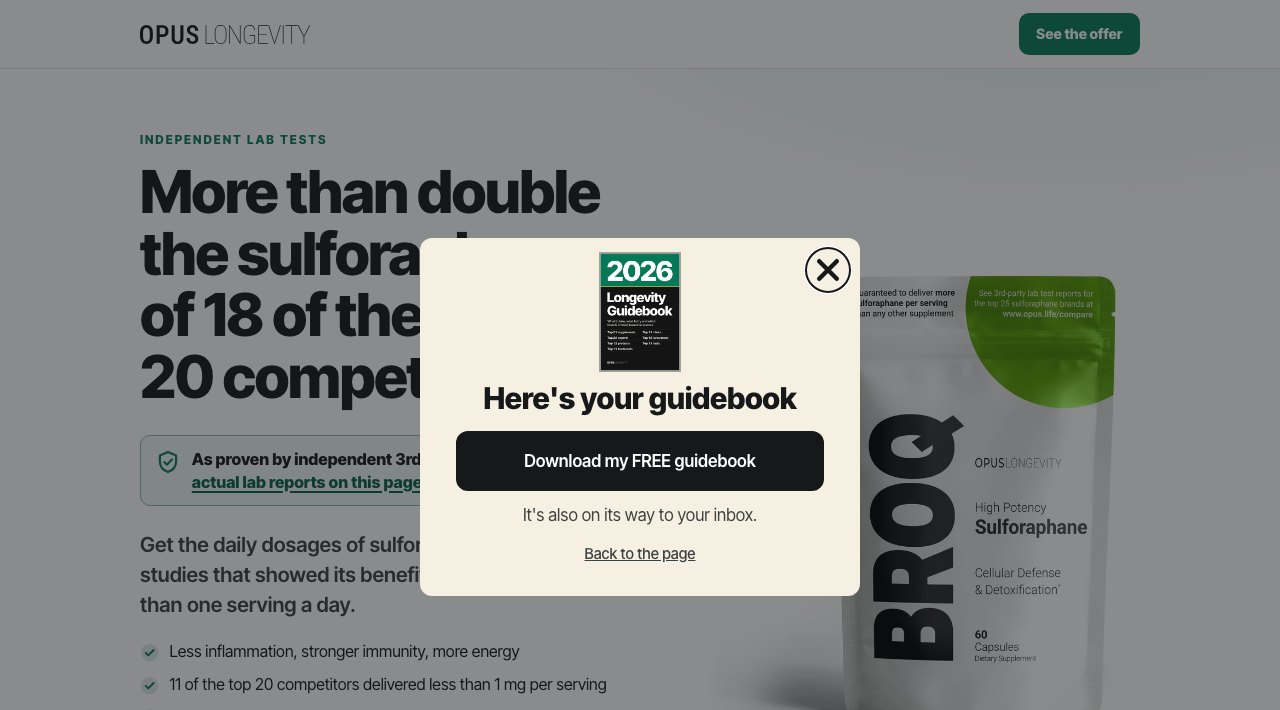
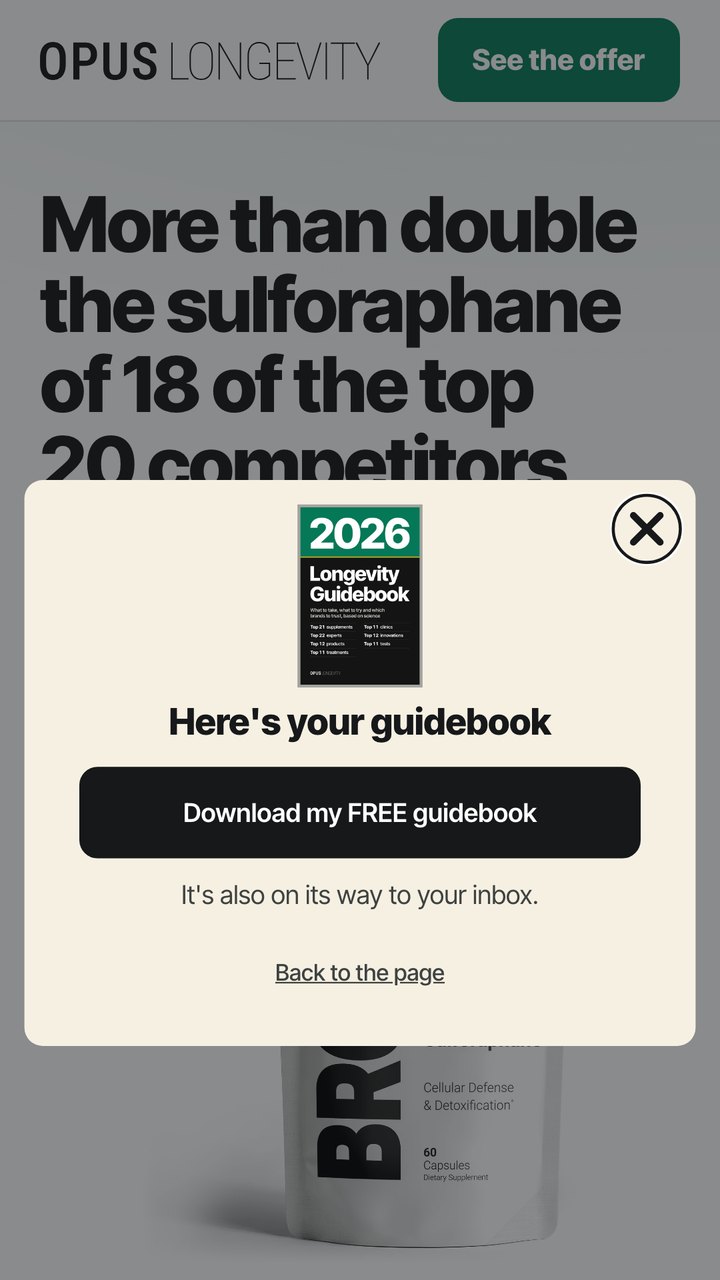
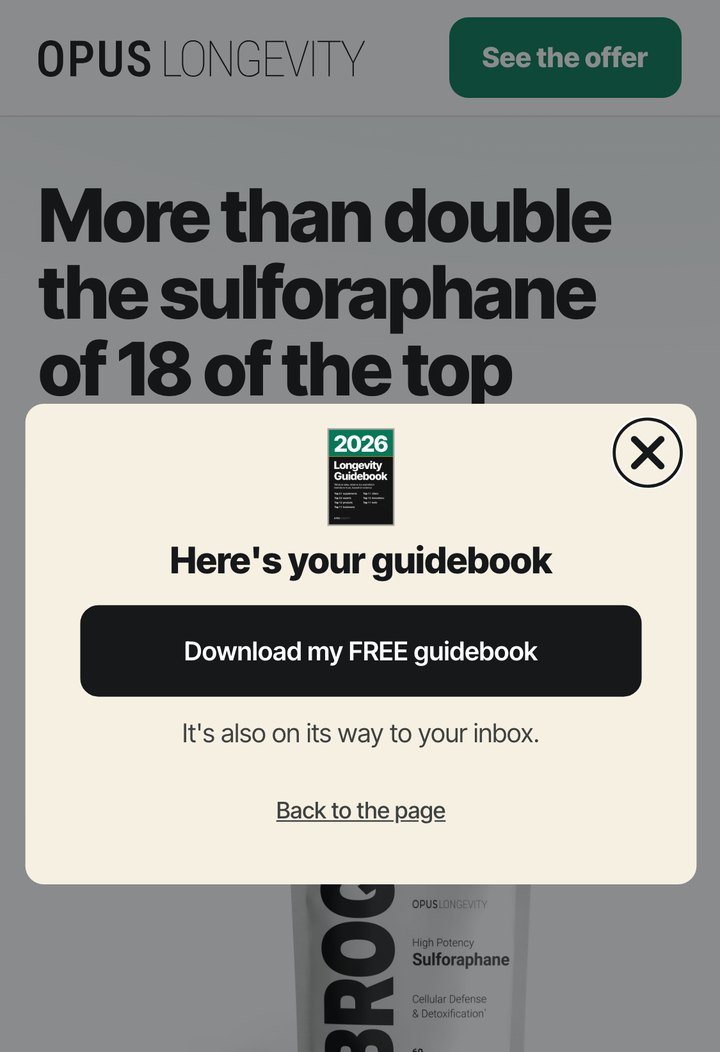
- Success step. "Here's your guidebook", a filled "Download my FREE guidebook" button (opens the guidebook in a new tab, so the ad page stays open behind it), "It's also on its way to your inbox." and "Back to the page", which just closes the pop-up. Nothing else sends people off the ad page.
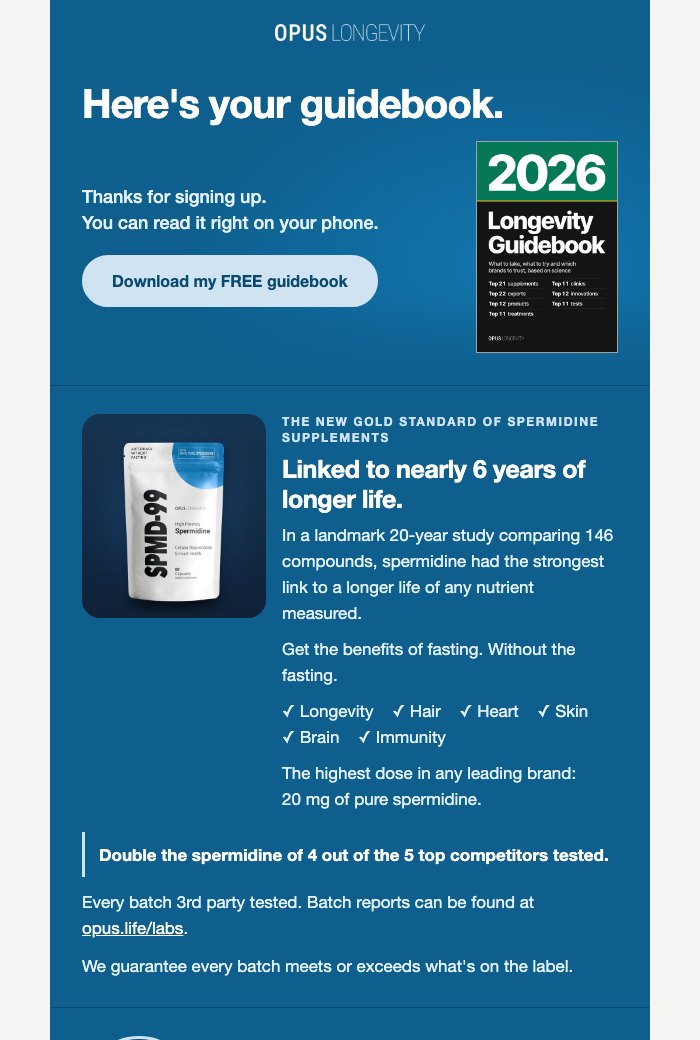
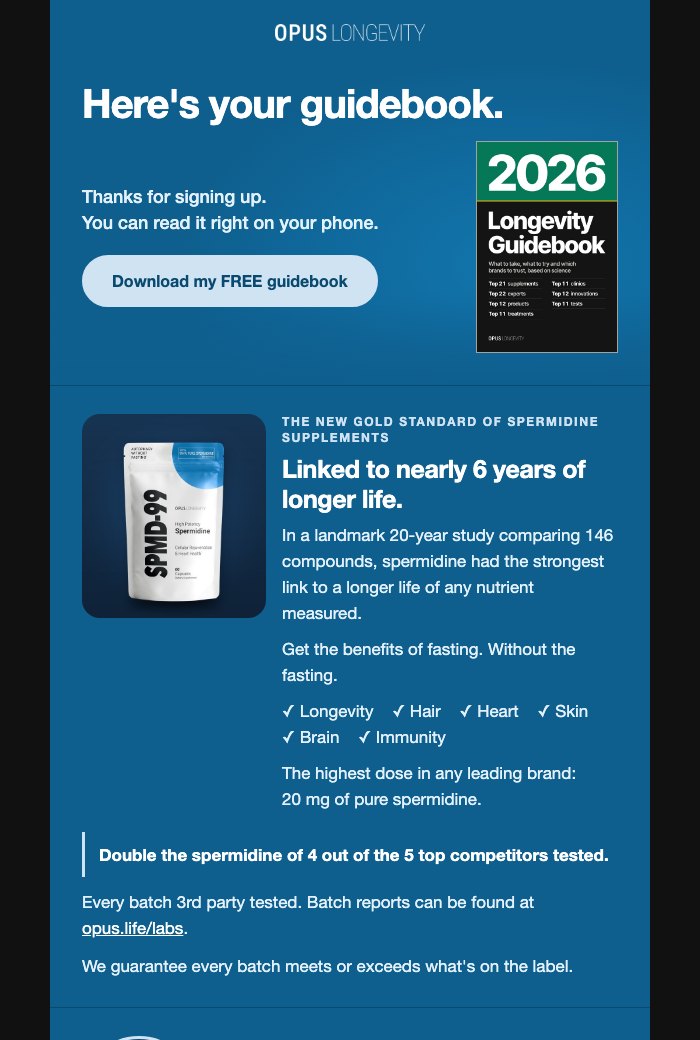
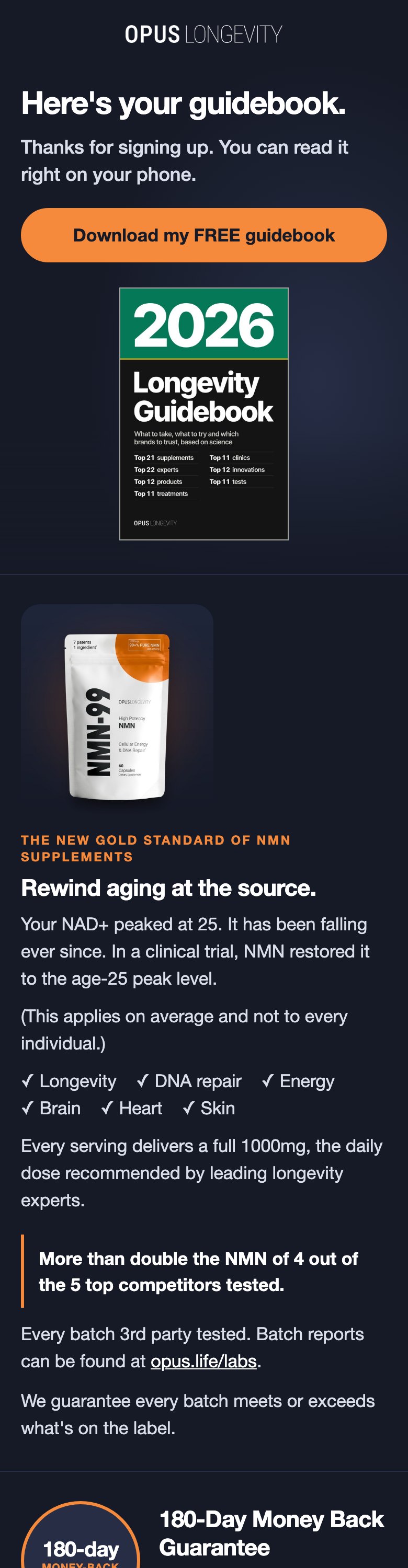
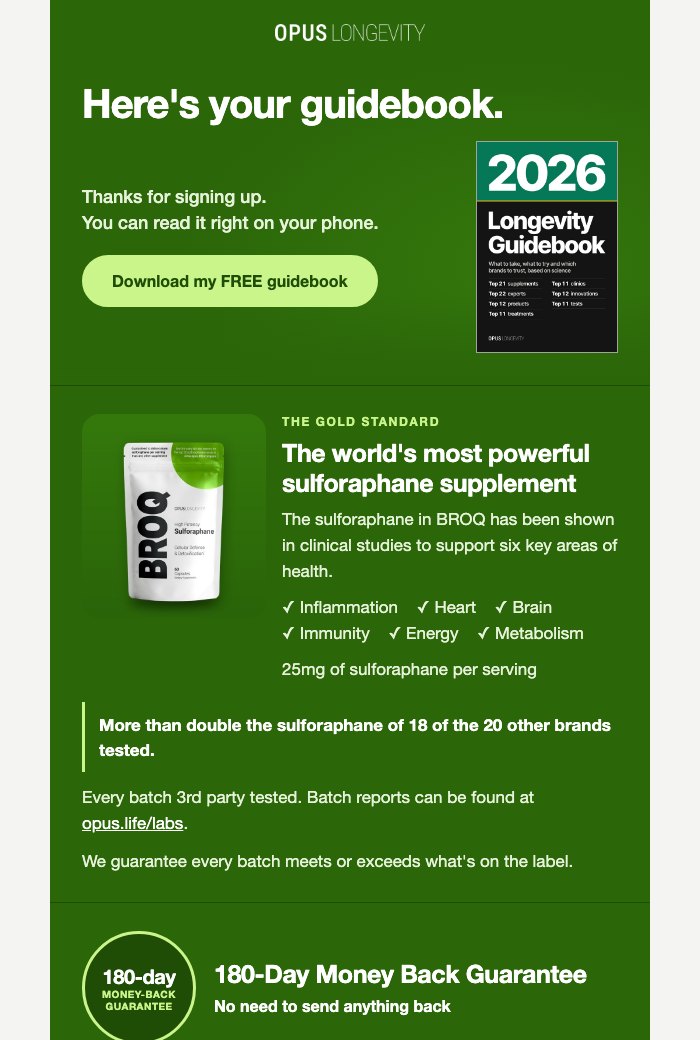
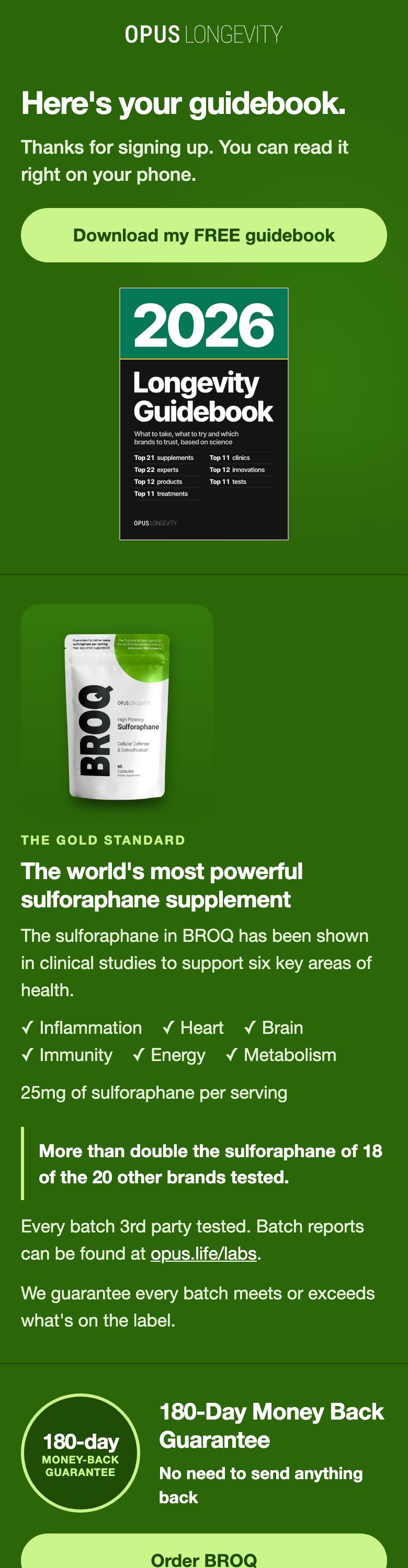
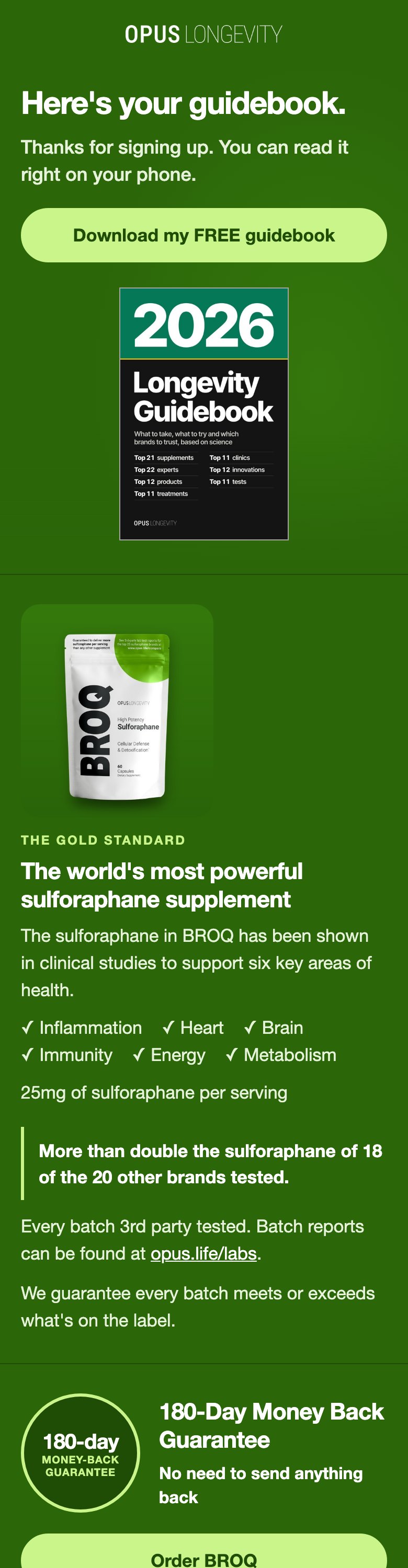
- Welcome email 1. Subject "Here's your 2026 Longevity Guidebook". The hero says "Here's your guidebook." with the cover in place of the product picture and a Download button. The "Two ways to save 15%" panel is gone, and the product buttons say "Order BROQ", "Order NMN‑99" and "Order SPMD‑99". Everything else is as live.
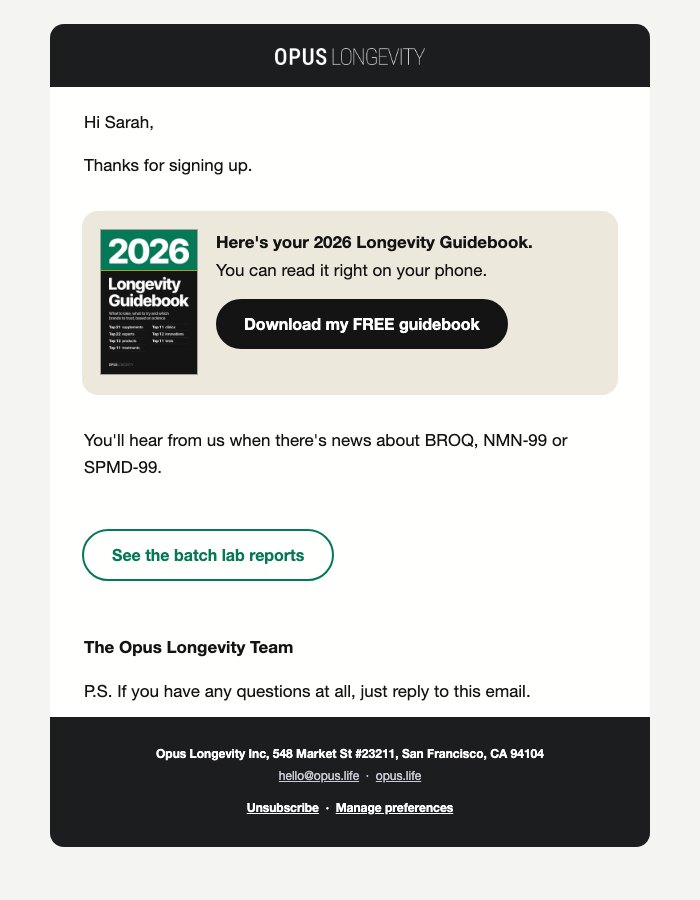
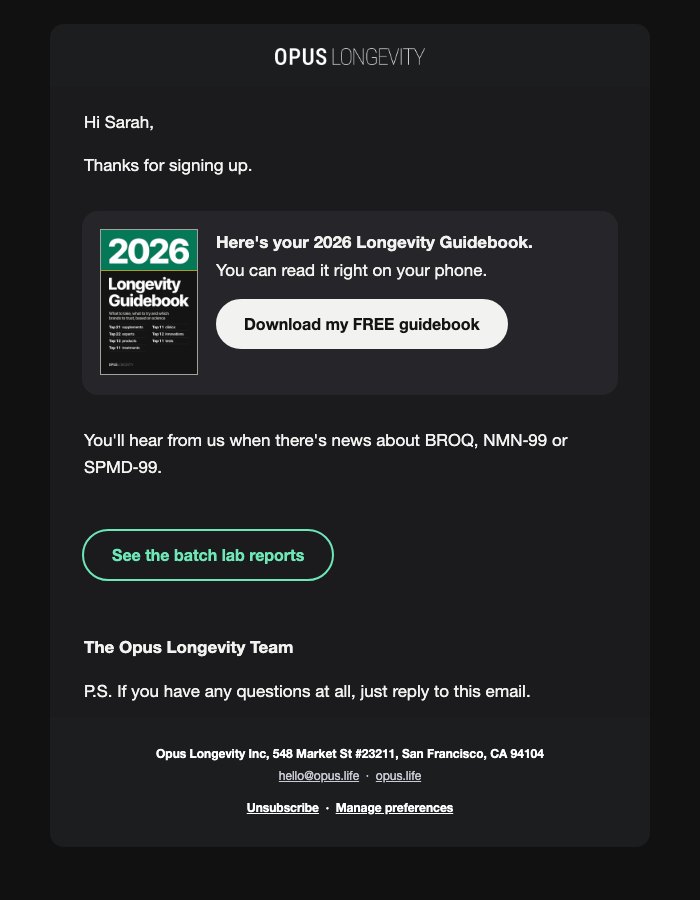
- For people who already bought (W9Ld87, ad page copy). Subject "Here's your 2026 Longevity Guidebook". The guidebook block moves up to right after "Thanks for signing up.", and the Subscribe & Save 15% line and the US shipping line come out. Download is the filled button here and "See the batch lab reports" the outlined one, so the guidebook is the main action. It also goes to people who already had the site welcome and sign up again on an ad page: their one guidebook email, and no second series.
- The keyboard fixes from this afternoon (the focus ring on Download, the close button pinned on short windows) and the title that never breaks apart carry over.
Made the same way as the site version: Klaviyo's own form code on a live ad page (/pages/broq-lab-comparison), in a hidden browser with trackers blocked and nothing submitted; the emails are the live templates with the changes, rendered in a browser for a US subscriber who owns nothing.
Ad pages 1. Pop-up
Desktop is 1280x800, shown as the pop-up itself at actual size ("whole screen" shows it over the ad page); phone is 390 wide. Tap any picture to open it full size.
Sign-up step
Success step
Ad pages 2. Screen sizes
The card has to fit below the 124px top gap. On short screens the live pop-up's own rules shrink the picture (and hide it at 656px or less on desktop); on phones the cover stays, smaller on the shortest.
Sign-up step, laptops
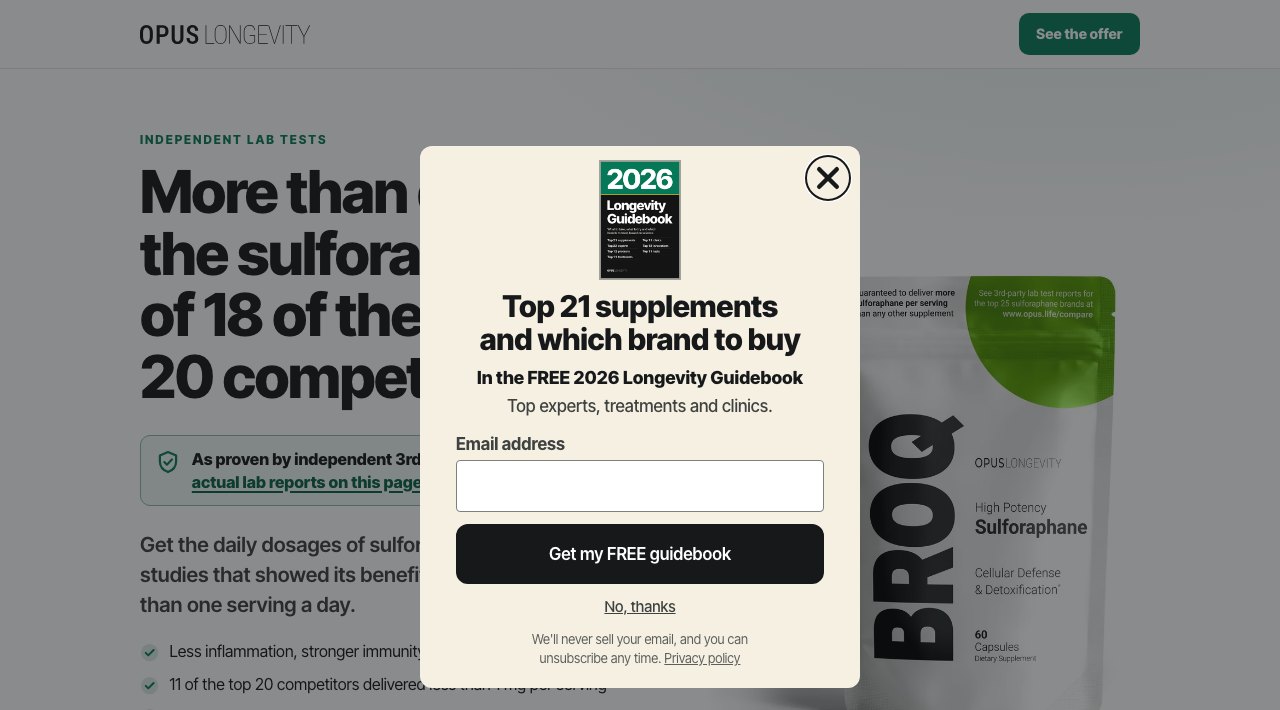
Sign-up step, small phones
Success step, laptops
Success step, small phones
Ad pages 3. Keyboard
The Download button, not focused and with keyboard focus


A 1280x800 window zoomed to 200% (640x400) and a phone held sideways (844x390): focus back round to the close button
Ad pages 4. Welcome email 1, guidebook only
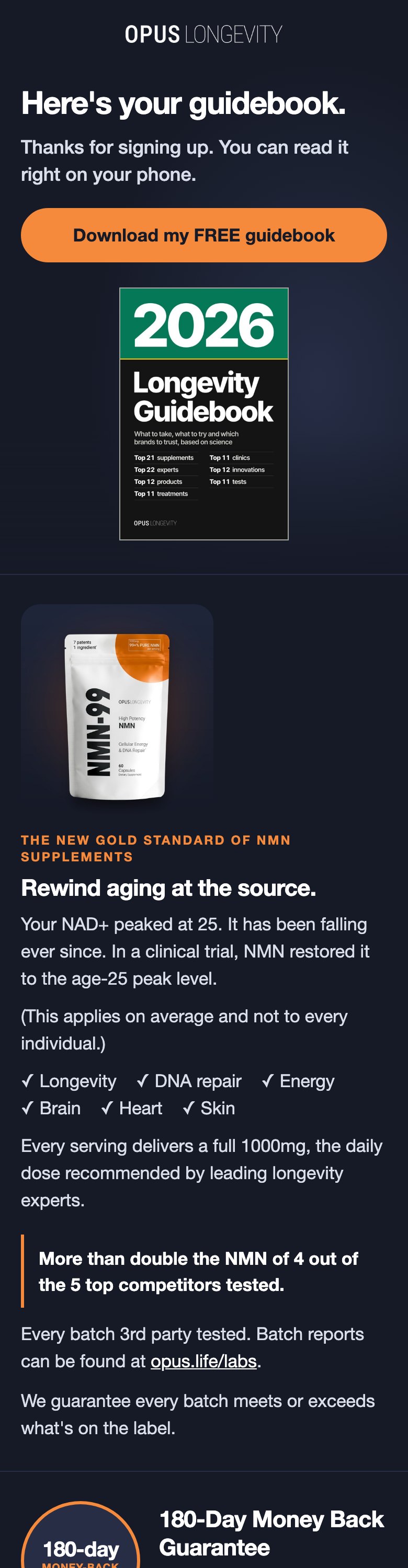
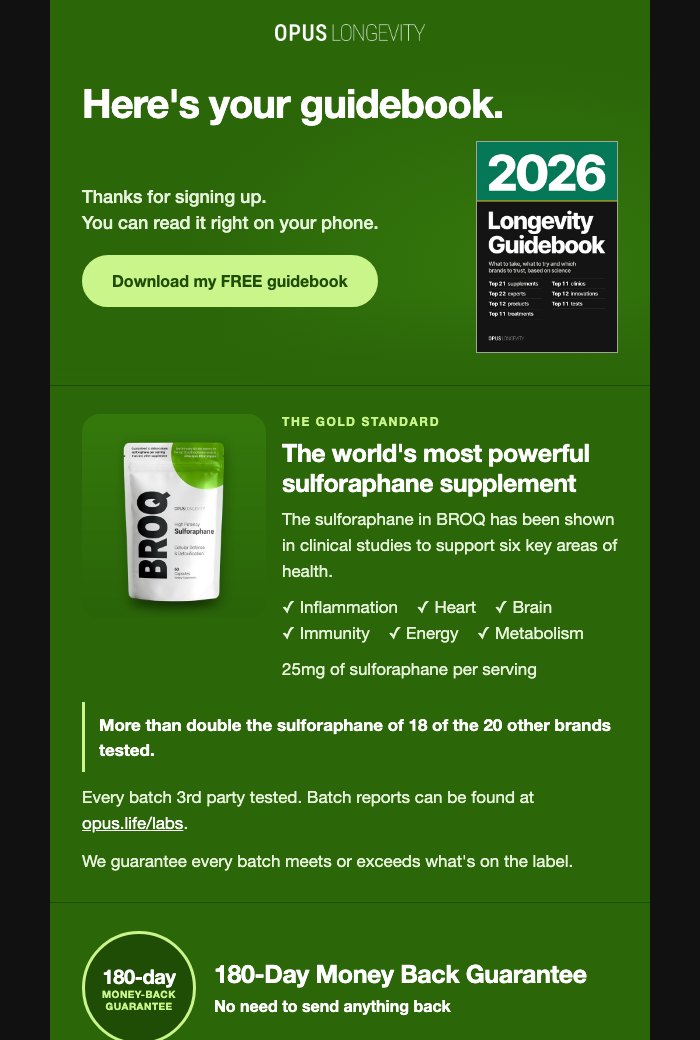
The email takes its colour from the product that brought the subscriber in. Each row: live now, then the ad page copy in light and in dark mode. The pictures stop below the first product; "open the email" shows the whole thing.
SPMD-99 colour (most sign-ups)
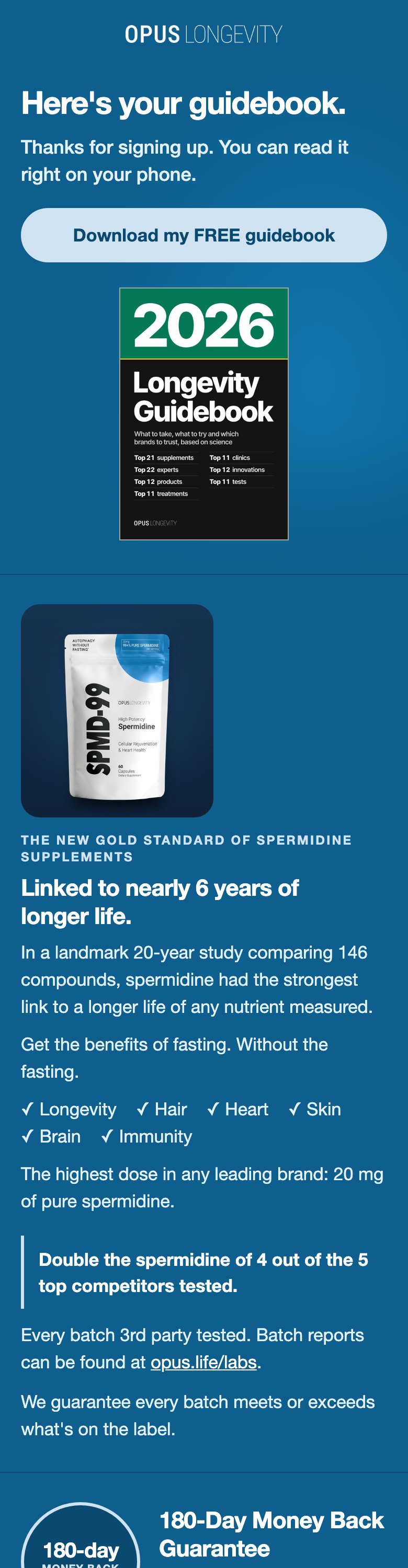
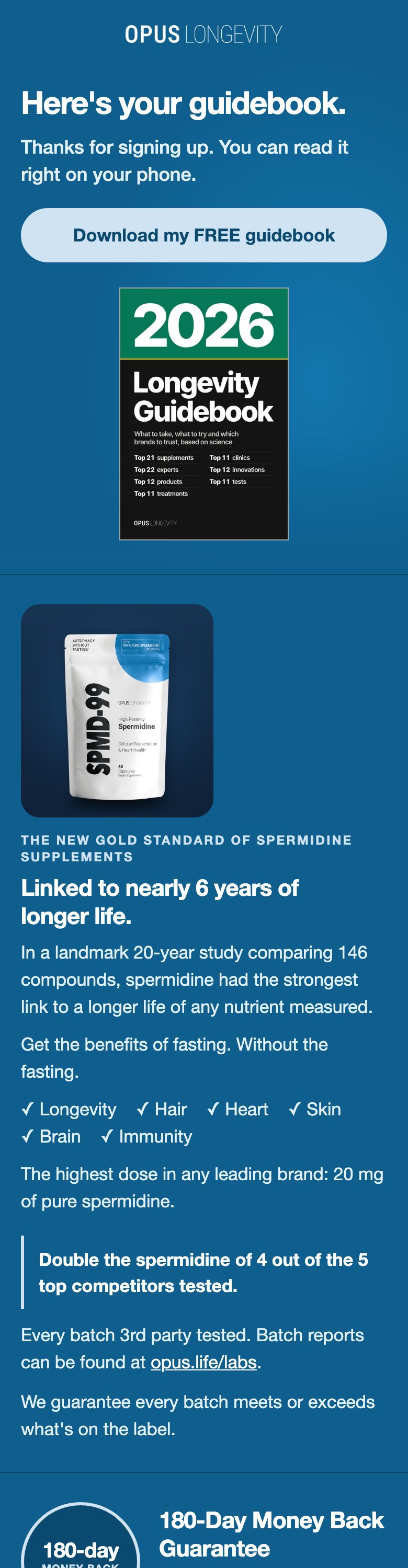
NMN-99 colour
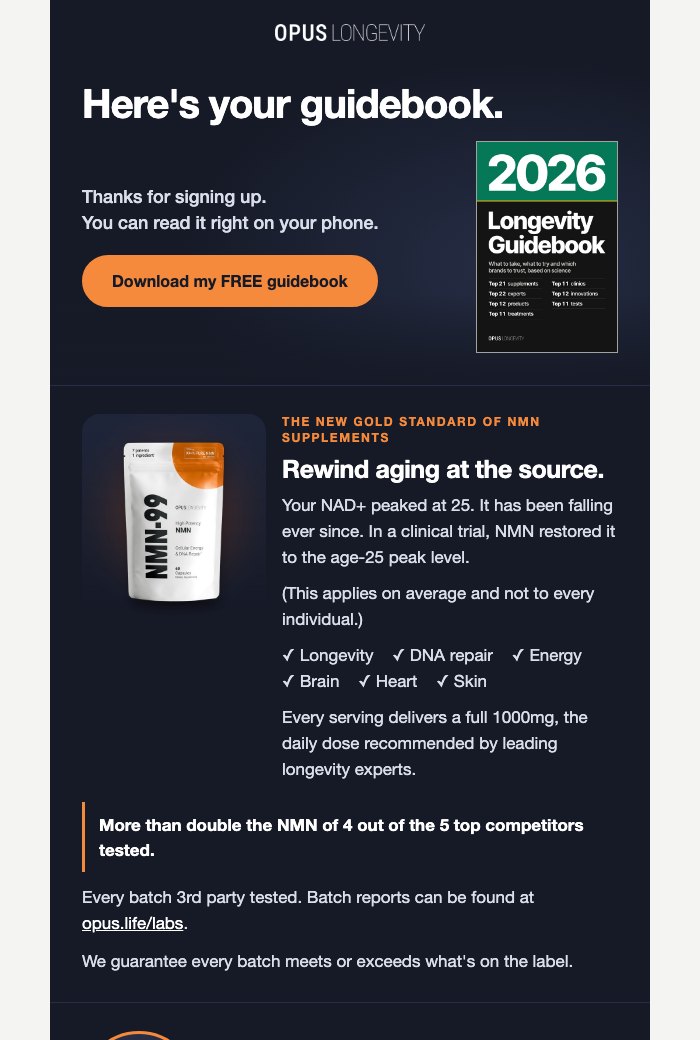
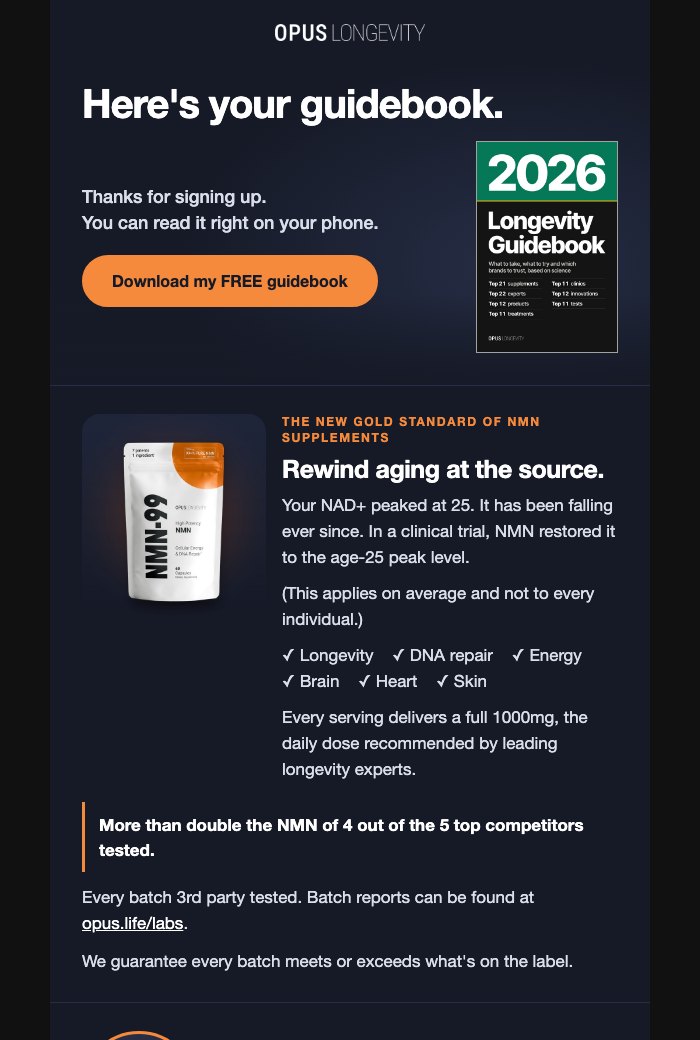
BROQ colour
Ad pages 5. For people who already bought (W9Ld87, ad page copy)
One look for everyone, so one colour is shown.
Ad pages 6. Checks
| Check | Result | Detail |
|---|---|---|
| Nothing wider than the screen | PASS | Pop-up: 14 renders (step 1 and success at 1280x800, 1366x768, 1366x657, 1280x710, 390x664, 360x640, 375x548). Emails: 24 renders (700 and 390 wide, light and dark) and 24 phone widths (320, 360, 375, 390, all three leads). No sideways scroll in any. |
| Cover whole, never cropped, bordered | PASS | Pop-up: the cover alone in all 14 renders, ratio kept, in view (34x51, 54x80, 62x92, 67x99, 81x120, 120x177 px; its hairline ring is in the picture, as the site version). Emails: 24 of 24 renders, ratio kept, 1px #A3A39E in light and dark (96x144, 140x210, 160x240 px). The packs picture is left out. |
| Tap targets at least 44px (new controls) | PASS | Pop-up: "Get my FREE guidebook" 46 to 60px, Download 46 to 60px, "Back to the page" 44 to 48px tall across the 7 sizes (a 2px border in the button colour and a 58px phone height for Back, mine). Email Download 46 to 48px. The live form's own email field, "No, thanks" and Close are as live (under 44px on phones, unchanged). |
| Contrast at least 4.5:1 | PASS | Pop-up lowest 5.63:1 (the live small print, unchanged); new lines 8.98:1 or more. Email hero and guidebook block lowest 5.99:1 (TuGvED-lp-spmd-desktop-light: "Thanks for signing up."). |
| Height budget | PASS | Every card fits its window, Close in view. Card height in the room under the 124px top gap: sign-up 1280x710 542 in 586; sign-up 1280x800 599 in 676; sign-up 1366x657 502 in 533; sign-up 1366x768 599 in 644; sign-up 360x640 441 in 516; sign-up 375x548 414 in 424; sign-up 390x664 477 in 540. Success step 250 to 415px. |
| Keyboard focus ring and Close | PASS | Download takes a 2px #16181a ring, 3px out (1280x800: solid 2px rgb(22, 24, 26) offset 3px; 360x640: solid 2px rgb(22, 24, 26) offset 3px; 390x664: solid 2px rgb(22, 24, 26) offset 3px). Close in view each time focus wraps to it at 1280x800, 640x400 (the sticky Close) and 844x390. At 320x256 (400% zoom) Close sits above the screen for one Tab stop, the same documented risk as the site version. |
| No "15%", "OPUS15" or "code" | PASS | None in the pop-up (payload text, every render's text, labels and alts) or in the six email renders (text, title, preheader, alts). The "Two ways to save" panel, Subscribe & Save's 15% line and the US free-shipping line are gone from both emails. |
| Words exactly as words-lp.json | PASS | Every pop-up line (step 1, success, the dialog name, the cover alt) and every changed email line (titles, preheaders, h1, sub line, Download, cover alts, "Order BROQ", "Order NMN‑99", "Order SPMD‑99", the W9Ld87 guidebook block after "Thanks for signing up.") found word for word, with non-breaking spaces read as spaces; no other new text in the pop-up. The angle slot is the Django comment only (renders nothing). |
| Links and actions | PASS | Pop-up: Download is the only link, to the guidebook page in a new window (1); "Back to the page" and "No, thanks" close the pop-up (Klaviyo's close action), nothing else leaves the ad page. Emails: cover and Download to https://opus.life/pages/longevity-guidebook in both copies, all three leads; product buttons keep their live links. |
| Live vs ad page copy (emails) | PASS | Email 1 (TuGvED): 45 live lines changed or removed, 37 new (title, preheader, h1, sub line, Download button, cover, the panel out, the angle comment, the "Order" labels, the phone rules). W9Ld87: 7 live lines changed or removed, 75 new (title, preheader, the guidebook block moved up with Download filled, "See the batch lab reports" outlined, the two lines out, the dark and small-phone rules). Every other line as live. |
| Site version unchanged | PASS | Every file of this afternoon's preview is byte for byte the same; on the page only the title line and the stamp changed, and the two cards and this section were added. The site version's pop-up, emails and checks are not touched. Rechecked after FIXER-LP's rebuild (10:10pm Pacific): every site version file byte for byte the same as before it. |
| Email 1 cover sharp on phones (FIXER-LP) | PASS | The email cover is now 480x720 (cover-480x720.jpg, 49 KB, from the guidebook's own front cover, Lanczos), in email 1 and the W9Ld87 copy. Email 1 at 390 wide on a 3x screen, all three leads: the cover shows 160x240, 480x720 device pixels from 480x720, so 1.0 device pixel per picture pixel (no upscaling); looked at full size, the small cover lines are crisp. Sizes and layout as before (140px desktop, 160px phone, 96px in W9Ld87). |
| W9Ld87 copy: Download filled, lab reports outlined (FIXER-LP) | PASS | All three leads, 700 and 390 wide, light and dark: Download filled (#141414, white label 18.42:1; dark mode #f2f2f0 fill, #141414 label 16.44:1); "See the batch lab reports" outlined in the theme's link colour (#047857, 5.48:1 on white; dark #6EE7B7, 11.28:1). Both at least 46px tall, no sideways scroll. Outlook buttons match (filled #141414 roundrect; outlined roundrect). No word changed. |
| Every render looked at | PASS | By BUILDER-LP, small first, full size for anything raised: the pop-up at 1280x800 (sign-up and success), 1366x657, 390x664, 360x640 (both steps) and 375x548; the Download focus crops at 1280 and 360; the close button at 640x400; email 1 for SPMD-99 at desktop, phone and 320, BROQ phone dark, the rest of the SPMD-99 email (the Order buttons); W9Ld87 desktop light and phone dark; this page at 1280 light and dark and 360 light and dark. By FIXER-LP: email 1's cover at 3x (full size) and its top for SPMD-99 at 3x; email 1 BROQ desktop light, NMN-99 desktop dark, SPMD-99 phone dark, BROQ phone light; W9Ld87 desktop and phone, light and dark. |
| Live link checked after deploy | PASS | https://opus-guidebook-gift-2026-10-14.netlify.app (same site id), deployed 9:33pm Pacific: at 1280, 390 and 360, light and dark, no sideways scroll, 92 of 92 pictures load, 0 failed requests, nav buttons 44px; the six ad page emails and the cover open. FIXER-LP's redeploy (deploy 6ad0603334d6e9e1fd4bb6bb, 10:10pm Pacific), checked live: at 1280, 390 and 360, light and dark, no sideways scroll, 92 of 92 pictures load, 0 failed requests, nav buttons 44px; the new email cover (cover-480x720.jpg) and the six ad page emails open, and the W9Ld87 copy shows Download filled and the lab reports outlined. |
Ad pages 7. Open points
- "It's also on its way to your inbox." True only once the new pop-up's sign-ups reach the new welcome email 1. If any gap is left at go-live, that line comes out.
- Before it goes live. SITE BUILD's in-page rule on the stack and top-5 and top-7 pages closes every Klaviyo pop-up, so it would close this one too; it comes out before or with the new pop-up. The site pop-up's own list gains the four ad pages it misses today (stack, top-5, stack-v2, lab-tested).
- Two pages to decide. /pages/stack-v2 (no ad points at it; recommended: treat it as an ad page) and /pages/lab-tested (waiting for Mike's OK on the page; recommended: on the list now).
- Email 6 of the welcome series still says "Use code OPUS15 at checkout for 15% off a one-time order." Kept as is for now (recommended); the committee's answers on the welcome series wait for Mike and are not built here.
- 400% zoom on a narrow window (320x256). The same known risk as the site version: the close button is above the screen for one Tab stop; "No, thanks" stays in view.
- At go-time. Upload the cover pictures to Klaviyo and swap them in; here they are served from this preview site.